Chapter C: Calibration 4 Origin calibration
Technical manual Planmeca PlanMill 40 65
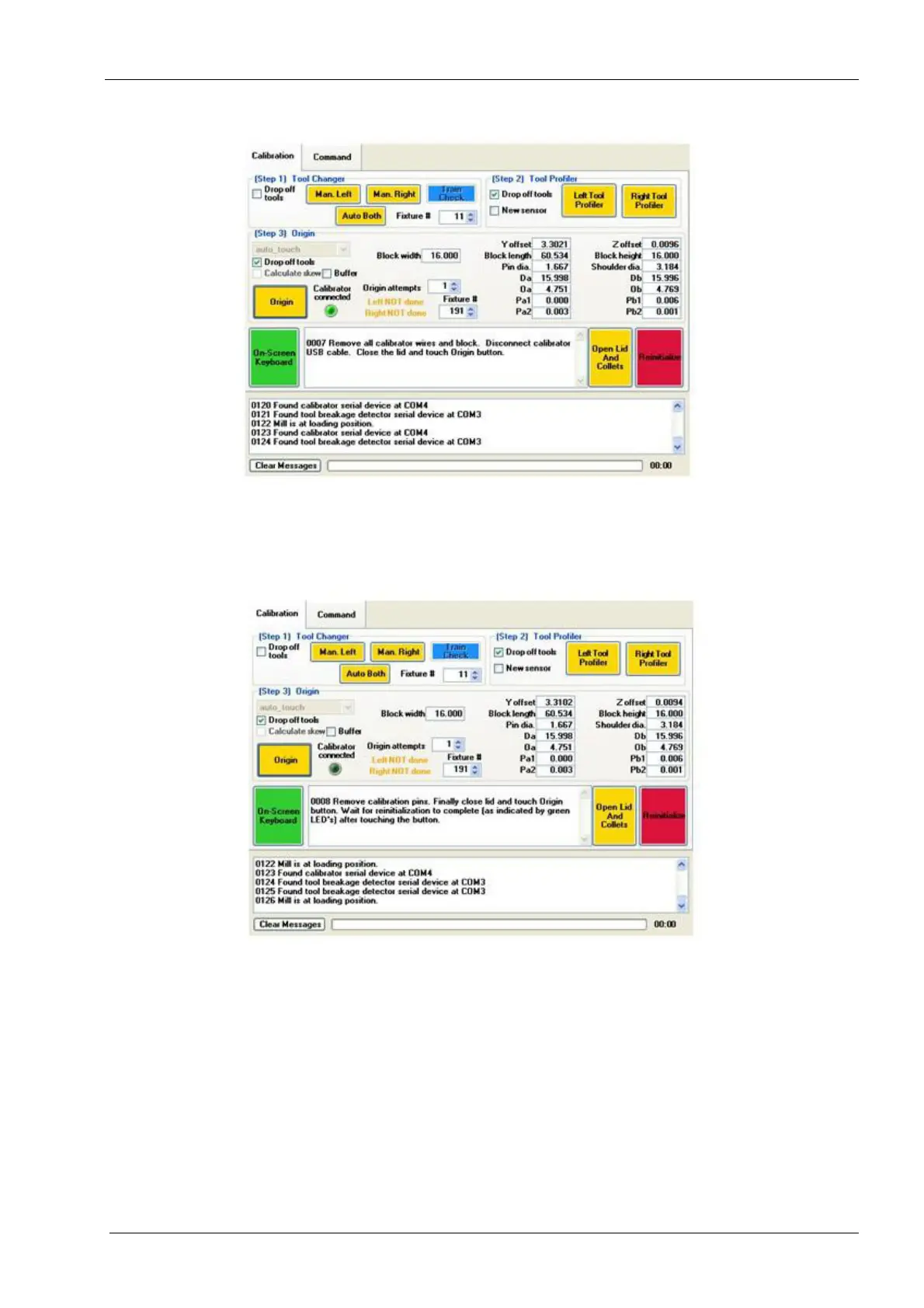
Figure 61: Disconnect Calibrator cables and remove Origin Calibration Fixture
17. The mill will start profiling the calibration pins. The lid opens and the message will
appear: "Remove Calibration Pins. Finally, close lid, and touch Origin button. Wait for
re-initialization to complete (as indicated by green LED’s) after touching the button."
Follow these instructions.
Figure 62: Remove Calibration Pins
18. Message will appear: "Calibration is complete. Wait for re-initialization to complete (as
indicated by green LED’s) then mill the Refine Calibration job, and perform refine_2
calibration."














 To Next Page