3.29
Date Code 20120126 Instruction Manual SEL-2032 Communications Processor
Job Done Examples
Example 6: Modbus Job Done
Accessing
Centralized Data
This example demonstrates the ability of the SEL-2032 to centralize data to
reduce the number of Modbus accesses necessary to collect data. This
example uses an SEL-121F and an SEL-501 on Ports 3 and 4 of an SEL-2032,
respectively. The objective is to read the current and voltage magnitudes from
the relays with a single Modbus access. Optional steps are shown to
automatically move the data to a region accessible to a Modbus master that
cannot use 6-digit addressing. The following procedure explains how to set the
SEL-2032 and collect the data.
Step 1. Connect the two relays to Ports 3 and 4 of the SEL-2032.
Establish basic communications settings to the first relay by
auto-configuring using SET P 3. Use SET A 3 to set meter data
collection. Copy these settings to Port 4 using COPY 3 4.
Auto-configure Port 4 while copying.
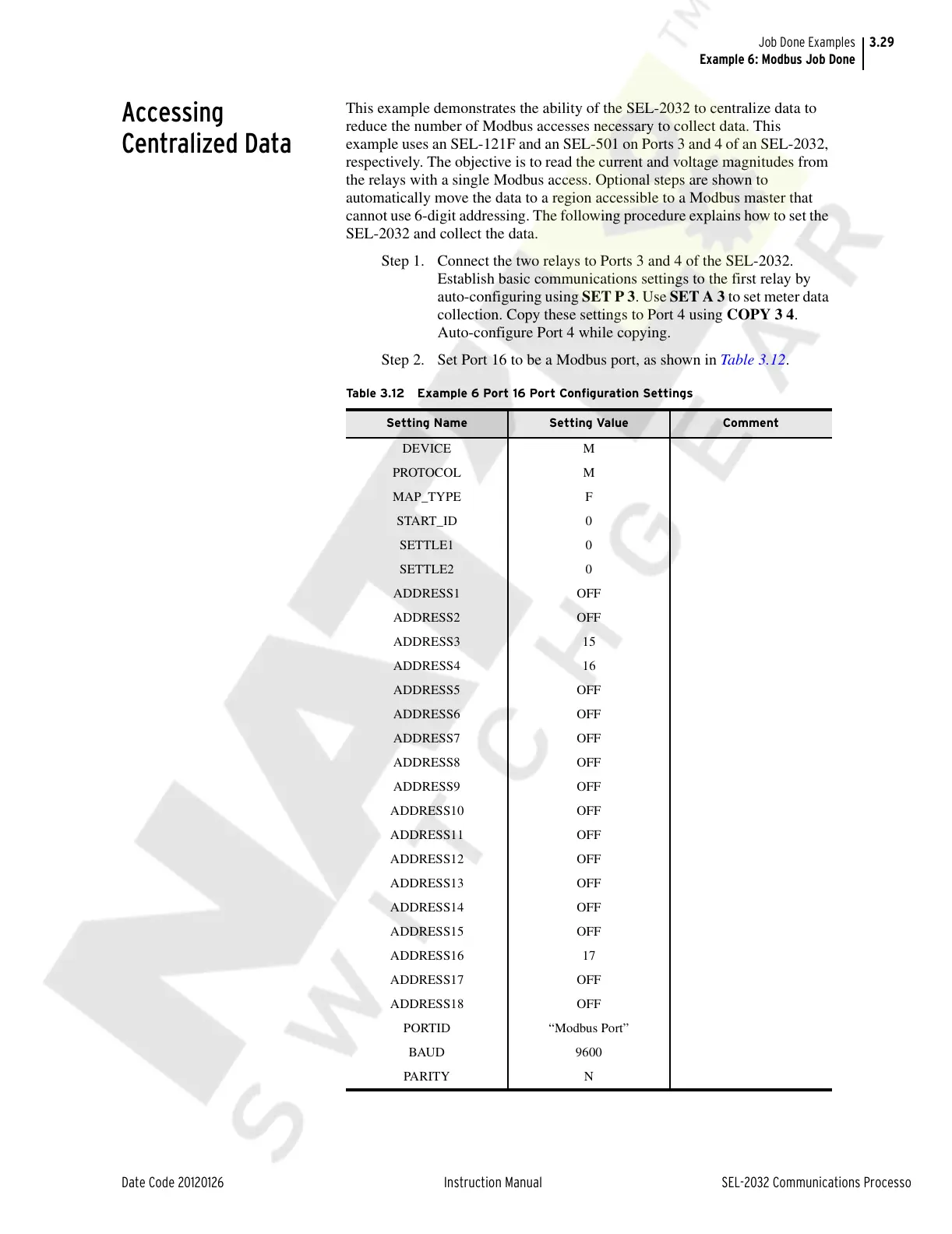
Step 2. Set Port 16 to be a Modbus port, as shown in Table 3.12.
Table 3.12 Example 6 Port 16 Port Configuration Settings
Setting Name Setting Value Comment
DEVICE M
PROTOCOL M
MAP_TYPE F
START_ID 0
SETTLE1 0
SETTLE2 0
ADDRESS1 OFF
ADDRESS2 OFF
ADDRESS3 15
ADDRESS4 16
ADDRESS5 OFF
ADDRESS6 OFF
ADDRESS7 OFF
ADDRESS8 OFF
ADDRESS9 OFF
ADDRESS10 OFF
ADDRESS11 OFF
ADDRESS12 OFF
ADDRESS13 OFF
ADDRESS14 OFF
ADDRESS15 OFF
ADDRESS16 17
ADDRESS17 OFF
ADDRESS18 OFF
PORTID “Modbus Port”
BAUD 9600
PA RIT Y N
Courtesy of NationalSwitchgear.com



 To Next Page