64 57 498 D3543
D3543.201.01.05.02 08.2016
101
Sirona Dental Systems GmbH 4Operation
Operating Instructions INTEGO 4.5Dentist element
båÖäáëÜ
Saving the speed
✔ The desired speed is set.
✔ Via the C
+
electronic foot switch: The spray is switched on or off (will
be saved).
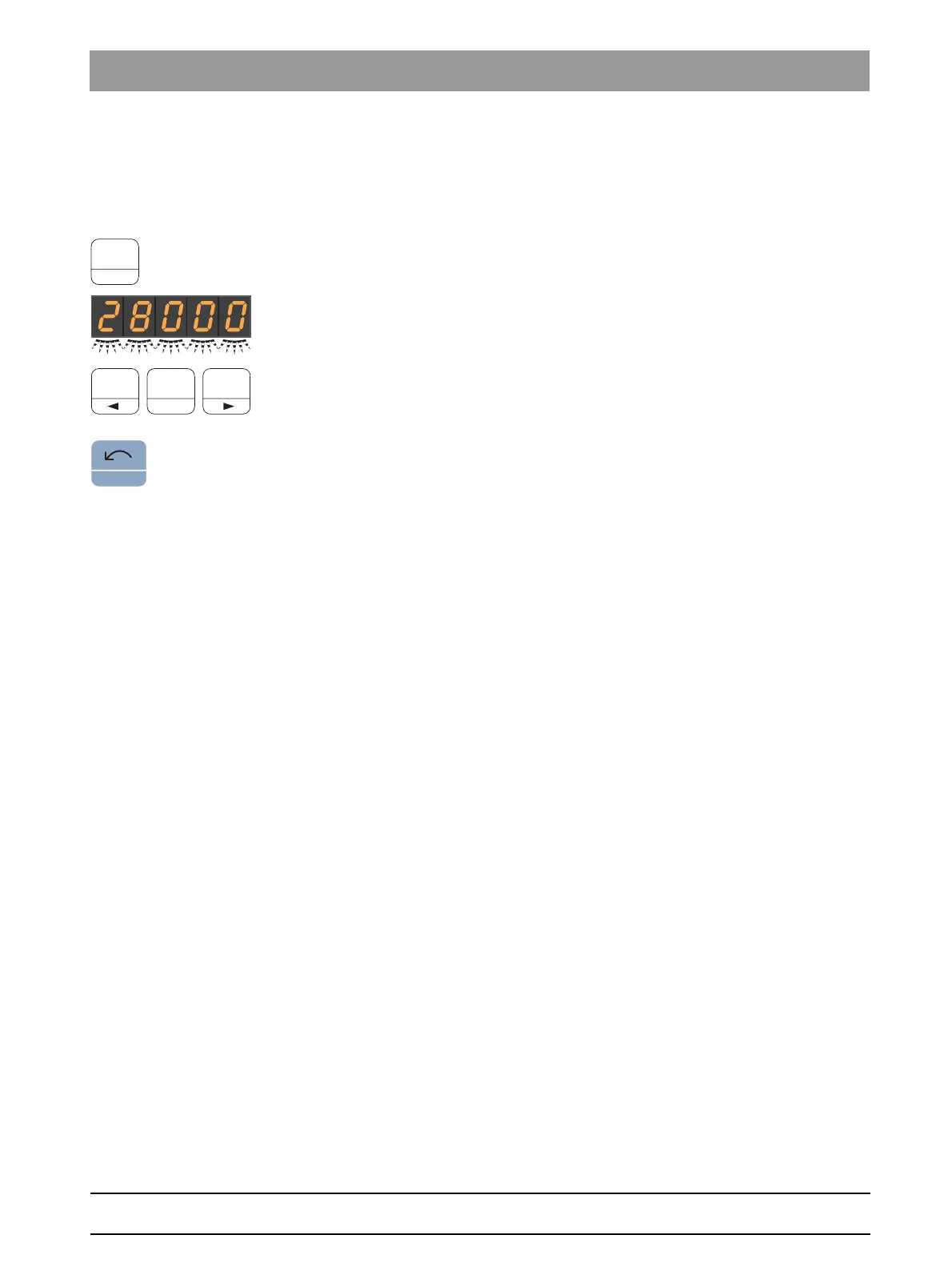
1. Press and hold the favorite key
2 / Setup
(> 2 s).
The speed flashes on the EasyPad display.
2. Press the favorite key 1, 2, or 3.
An acoustic signal sounds. The set speed and if applicable,
activation of spray is saved on the favorite key.
While the speed flashes and is displayed on the EasyPad display,
pressing the
Counterclockwise rotation/user profile
key will interrupt
saving to a favorite key.



 To Next Page