64 57 498 D3543
D3543.201.01.05.02 08.2016
75
Sirona Dental Systems GmbH 4Operation
Operating Instructions INTEGO 4.4Patient chair
båÖäáëÜ
Via the assistant element
➢ Press the
0
key on the assistant element briefly (< 2 s).
4.4.8.2
Moving the patient chair to the mouth rinsing position
The following functions are factory preset to be activated in the mouth
rinsing position:
● The operating light switches off
● The chair moves the patient to an upright position
The tumbler filling and cuspidor flushing function can be set to switch on
automatically when the chair's mouth rinsing position is activated, see
"Tumbler filling" [ → 148] and "Cuspidor flushing" [ → 151].
Via fixed keys on the EasyPad
➢ Press the
S
key briefly (<2 s).
Via the touchscreen on the EasyTouch
✔ The
Start
or
Instrument dialog
is displayed on the touchscreen.
➢ Touch the
S
key briefly (< 2 s).
Via C
+
electronic foot switch
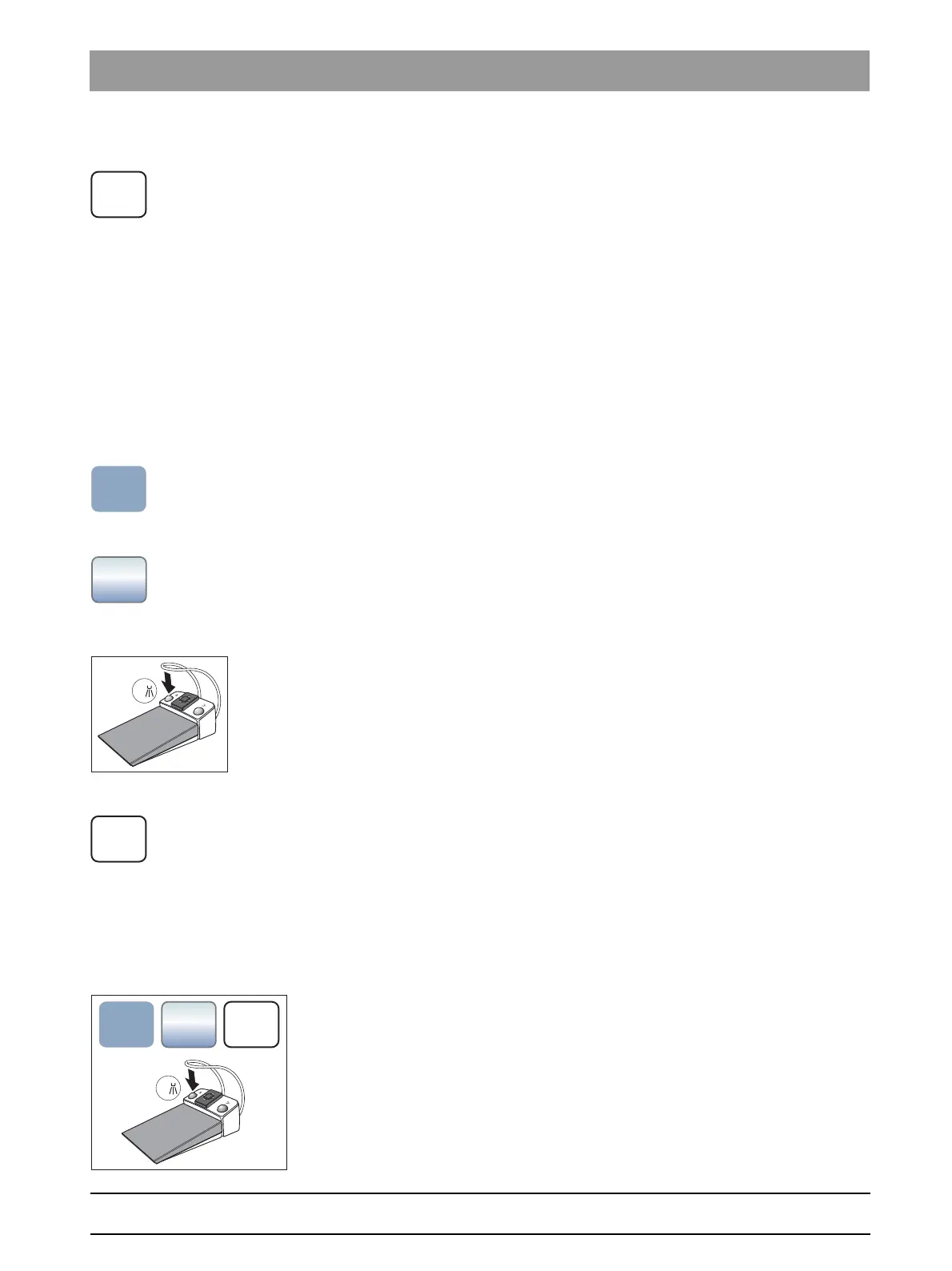
✔ All instruments are in place.
➢ Press the left button of the C
+
electronic foot switch.
Via the assistant element
➢ Press the
S
key on the assistant element briefly (< 2 s).
4.4.8.3
Using the last position memory function
The last chair position is stored before the patient chair moves to mouth
rinsing position S. When mouth rinsing position key
S
is pressed again,
the treatment center returns to the previously set treatment position.
✔ The patient chair can be in any treatment position.
1. Press the
S
key on the EasyPad or on the touchscreen, or press the
S
key on the user interface of the assistant element, or press the left
button of the C
+
electronic foot switch (with all instruments in place in
their holders).
The treatment center moves to the mouth rinsing position.
2. Press the button
S
again.
The treatment center automatically returns to the position where
the patient chair was located prior to the mouth rinsing position.



 To Next Page