64 57 498 D3543
224 D3543.201.01.05.02 08.2016
5Care, cleaning and maintenance by the practice team Sirona Dental Systems GmbH
5.3Instruments and instrument hoses Operating Instructions INTEGO
5.3.3.2
Autopurge function on the EasyTouch
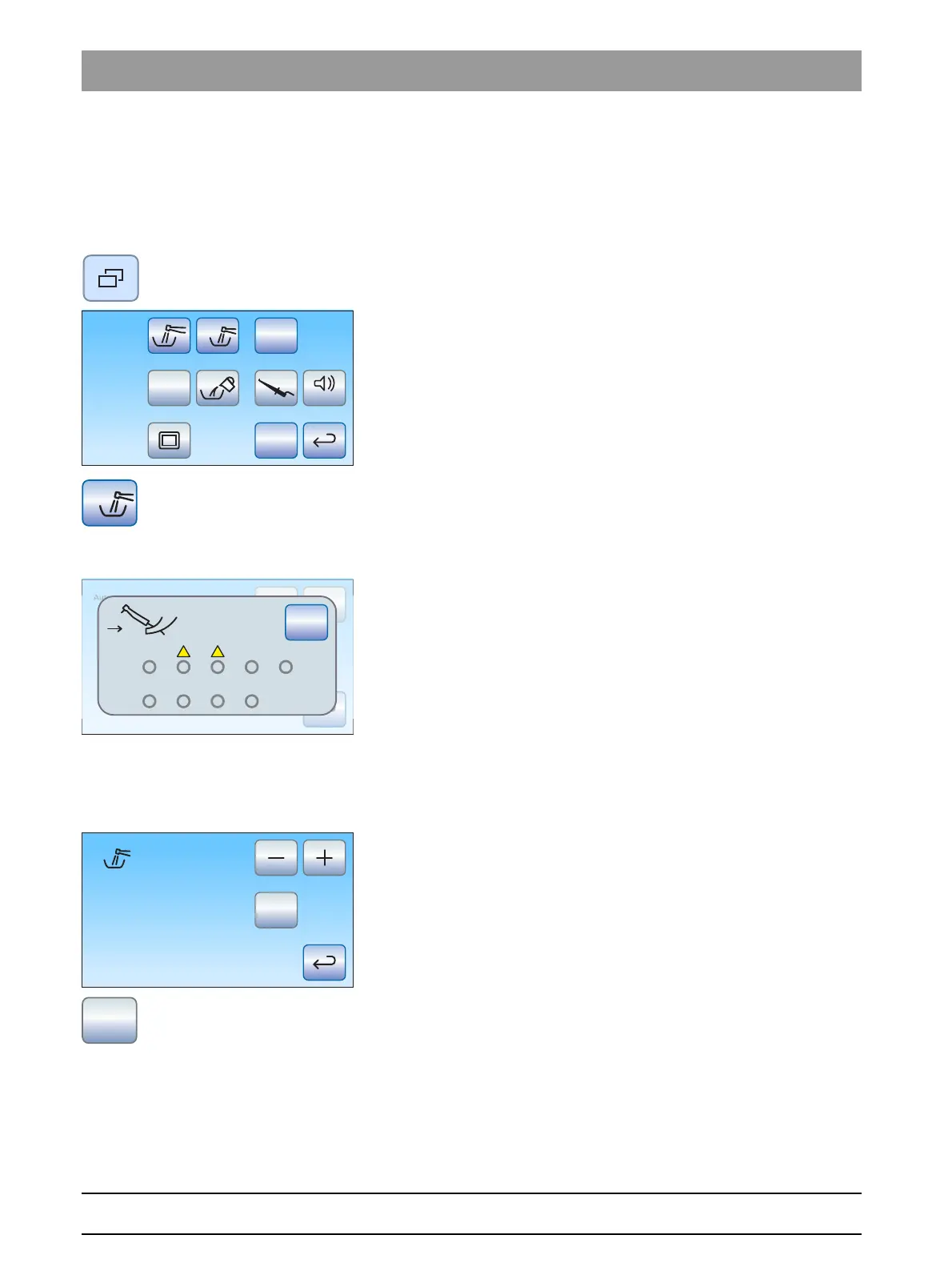
Opening the autopurge screen
✔ All instruments are in their holders.
✔ The
Start dialog
is displayed on the touchscreen.
1. Press the
Sub-dialog
fixed key.
The
Start
sub-dialog is displayed.
2. Touch the
Autopurge function
key.
Error message: Deposit instruments
If
Deposit instruments
is displayed after the autopurge function has been
started, the treatment center has detected that not all of the instruments
have been placed in their holders.
➢ Check the instruments marked with a warning triangle on the
touchscreen.
The autopurge program will continue when all instruments have
been deposited in the holder.
Setting the instrument purge time and starting the autopurge function
The purging time of the instruments may be set between 60 and 180
seconds.
✔ The
Autopurge
screen is displayed on the touchscreen.
1. Use the – and + keys to set the purging time.
2. Touch the
Start
key.
Inserting water-carrying instruments into the cleaning adapters of the
water unit.
The water unit has integrated adapters for water-carrying instruments.
These enable all instruments to be purged with water. For this purpose,
Setup
San
Aqua
Apex Dist
Auto



 To Next Page