64 57 498 D3543
74 D3543.201.01.05.02 08.2016
4Operation Sirona Dental Systems GmbH
4.4Patient chair Operating Instructions INTEGO
4.4.8 Moving the patient chair via chair programs
The chair programs can be selected using the fixed keys on the EasyPad
or the touchscreen on the EasyTouch. They can also be selected using
the C
+
electronic foot switch. The entry/exit and mouth rinsing positions
can also be selected using the fixed keys on the assistant element.
You can individually reprogram the factory preset chair programs to suit
your own wishes; see "Creating chair programs" [ → 79].
Dentist element on support arm, collision, program run
Cuspidor, man ual, starting position
4.4.8.1
Moving the patient chair to the entry/exit position
The following functions are factory preset in the entry/exit position to
facilitate patient entry and exit:
● The patient chair moves to an upright position
● The operating light switches off
Via fixed keys on the EasyPad
➢ Press the
0
key briefly (< 2 s).
Via the touchscreen on the EasyTouch
✔ The
Start
or
Instrument dialog
is displayed on the touchscreen.
➢ Touch the
0
key briefly (< 2 s).
Via C
+
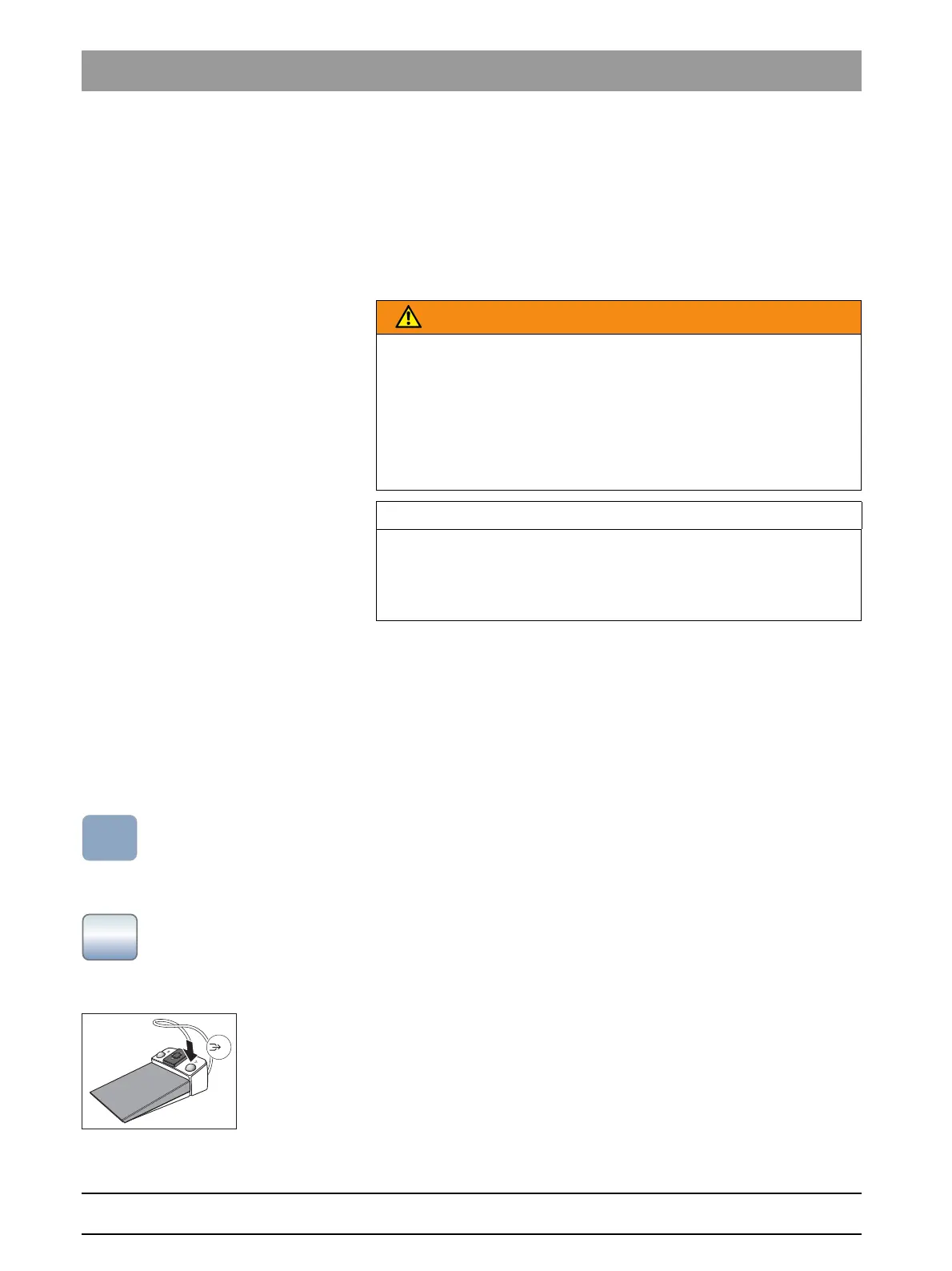
electronic foot switch
✔ All instruments are in place.
➢ Press the right button of the C
+
electronic foot switch.
WARNING
The dentist element can be positioned within the movement range of the
patient chair.
During an automatic program run, such as moving toward the entry/exit
or mouth rinsing positions, the patient may collide with the dentist
element or its support arm. The patient could be injured.
➢ Before moving the patient chair, position the dentist element to
make a collision with the patient or the patient chair impossible.
IMPORTANT
Chair movements with cuspidor swiveled in INTEGO
With the cuspidor bowl swiveled in, the chair cannot be moved. This
prevents the patient from colliding with the cuspidor. Swing the cuspidor
outward before initiating chair movement.



 To Next Page