64 57 498 D3543
D3543.201.01.05.02 08.2016
139
Sirona Dental Systems GmbH 4Operation
Operating Instructions INTEGO 4.6Assistant element
båÖäáëÜ
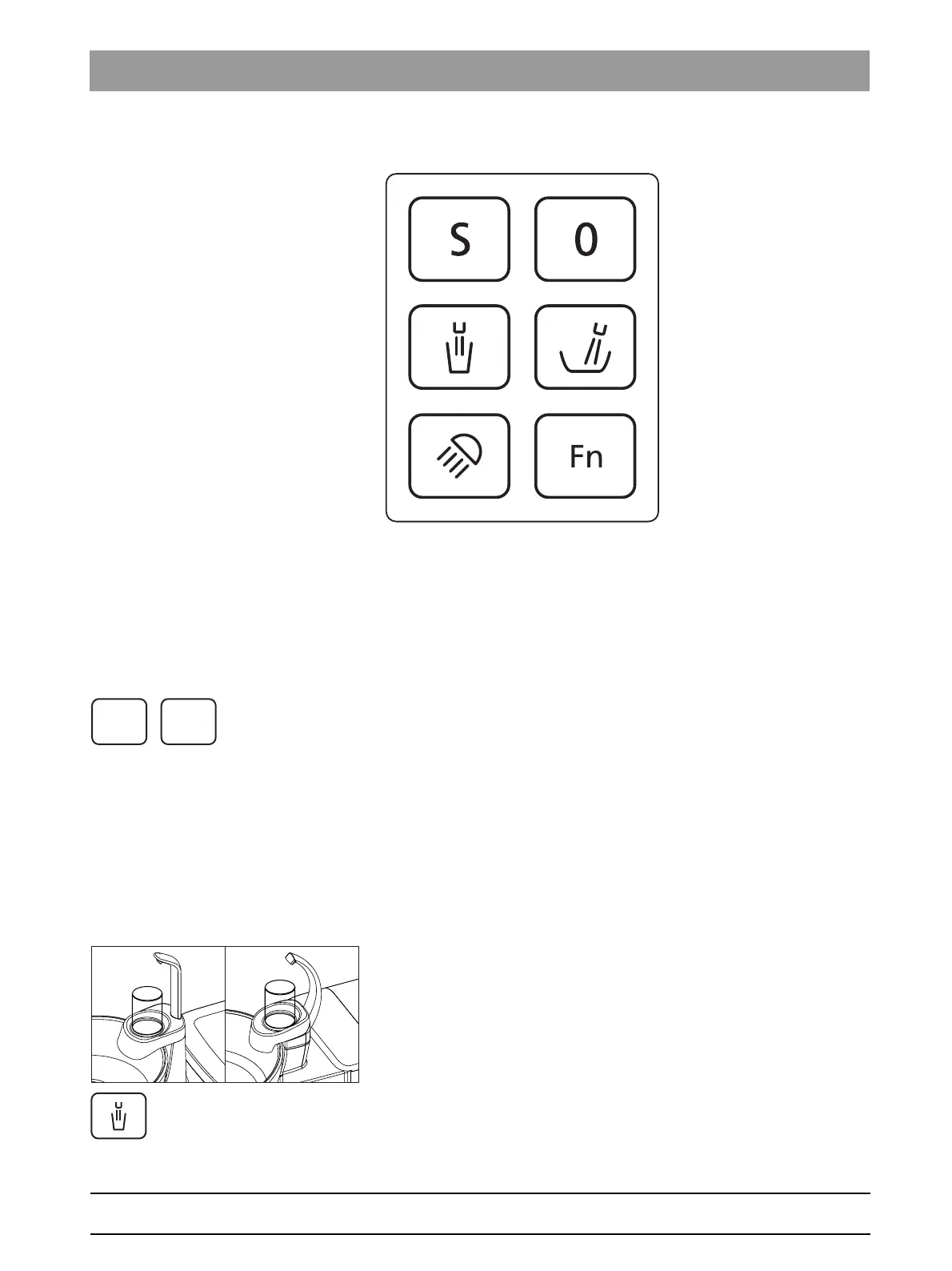
4.6.3 Fixed keys on the assistant element
The functions assigned to the keys can be switched on/off on the
assistant element. The operating contexts or setting screens can be
accessed only on the dentist element. To make settings, see "Fixed keys
on the dentist element" [ → 84].
The user interface on the assistant element is optional.
4.6.3.1
Chair programs S and 0
The chair programs Mouth rinsing position (S) and Entry/exit position (0)
can be selected on the assistant element:
For details, see "Moving the patient chair via chair programs" [ → 74].
Mouth rinsing position and Entry/exit position programs can also be
programmed from the assistant element side, see "Programming chair
programs" [ → 79].
4.6.3.2
Tumbler filling
If the your treatment center is equipped with the Tumbler filling option with
automatic sensor control, see “Tumbler filling with automatic sensor
control” [ → 150].
1. Place the tumbler under the tumbler filler.
2. Press the
Tumbler Filling
fixed key.
The tumbler is filled with water for the preset time.
Pressing the
Tumbler Filling
fixed key again stops the filling function
immediately.



 To Next Page