64 57 498 D3543
274 D3543.201.01.05.02 08.2016
5Care, cleaning and maintenance by the practice team Sirona Dental Systems GmbH
5.6Sanitizing Operating Instructions INTEGO
5.6.1.2
Sanitizing on the EasyTouch
Opening the sanitation dialog via the touchscreen
✔ All instruments are in their holders.
✔ The
Start dialog
is displayed on the touchscreen.
1. Press the
Sub-dialog
fixed key.
The
Start
sub-dialog is displayed.
2. Touch the
San
key.
The
Sanitation
dialog is displayed on the touchscreen.
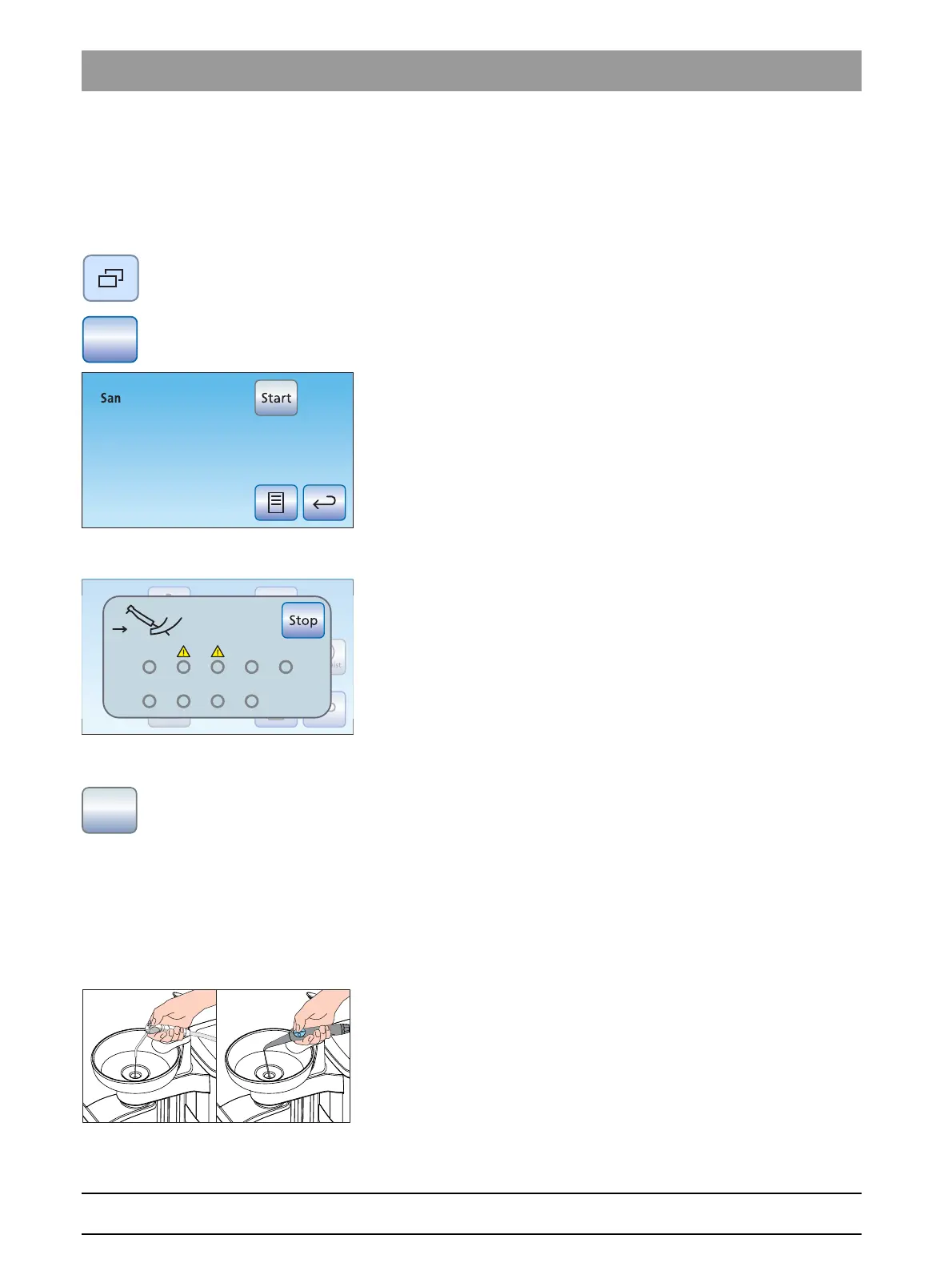
Error message: Deposit instruments
If the
Deposit instruments
display appears after sanitation has been
started, the treatment center has detected that not all of the instruments
have been placed in their holders.
➢ Check the instruments marked with a warning triangle on the
touchscreen.
When all of the instruments have been deposited, the message
disappears.
Starting sanitation
➢ Touch the
Start
key.
The program for sanitation starts. The
Stop
key flashes orange
on the touchscreen. The tumbler filling switches on and is
supplied with DENTOSEPT P disinfectant.
Treating water lines with DENTOSEPT P disinfectant
The water lines of the instrument hoses, SPRAYVIT hoses, and the
tumbler filler are filled with pure DENTOSEPT P.
✔ The tumbler filling was automatically flushed with DENTOSEPT P.
1. Hold the 3-way syringe of the dentist and assistant element over the
cuspidor or over a watertight container with sufficient capacity and
press the water key for at least 15 seconds.



 To Next Page