64 57 498 D3543
D3543.201.01.05.02 08.2016
149
Sirona Dental Systems GmbH 4Operation
Operating Instructions INTEGO 4.7Water unit
båÖäáëÜ
The setting focus
Filling time
flashes.
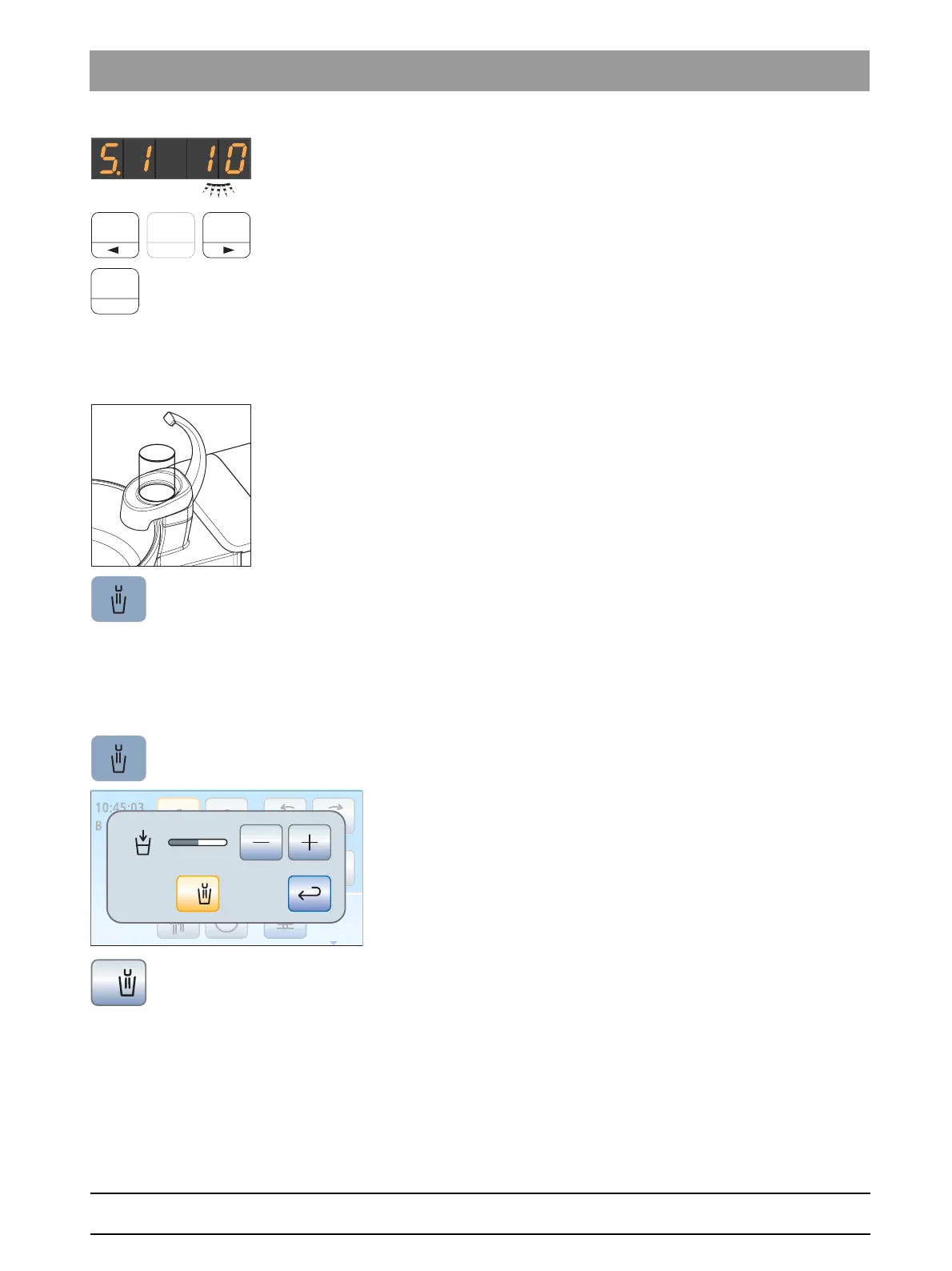
3. Set the filling time in seconds. Press the left or right arrow on the
favorite key field to prolong or shorten the filling time.
4. Confirm your setting with the
2 / Setup
favorite key.
The time is displayed.
4.7.2.2
Tumbler filling on the EasyTouch
Filling the tumbler
1. Place a tumbler under the tumbler filler.
2. Press the
Tumbler Filling
fixed key.
The tumbler is filled with water for the preset time.
Pressing the
Tumbler Filling
fixed key again stops the filling function
immediately.
Coupling tumbler filling to the mouth rinsing position S and setting the
filling time
1. Press and hold the
Tumbler Filling
fixed key (> 2 s).
The
Tumbler Filling
settings screen is displayed.
2. Touch the
Link tumbler filling to mouth rinsing position
key.
If the key is marked orange, the tumbler filling function will
automatically be switched on for the duration of the preset filling
time when the mouth rinsing position chair program (S) is
activated.
3. Use the – and + keys to set the filling time.



 To Next Page