64 57 498 D3543
D3543.201.01.05.02 08.2016
195
Sirona Dental Systems GmbH 4Operation
Operating Instructions INTEGO 4.14Configuration of the treatment center (setup)
båÖäáëÜ
4.14.1.8
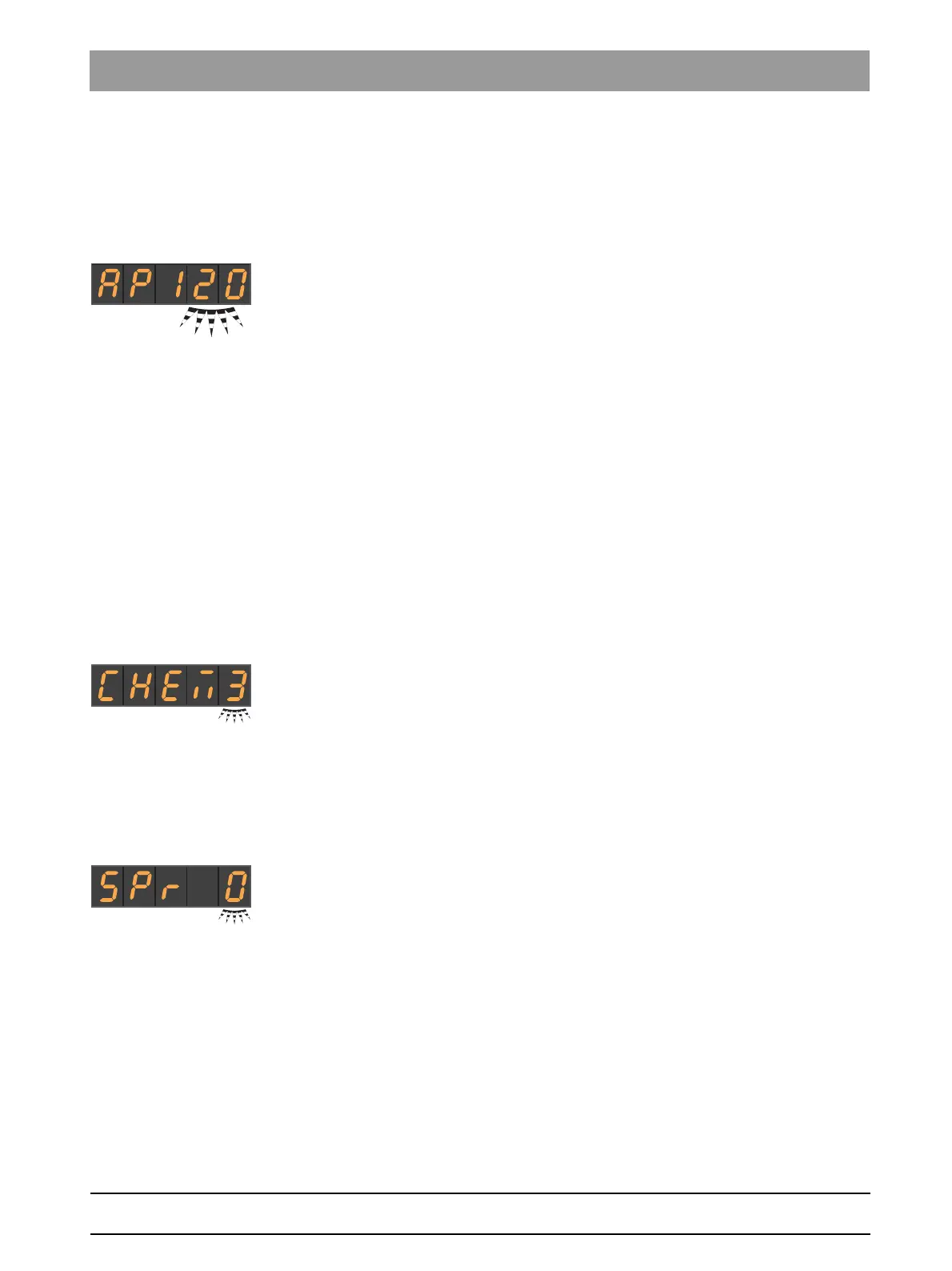
Setting the purging time for the autopurge function
The autopurge function is only available on the INTEGO pro treatment
center.
The purging time for the autopurge function can be set between 60 and
180 seconds.
✔ The setting focus
purge function
flashes.
1. Use favorite keys 1 and 3 to set the purge time.
2. Confirm with the
2 / Setup
favorite key.
4.14.1.9
Adjusting the cleaning agent mixture for chemical suction hose
cleaning
The chemical suction hose cleaning option is only available for the
INTEGO pro.
The suction system can be automatically cleaned by pumping water into
a tank behind the receptacle of the suction hoses and extracting it from
there. A cleaning agent is added to the water if the dental treatment center
is equipped with the chemical suction hose cleaning option. For more
information, see the section "Suction hose cleaning on the Compact
water unit" [ → 237].
It is possible to set how much cleaning agent should be added to the
water for chemical suction hose cleaning. The quantity is dependent on
the cleaning agent used and the type of treatment. Please follow the
manufacturer’s instructions for the cleaning agent.
✔ The setting focus
Cleaning agent mixture
flashes.
1. Use the favorite keys 1 and 3 to adjust the cleaning agent mixture for
chemical suction hose cleaning (0 to 5%).
2. Confirm with the
2 / Setup
favorite key.
4.14.1.10
Switching afterblow on/off
After a foot control pedal has been released, the cooling spray remaining
in the instrument head or in the tip of the instrument can be automatically
blown out by a brief activation of the chip blower.
✔ The setting focus
Afterblow
flashes.
1. Change the value with the favorite keys 1 or 3.
If there is a 1 in the setting focus, the afterblow is switched on.
2. Confirm with the
2 / Setup
favorite key.
4.14.1.11
Switching on/off the foot control function for intraoral camera focus
If the treatment center is equipped with an autofocus camera and the C
+
electronic foot switch, it can be configured in setup that the camera image
can be focused with the foot switch.
If this function is switched off, the display switches between a still or live
image when the foot pedal is pressed. The knob on the camera is used
to focus the image.
If the function is switched on, the camera image is focused when the foot
pedal is actuated. The display only switches between a still or live image



 To Next Page