64 57 498 D3543
92 D3543.201.01.05.02 08.2016
4Operation Sirona Dental Systems GmbH
4.5Dentist element Operating Instructions INTEGO
4.5.5.3
Saving instrument settings
DropMode When placing an instrument back in the holder, the instrument settings
made are always saved in the user profile (DropMode).
The next time the instrument is removed, the last settings made are
available again.
Favorite keys
The instrument settings speed or intensity, maximum torque if torque
control is activated, and activating spray (only with C
+
electronic foot
switch) can be saved on one of the three favorite keys. The instrument
settings can be called up again by pressing the key or actuating the C
+
foot switch, see section "Setting the speed" [ → 100], "Setting the
intensity" [ → 130] and "Integrated torque control" [ → 106].
4.5.5.4
Setting the amount of spray water
The amount of spray air or water is factory preset for the instruments. This
basic setting and the compressed air for the turbines can be changed by
the service technician.
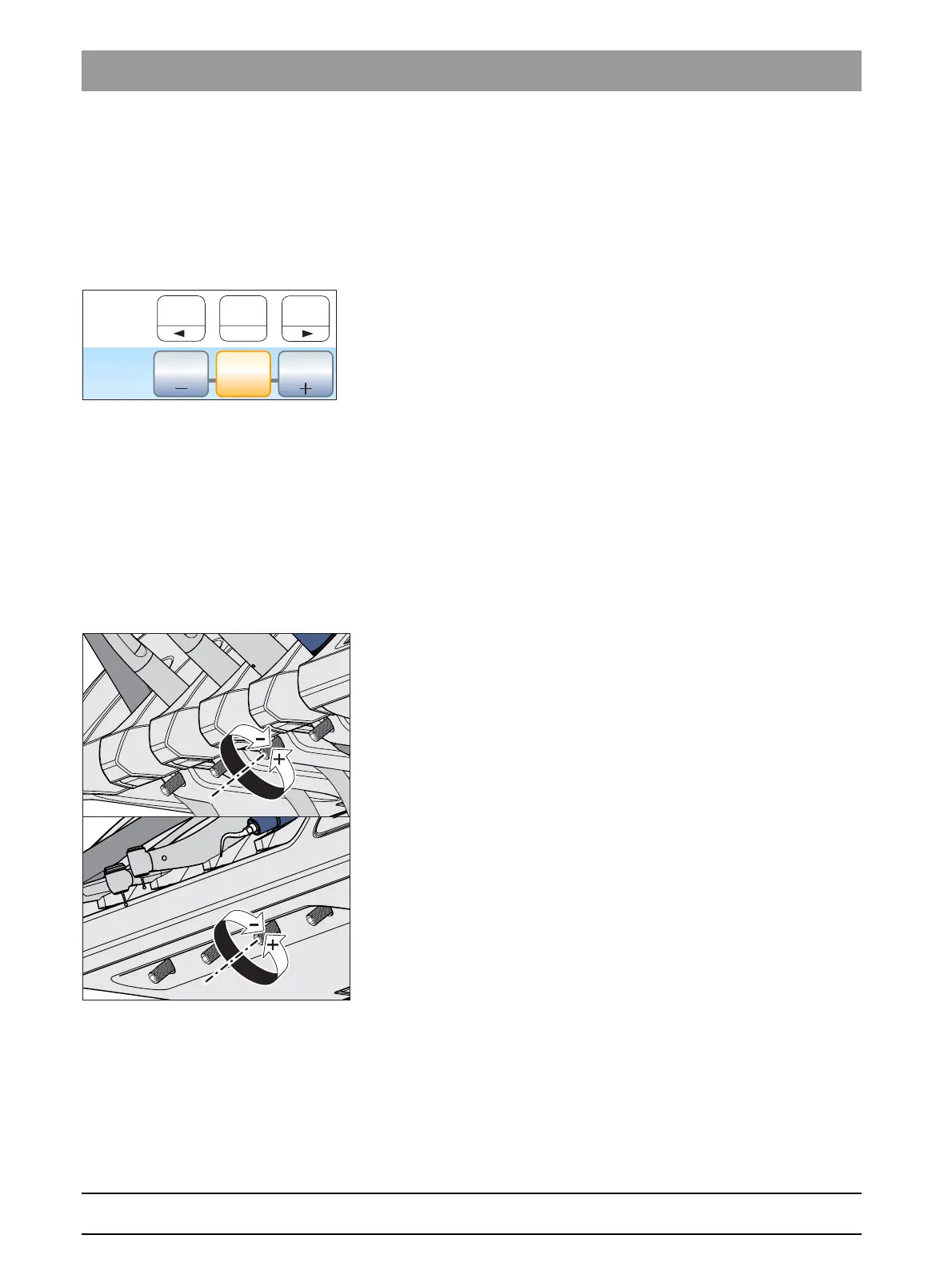
The amount of spray water can be adjusted for each individual instrument
by the user. The amount of air remains constant. To do this, rotating water
controls are located under the instrument holder of the dentist element.
If the control for an instrument is completely closed, the treatment site is
cooled only with air.
1. Rotate the water knob on the respective instrument.
Reduce water quantity in spray: Turn knob clockwise to close
Increase water quantity if spray: Turn knob counterclockwise to open
2. Test the setting for spray water. Correct the setting if necessary.



 To Next Page