64 57 498 D3543
76 D3543.201.01.05.02 08.2016
4Operation Sirona Dental Systems GmbH
4.4Patient chair Operating Instructions INTEGO
4.4.8.4
Activating other chair programs
Via fixed keys on the EasyPad
➢ Press the
1
or
2
key briefly (< 2 s).
Via the touchscreen on the EasyTouch
✔ The
Start
or
Instrument dialog
is displayed on the touchscreen.
➢ Touch the
1
key or the
2
key briefly (< 2 s).
Via C
+
electronic foot switch
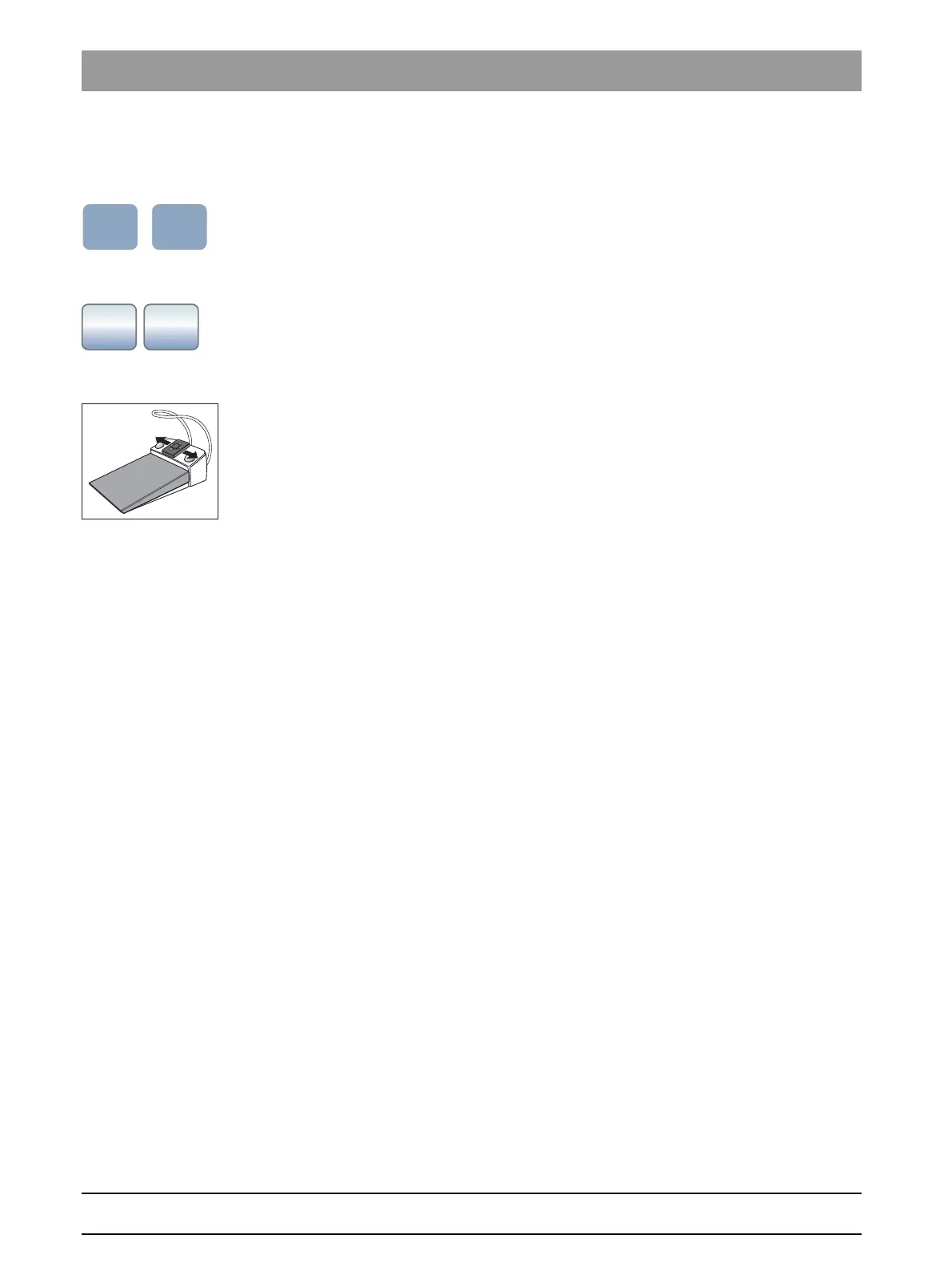
➢ Move the 4-way foot control plate of the C
+
electronic foot switch to
the left or right.
Left: Chair program 1 is started.
Right: Chair program 2 is started.



 To Next Page