64 57 498 D3543
202 D3543.201.01.05.02 08.2016
4Operation Sirona Dental Systems GmbH
4.14Configuration of the treatment center (setup) Operating Instructions INTEGO
4.14.2.4
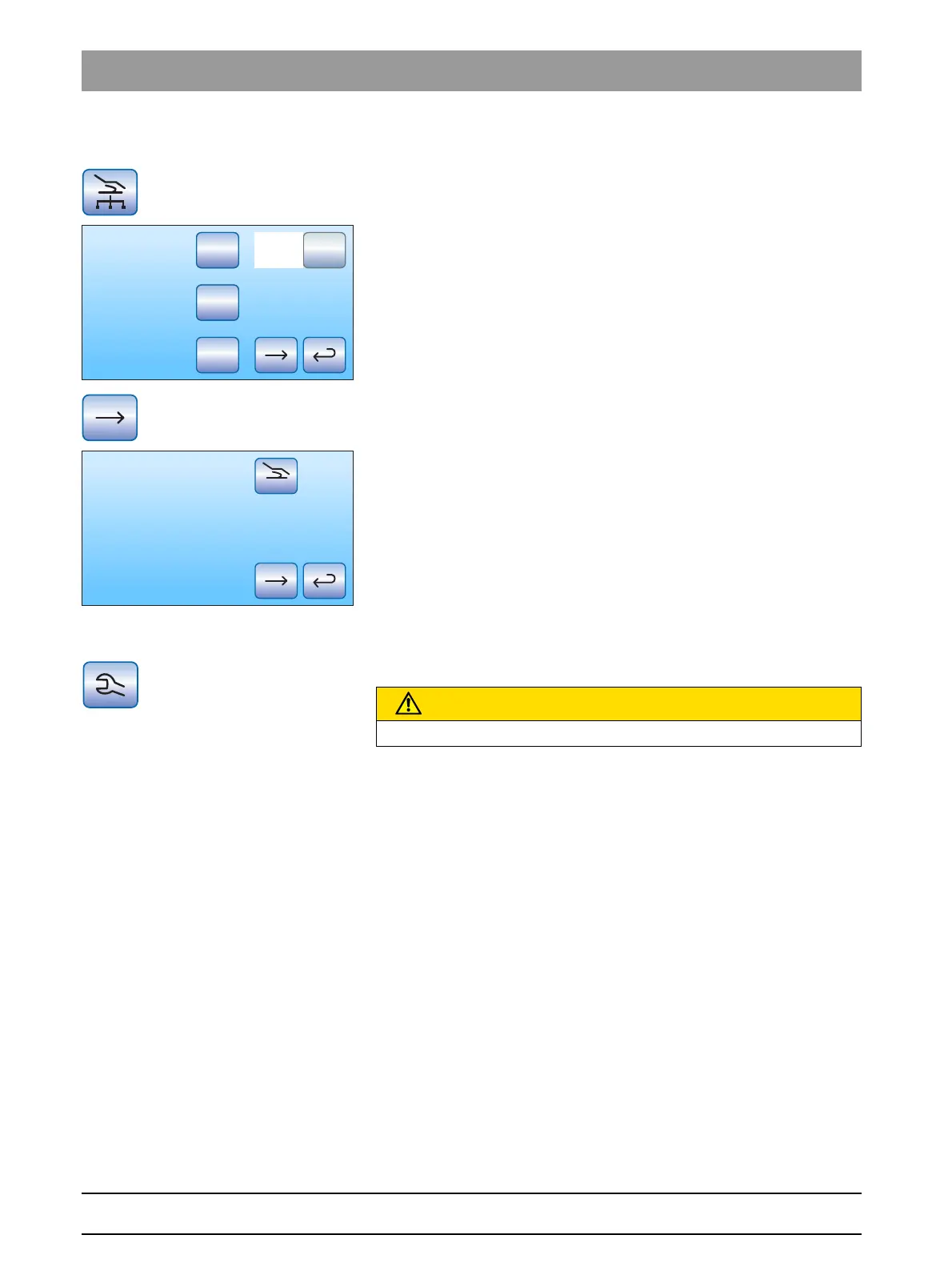
Configuring the network connection
1. Touch the
Network connection
key in the setup dialog.
The sub-dialog
Network connection
opens. It shows the currently
used network configuration.
2. Change to the next setup dialog page.
In this dialog, the name of the treatment center in the practice
network and the MAC address of the center are shown.
Call in your data processing specialist for network configuration.
Network configuration is described in detail in the "INTEGO / INTEGO pro
installation instructions".
4.14.2.5
Opening the service function
The Service domain is intended to be used only by service engineers.
Operating errors by the user:
➢ Please contact your service technician or your dental depot.
DHCP
Gateway
192.168.0.1
Subnet (24)
255.255.255.0
IP
192.168.50.50
Ethernet
13-E7-15-31-A3-0C
Intego Nr 2
Name
CAUTION
A user operating error may cause malfunctions and hazards.



 To Next Page