64 57 498 D3543
D3543.201.01.05.02 08.2016
77
Sirona Dental Systems GmbH 4Operation
Operating Instructions INTEGO 4.4Patient chair
båÖäáëÜ
4.4.9 Moving the chair manually
Dentist el ement on support a rm, collision, manual movement
Cuspidor, manual, starting position
4.4.9.1
Inclining the backrest and ErgoMotion
The backrest can be inclined to position the patient ergonomically.
The patient chair can be equipped with the ErgoMotion option. The
movement of the chair seat and backrest is compensated so there is no
compression or stretching of the patient.
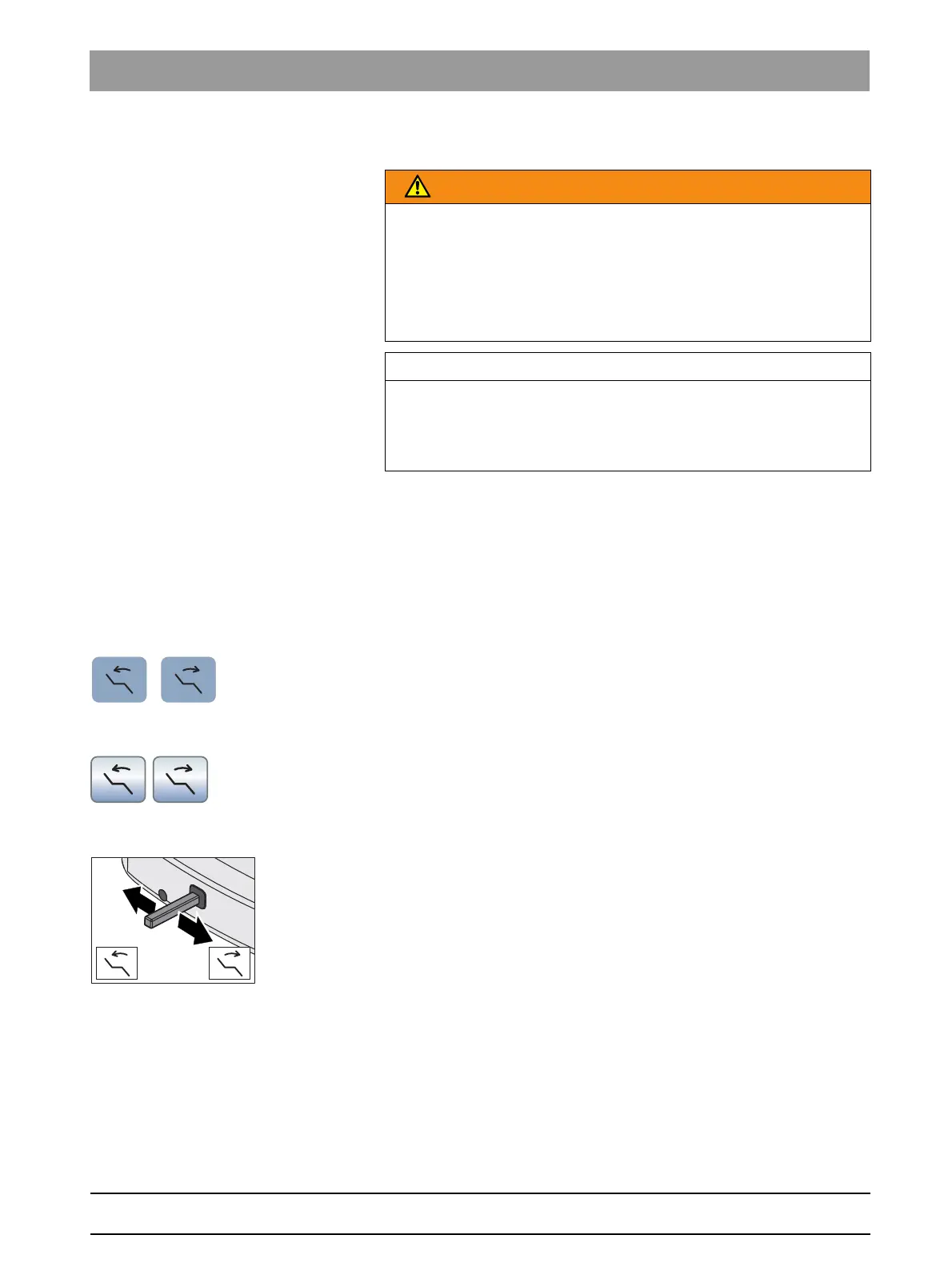
Via fixed keys on the EasyPad
➢ Press the
Incline backrest
key.
Via the touchscreen on the EasyTouch
✔ The
Start
or
Instrument dialog
is displayed on the touchscreen.
➢ Touch the
Incline backrest
key.
Via the 4-way foot control
✔ If the 4-way foot switch is allocated to the aspirator in the setup
program, the spray aspirator must be in place. See "Coupling suction
to the 4-way foot switch" on the EasyPad [ → 194], on the EasyTouch.
➢ Slide the 4-way foot control to the left or right.
WARNING
The dentist element could be positioned within the movement range of
the patient chair.
Moving the patient chair may cause the patient to collide with the dentist
element or its support arm. The patient could be injured.
➢ Before moving the patient chair, position the dentist element to
make a collision with the patient or the patient chair impossible.
IMPORTANT
Chair movements with cuspidor swiveled in INTEGO
With the cuspidor bowl swiveled in, the chair cannot be moved. This
prevents the patient from colliding with the cuspidor. Swing the cuspidor
outward before initiating chair movement.



 To Next Page