64 57 498 D3543
D3543.201.01.05.02 08.2016
185
Sirona Dental Systems GmbH 4Operation
Operating Instructions INTEGO 4.13Operation with a PC
båÖäáëÜ
4.13
Operation with a PC
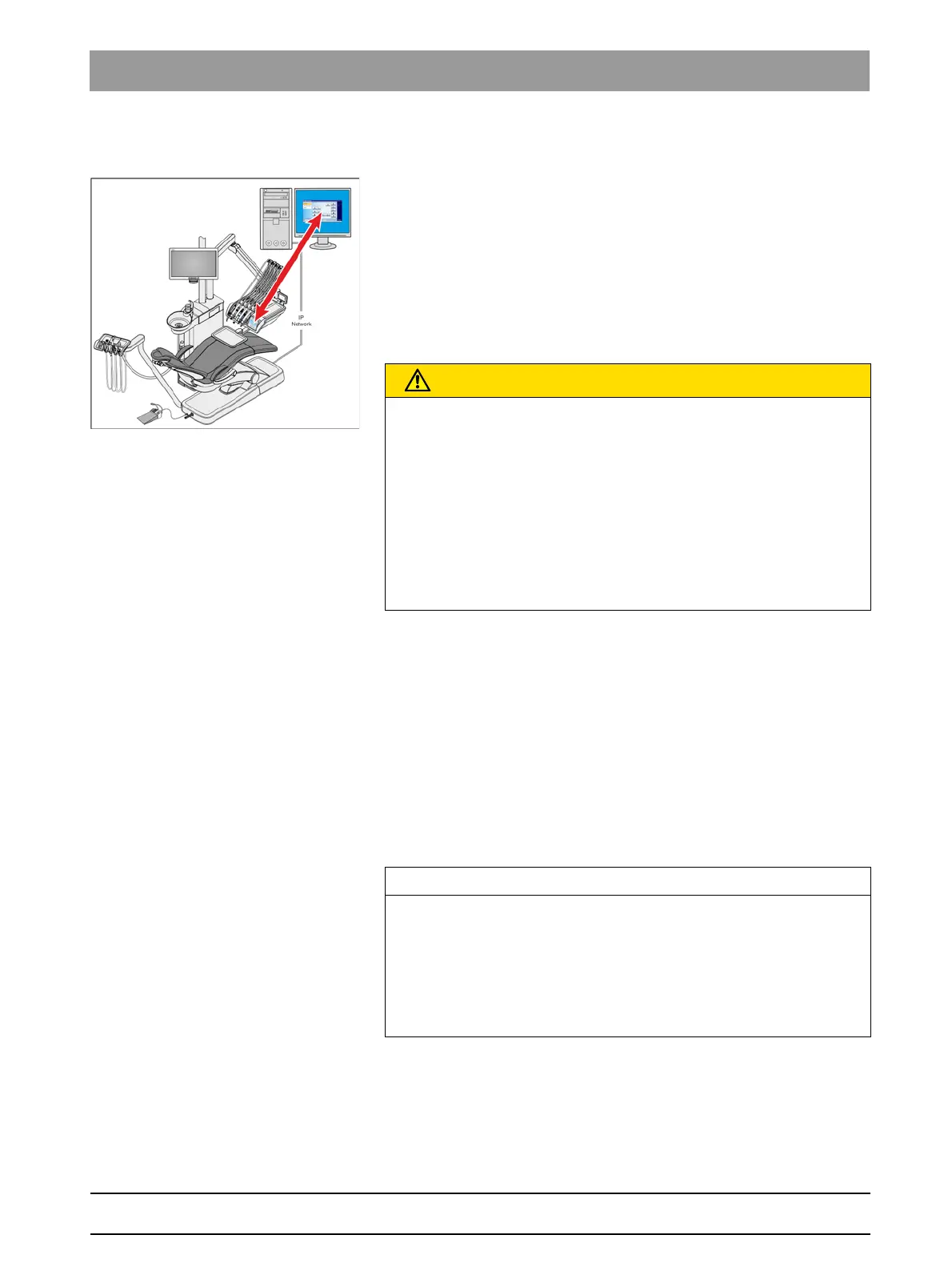
The treatment center can be connected to a PC via an Ethernet cable.
The SIVISION and/or SIUCOM plus PC application enables
communication between the treatment center and the PC. For operating
from the PC, SIUCOM plus the EasyTouch comfort user interface are
required. The PC can then be directly operated using the touchscreen
and in connection with the SiroCam F / AF / AF
+
intraoral camera, using
the C
+
electronic foot control as well.
For details, please refer to the "Installation and Configuration of SIUCOM
plus / SIVISION connect" manual.
IT network
The treatment center can be operated with the following PC versions:
● External PC
The treatment center is connected to an external PC via an Ethernet
cable. PC applications such as SIDEXIS, Microsoft
®
PowerPoint
®
,
Windows Mediaplayer and SI Video can be controlled from the
treatment center.
● Operation without PC
The use of SIVISION is not possible.
The SI video application is used in treatment centers with an external PC
on which SIDEXIS is not installed. In these cases, SI Video serves as a
video application for the camera.
PC should be hot-plug capable
CAUTION
Integrating the INTEGO / INTEGO pro into an IT network that includes
other devices can lead to previously unknown risks.
The following changes to the IT network can lead to new risks:
• Changes to the IT network configuration
• Connecting additional elements to the IT network
• Removing elements from the IT network
• Updating devices that are connected to the IT network
• Upgrading devices that are connected to the IT network
The provider of the IT network must determine, analyze, assess, and
control the risks (e.g. IEC 80001-1).
IMPORTANT
The PC's HDMI outlet and graphic card should be hot-plug capable.
When the PC is switched on before the treatment center, the SIVISION
monitor may remain black in some PC models.
➢ In this case. switch the treatment center on first, then the PC..
➢ Equip your PC with a hot-plug capable HDMI outlet. Then the
devices can be switched on in any order.



 To Next Page