64 57 498 D3543
D3543.201.01.05.02 08.2016
81
Sirona Dental Systems GmbH 4Operation
Operating Instructions INTEGO 4.5Dentist element
båÖäáëÜ
4.5.2 Positioning the dentist element
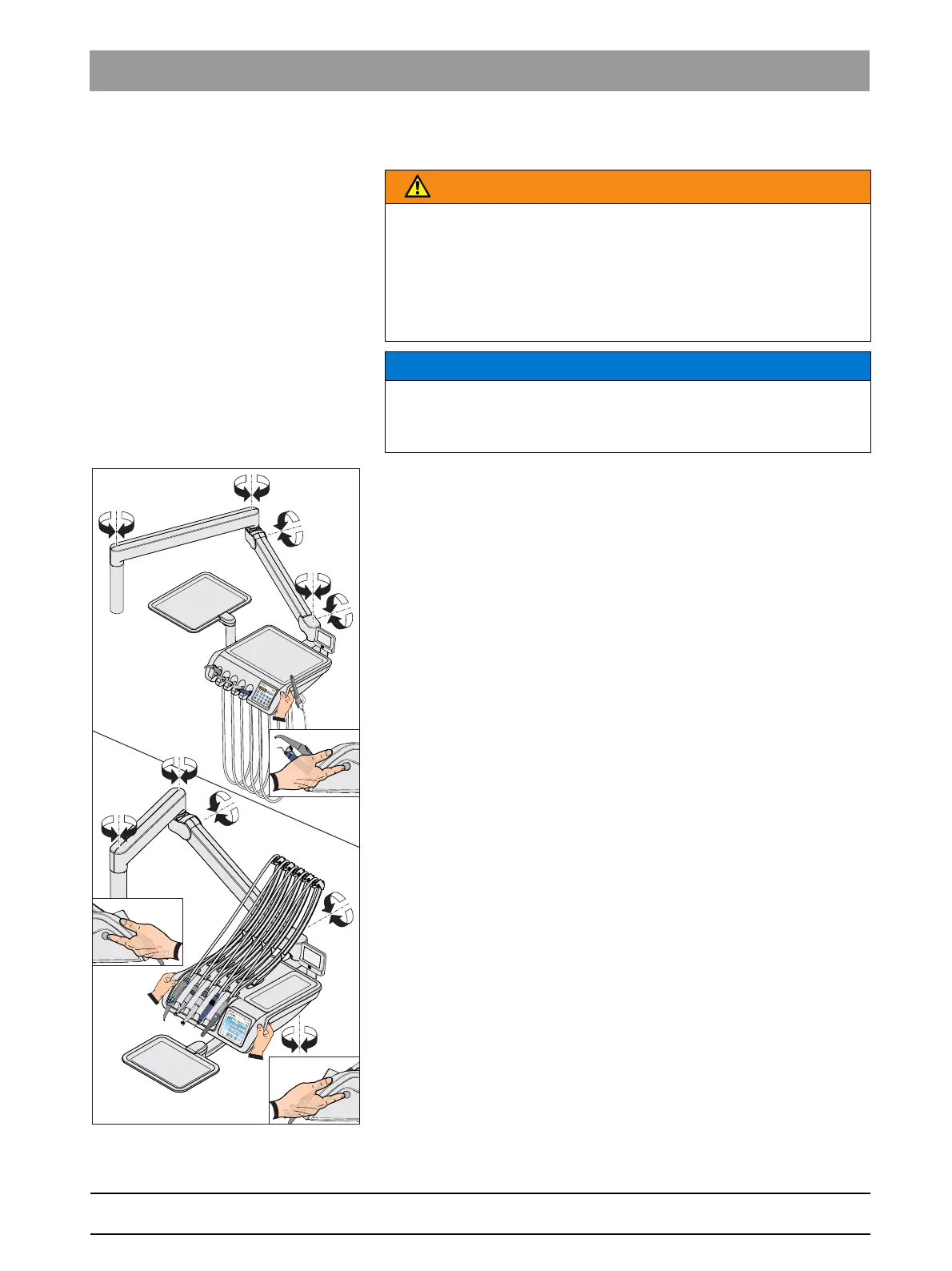
Dentist el ement on support a rm, collision, manual movement
Dentist element, sudden movements
The dentist element is attached to the water unit with a flexible support
arm. The dentist element is held in place at the adjusted height with a
pneumatic locking brake in the support arm.
Push button on the CS, TS and Turn with the option dentist e lements
With the CS dentist element and on the TS dentist element with the
Ambidextrous option there is a push button near to the two handles on the
side of the dentist element to release the brake. The TS dentist element
without the Ambidextrous option only has one button on the right side.
The button must only be pressed to move the chair vertically. Horizontal
movements are also possible without releasing the brake.
1. Grip a handle with your hand and keep the button pressed.
The locking brake is released with the sound of pressurized air.
The dentist element can be raised and lowered.
2. Position the dentist element and release the button.
The dentist element is secured at the height set.
Depending on the equipment of the dentist element, the retention force of
the locking brake can be changed by the technician.
WARNING
The dentist element could be positioned within the movement range of
the patient chair.
Moving the patient chair may cause the patient to collide with the dentist
element or its support arm. The patient could be injured.
➢ Before moving the patient chair, position the dentist element to
make a collision with the patient or the patient chair impossible.
NOTICE
Sudden movements can cause instruments to fall out of the holder in the
dentist element.
➢ Try to avoid sudden movements of the dentist element.



 To Next Page