64 57 498 D3543
D3543.201.01.05.02 08.2016
295
Sirona Dental Systems GmbH 7Malfunctions
Operating Instructions INTEGO 7.2Messages on the EasyTouch
båÖäáëÜ
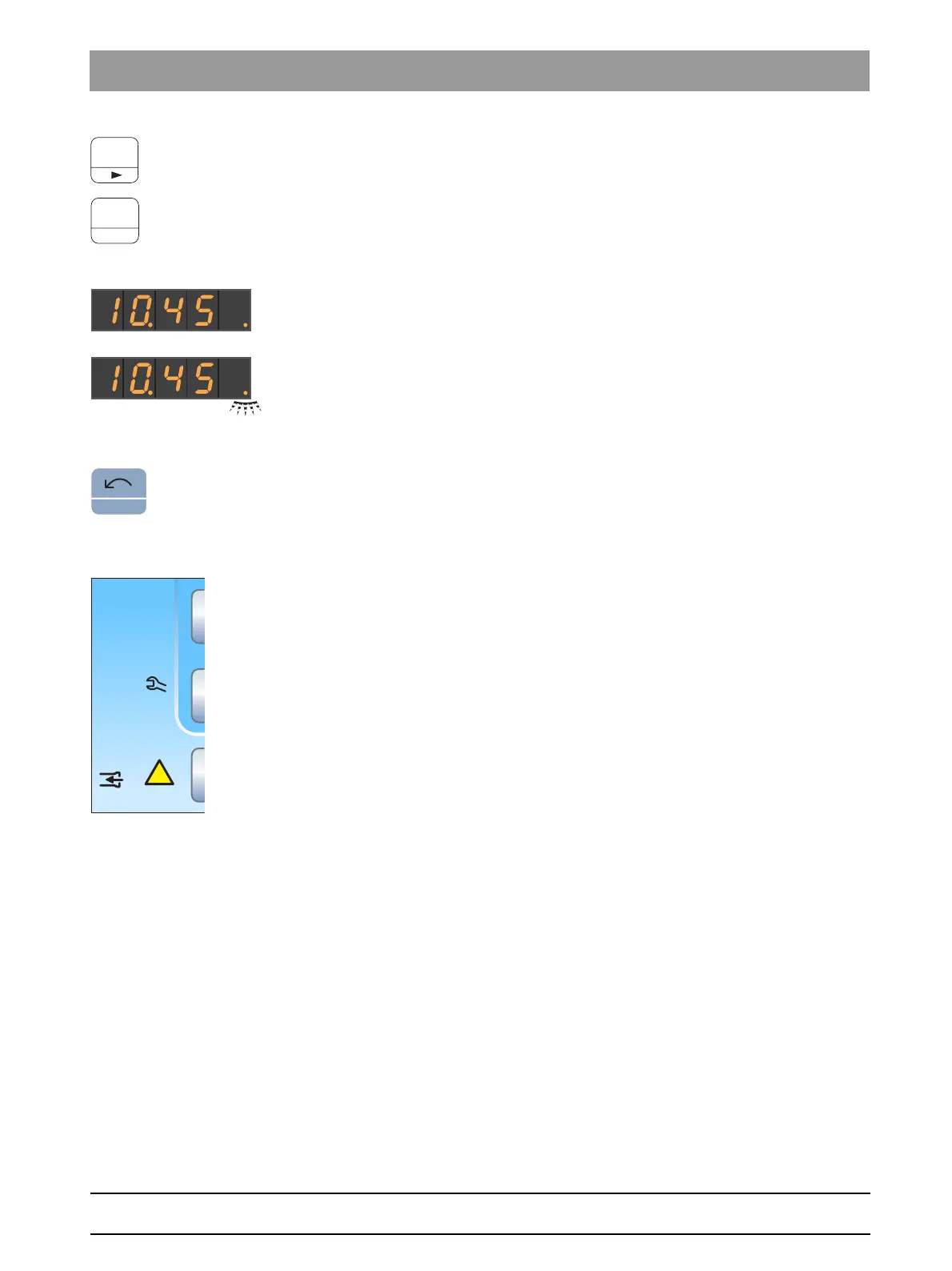
1. Press favorite key 3.
The next message is displayed.
2. Acknowledge the individual messages by pressing the favorite key
2
/ Setup
or pressing the favorite key 3 several times until all the
messages have been shown.
The time is displayed on the EasyPad display.
When all messages have been displayed, they are considered to
have been acknowledged. The dot that was flashing is now
permanently lit.
If only one of the additional messages is acknowledged with the
favorite key
2 / Setup
, the dot continues to flash.
Cancel acknowledging messages
Pressing the
Counterclockwise rotation/user profile
key serves to hide the
messages without acknowledging them. The time will appear.
7.2
Messages on the EasyTouch
Below the time and the active user profile, the days to the next sanitation
and to the next maintenance date or status messages such as change
amalgam separator, refill disinfectant, refill cleaning agent for chemical
suction hose cleaning, or error messages are displayed.
A message is displayed until the error is remedied.
Safety switches that have been triggered are displayed in a
superimposed screen, see "Safety shutdown" [ → 70].
B
10:45:03
!
San
1d
Amalg
Desinf
41d
chem



 To Next Page