64 57 498 D3543
168 D3543.201.01.05.02 08.2016
4Operation Sirona Dental Systems GmbH
4.9X-ray image viewer Operating Instructions INTEGO
4.9
X-ray image viewer
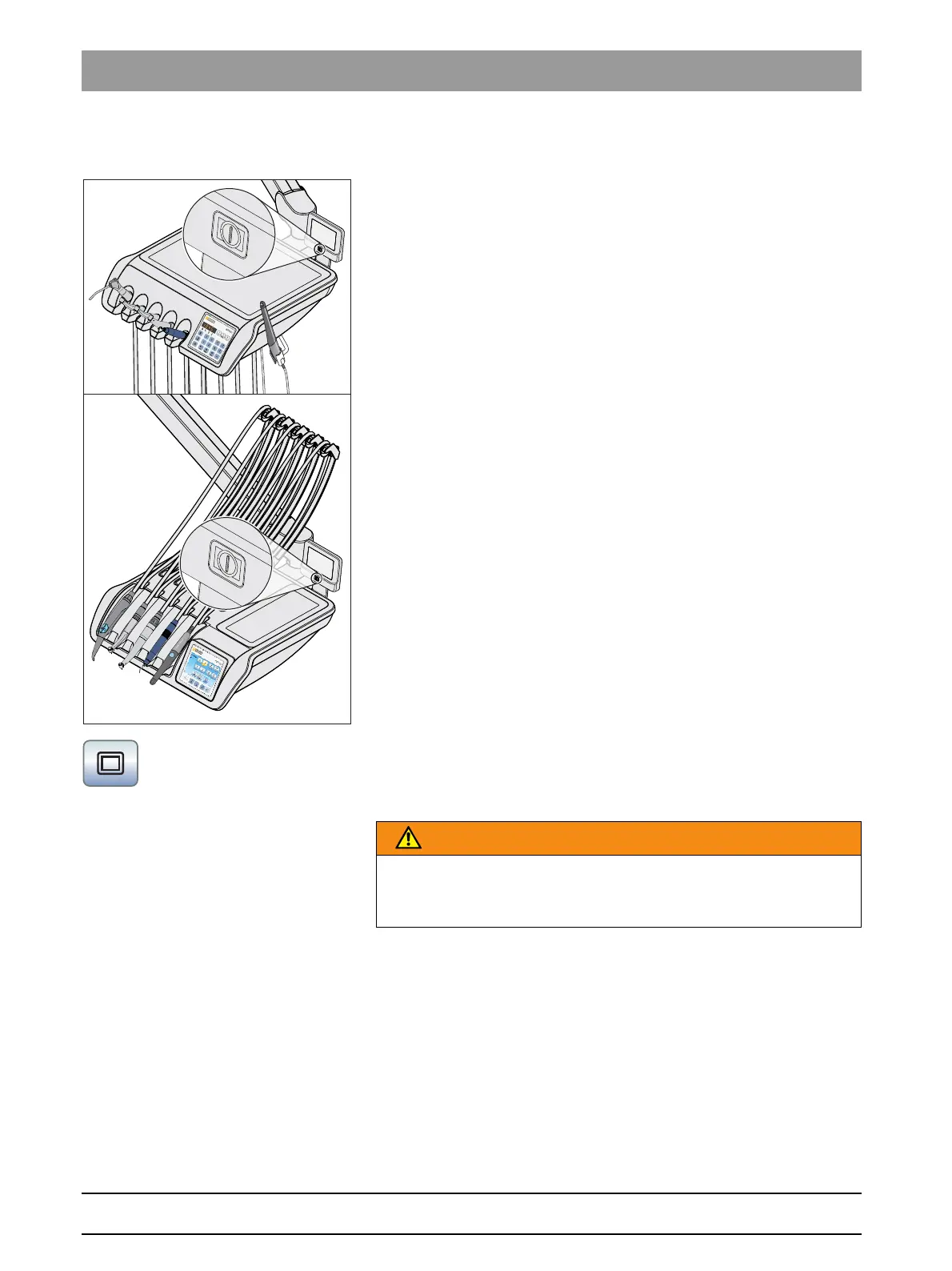
The TS and CS dentist elements can be equipped with an X-ray viewer.
The ON/OFF switch is on the X-ray viewer. It switches off automatically
after 10 minutes.
If the treatment center does not have an X-ray viewer, but is equipped
with a SIVISION monitor, it can be switched to a white screen in the
Start
sub-screen. The white screen function is available only with the
EasyTouch user interface.
Monitor, not suitable for diagnosis
WARNING
Faulty diagnoses may be possible for X-ray images
Use the white screen of the SIVISION monitor not for diagnosis of X-ray
images. The light intensity of the monitor is not sufficient.



 To Next Page