64 57 498 D3543
170 D3543.201.01.05.02 08.2016
4Operation Sirona Dental Systems GmbH
4.10Operating light Operating Instructions INTEGO
4.10.1 Switching the operating light on/off
Repeatedly press the
Operating light
fixed key to set the following
switching positions at the assistant element:
1. Switched on: The operating light is switched on at the preset
brightness level.
2. Composite function: This function is used to prevent premature
curing of composite materials.
3. Switched off
➢ Press the
Operating light
fixed key on the dentist or assistant element
(several times if necessary).
The operating light switches to “on,” “composite function” or “off”.
Contactless sensor
A contactless sensor is mounted on the bottom of the LEDlight, LEDview
and LEDview
PLUS
operating lights. Using this sensor, the operating light
can be switched on/off or switched to the composite function using one
hand movement. With LEDview and LEDview
PLUS
the sensor control can
be switched on or off via the user interface of the dentist element. The
distance at which the contactless sensor will react to movements can also
be adjusted.
4.10.2 Setting the LEDlight brightness
The operating light is always switched on at the set brightness level. With
the LEDlight, the brightness is programmed using the contactless sensor.
Please refer to the instructions for your operating light for details.
4.10.3 Setting the brightness and sensor control of the LEDview
The operating light is always switched on with the programmed
brightness level. The setting is carried out using the user interface of the
dentist element.
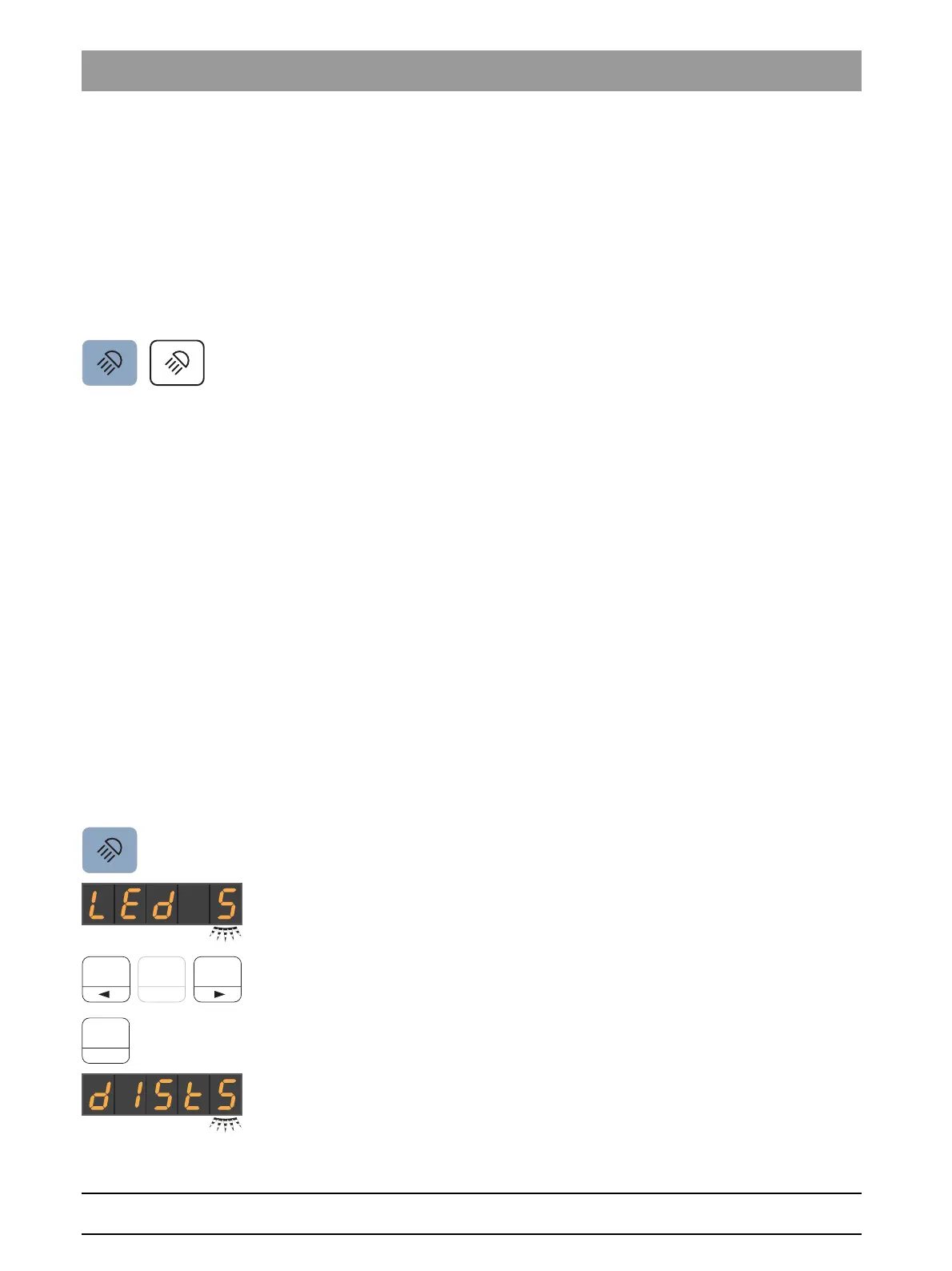
Setting the LEDview on the EasyPad
1. Press and hold the
Operating light
key on the dentist element (> 2 s).
The
Brightness
operating context is displayed on the EasyPad
screen. The setting focus flashes.
2. Use the left and right arrows on the favorite key pad to adjust the
brightness of the operating light (5 levels). The left arrow key
decreases the brightness, the right arrow key increases it.
3. Confirm your setting with the
2 / Setup
favorite key.
The
Sensor control
operating context is displayed on the
EasyPad screen. The setting focus flashes.



 To Next Page