64 57 498 D3543
D3543.201.01.05.02 08.2016
65
Sirona Dental Systems GmbH 4Operation
Operating Instructions INTEGO 4.2Concept of the user interface
båÖäáëÜ
Settings screens
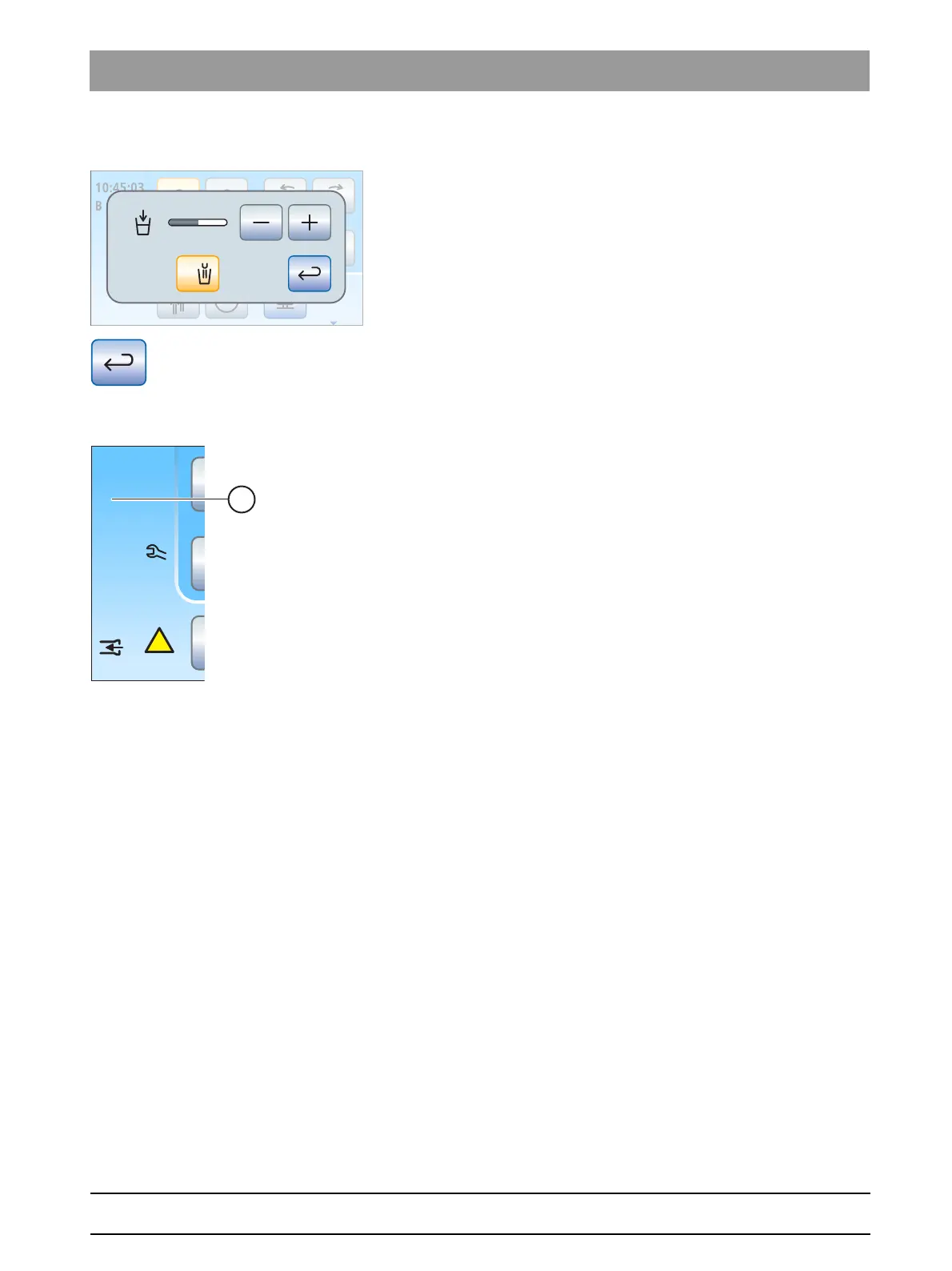
In many cases, functions not only can be switched on or off, but also can
be set. If a function key is pressed and held (> 2 s), the corresponding
settings screen appears. This screen is superimposed on the current
screen. The dialog in the background has a semitransparent appearance
and is temporarily disabled for inputs.
Settings screens are usually automatically hidden after a certain period
has elapsed. The
Return
key (return arrow) closes the opened settings
screen immediately.
4.2.2.3
Status column
There is a column for status displays at the left edge of the touchscreen.
Here the current time with the seconds below is shown and if several user
profiles A are preselected, the active user profile A to D is also displayed.
In addition, the days until the next sanitation and maintenance or status
messages such as change the amalgam separator or add disinfectant,
refill the cleaning agent for chemical cleaning of suction hoses, or error
messages are displayed.
B
10:45:03
!
San
1d
Amalg
Desinf
41d
chem



 To Next Page