64 57 498 D3543
108 D3543.201.01.05.02 08.2016
4Operation Sirona Dental Systems GmbH
4.5Dentist element Operating Instructions INTEGO
4.5.9.1.3 Setting the torque
With the torque control switched on, torque and speed of the contra-angle
handpiece are indicated, but not of the motor. The control electronics of
the burr drive calculate the motor control based on the specified contra-
handpiece gear reduction and the set torque and speed.
Torque values for the steps of the endodontic treatment can be stored on
the favorite keys 1, 2 and 3. The set speed remains unchanged.
Instrument settings can be made without using your hands on the 4-way
switch plate of the C
+
electronic foot switch.
Endodontics, speed and torque settings
Treatment, torque adjustment
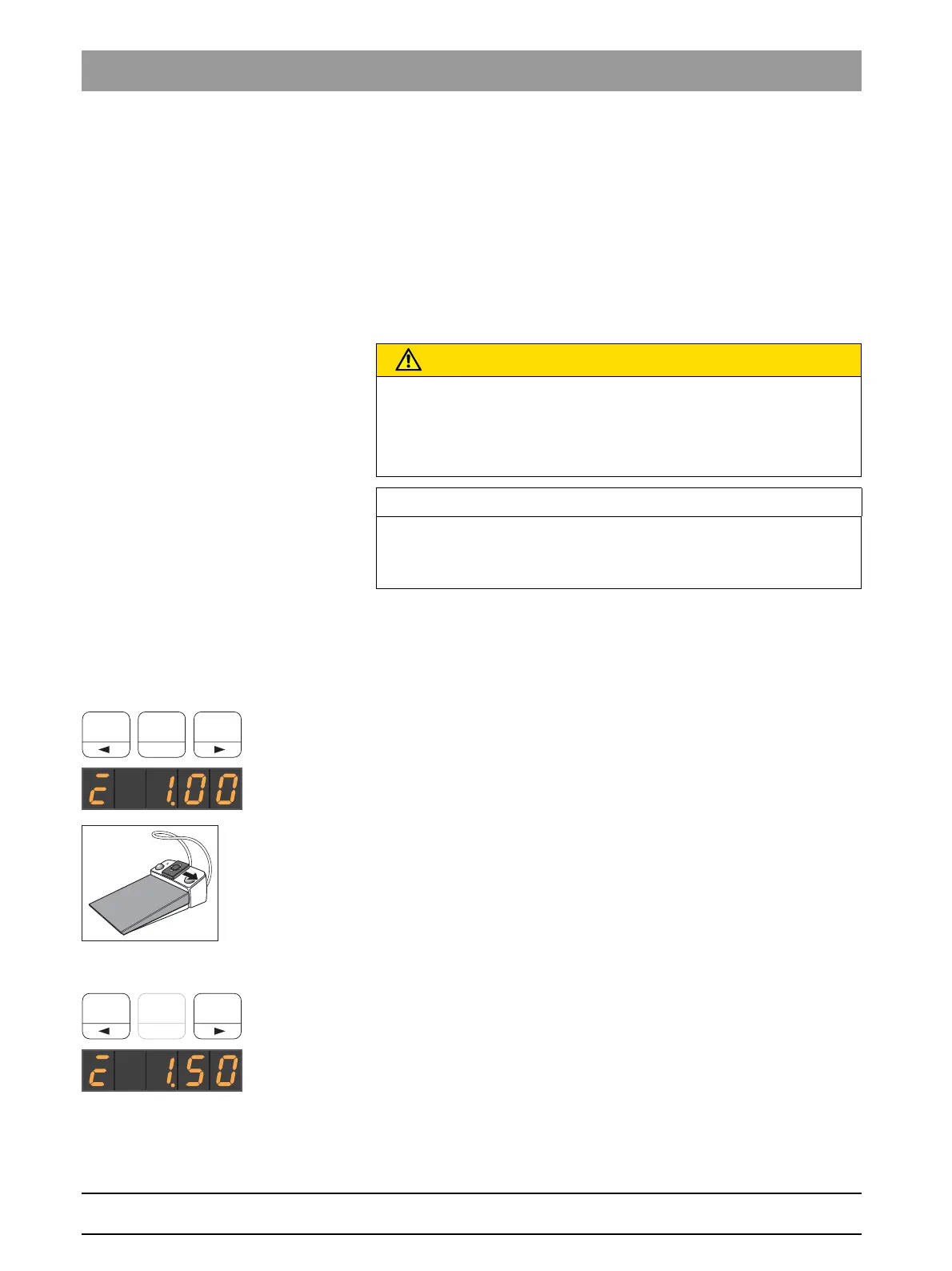
Accessing saved torque
✔ The electric motor is removed from its holder with torque control
switched on.
✔ The set torque is shown on the EasyPad display.
➢ Press one of the favorite keys briefly (<1 s).
The torque saved on the favorite key is shown on the EasyPad
display in Ncm (Newton centimeters).
By moving the 4-way switch plate of the C
+
electronic foot switch to the
right, the torque settings of the favorite keys can be accessed
consecutively.
Changing torque
➢ Set the desired torque for the contra-angle handpiece. Press and
hold the favorite keys 1 or 3 (> 1 s).
The torque is increased or reduced.
CAUTION
Improperly selected speeds and torque values endanger the patient.
Treatment errors, e.g. breaking of a file, may result from incorrect
settings.
➢ Observe the manufacturer's instructions regarding file systems.
IMPORTANT
Torque adjustment
The maximum adjustable torque depends on the system motor and the
speed settings.



 To Next Page