64 57 498 D3543
D3543.201.01.05.02 08.2016
183
Sirona Dental Systems GmbH 4Operation
Operating Instructions INTEGO 4.12SIVISIONdigital video system
båÖäáëÜ
4.12.2.4.4 Using the camera with SIDEXIS
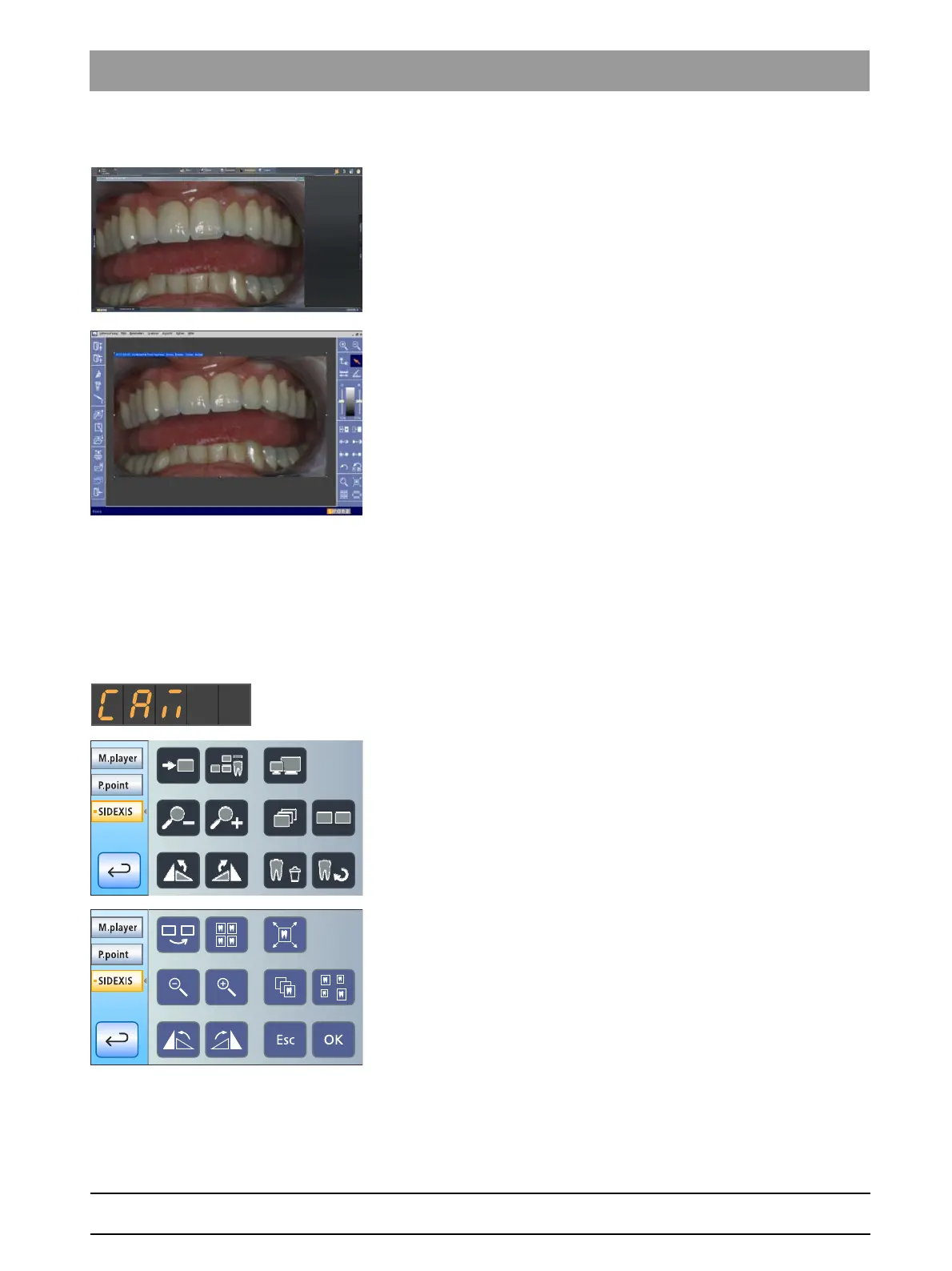
Besides the display and processing of X-ray images, SIDEXIS XG or
SIDEXIS 4 can be used additionally as a video application for the
SiroCam F / AF / AF
+
intraoral camera. SIDEXIS displays live and still
images in separate windows. Still images are saved in the patient's
database.
Switching SiroCam F / AF / AF
+
intraoral camera on/off
✔ The PC is in operation and the SIVISION connect or SIUCOM plus
PC application is started.
➢ Pull out the SiroCam F / AF / AF
+
intraoral camera.
SIDEXIS is started and the live image appears on the SIVISION
monitor.
The text "CAM" is displayed on the EasyPad display.
The
SIVISION dialog
is displayed on the EasyTouch
touchscreen.
When the intraoral camera is returned to the holder, the live image
window closes. SIDEXIS remains active on the PC.
On the SIVISION dialog of the EasyTouch, the functions of the SIDEXIS
PC application can be controlled via the user interface of the treatment
center. For details, see "Communication with SIDEXIS" [ → 188].



 To Next Page