64 57 498 D3543
D3543.201.01.05.02 08.2016
189
Sirona Dental Systems GmbH 4Operation
Operating Instructions INTEGO 4.13Operation with a PC
båÖäáëÜ
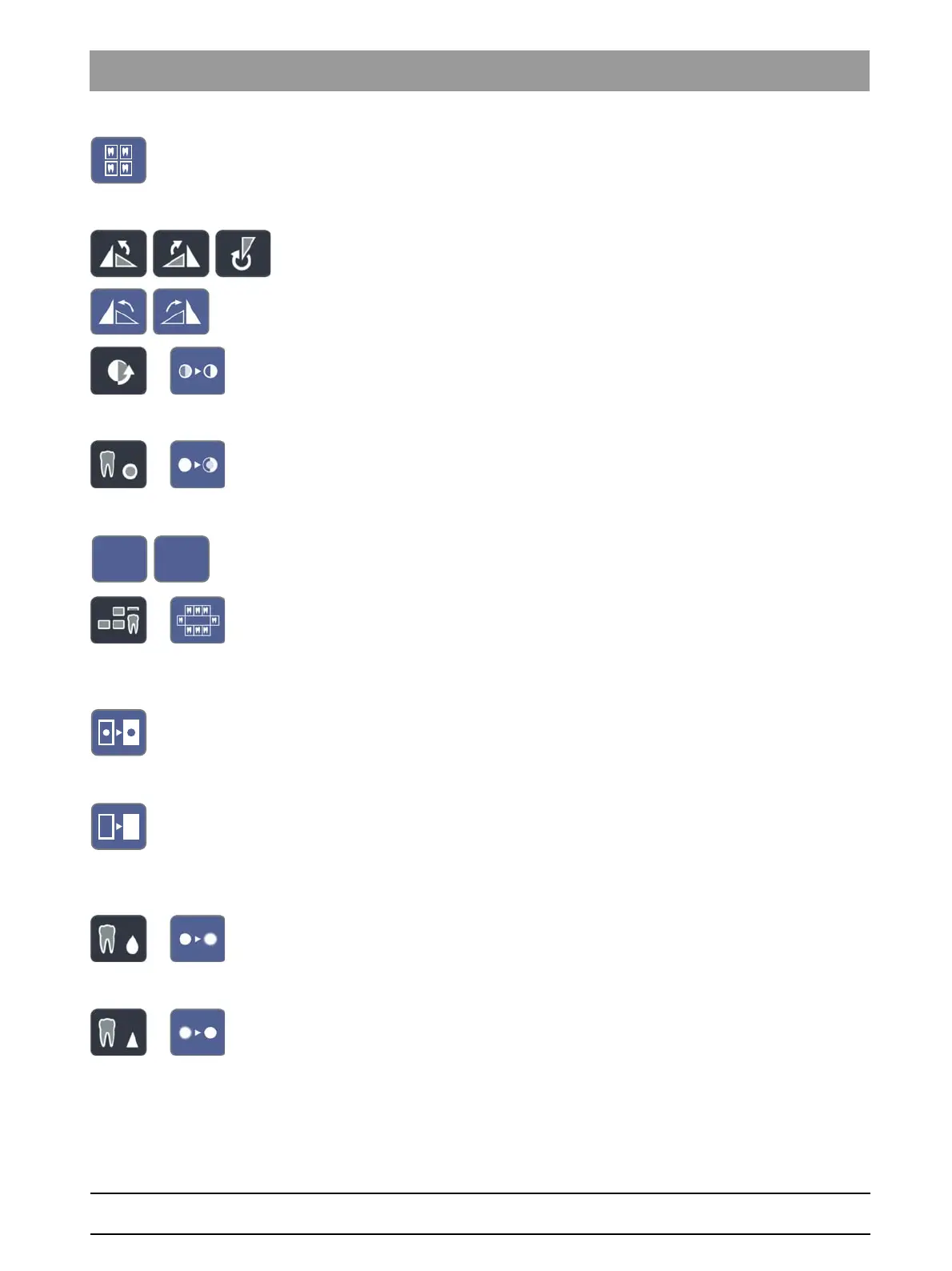
Overview layout
The opened image windows are scaled in the display area so that no
scroll bars or as few scroll bars as possible must be displayed. The image
windows are arranged without overlapping.
Rotate image
Rotates the image 90° counterclockwise or clockwise. With SIDEXIS 4,
the image can be rotated 180° by pressing a key.
Contrast optimization filter
This image filter analyses and optimizes the current grayscale distribution
of an image. In this way, for instance, details within a very low-contrast,
“faint” image can be made visible.
Relief display filter
Image details with high contrast are displayed brighter or darker. Thus
edges or contours within the image are clearly accentuated. The result is
a relief-like image distortion.
Cancel/confirm entry
Status overview layout
The opened image windows are arranged according to their anatomical
position if the number of the displayed tooth was specified. Unassigned
exposures are displayed in the center of the display area. The size of the
windows is adapted so that the complete exposures are visible.
Invert image
This function inverts the brightness values of the image pixels, thus
enabling a positive or negative display of the image. The inversion can be
canceled by pressing the key once again.
Display image in pseudocolors
To enable better distinction of image details, an image can be displayed
in a so-called pseudo color mode. The grayscale values of the image are
replaced by colors which the human eye can distinguish better from one
another than the corresponding gray levels.
Smooth image
To mitigate high-contrast or high-interference effects in images, the
contrast between neighboring pixels is reduced or averaged. The overall
definition of the image is reduced.
Sharpen image
Contrasts between neighboring pixels are increased. This function helps
to accentuate edges or contours. The impression of a sharper image is
created.



 To Next Page