64 57 498 D3543
284 D3543.201.01.05.02 08.2016
5Care, cleaning and maintenance by the practice team Sirona Dental Systems GmbH
5.6Sanitizing Operating Instructions INTEGO
Starting sanitation
➢ Touch the
Start
key.
The sanitation process starts.
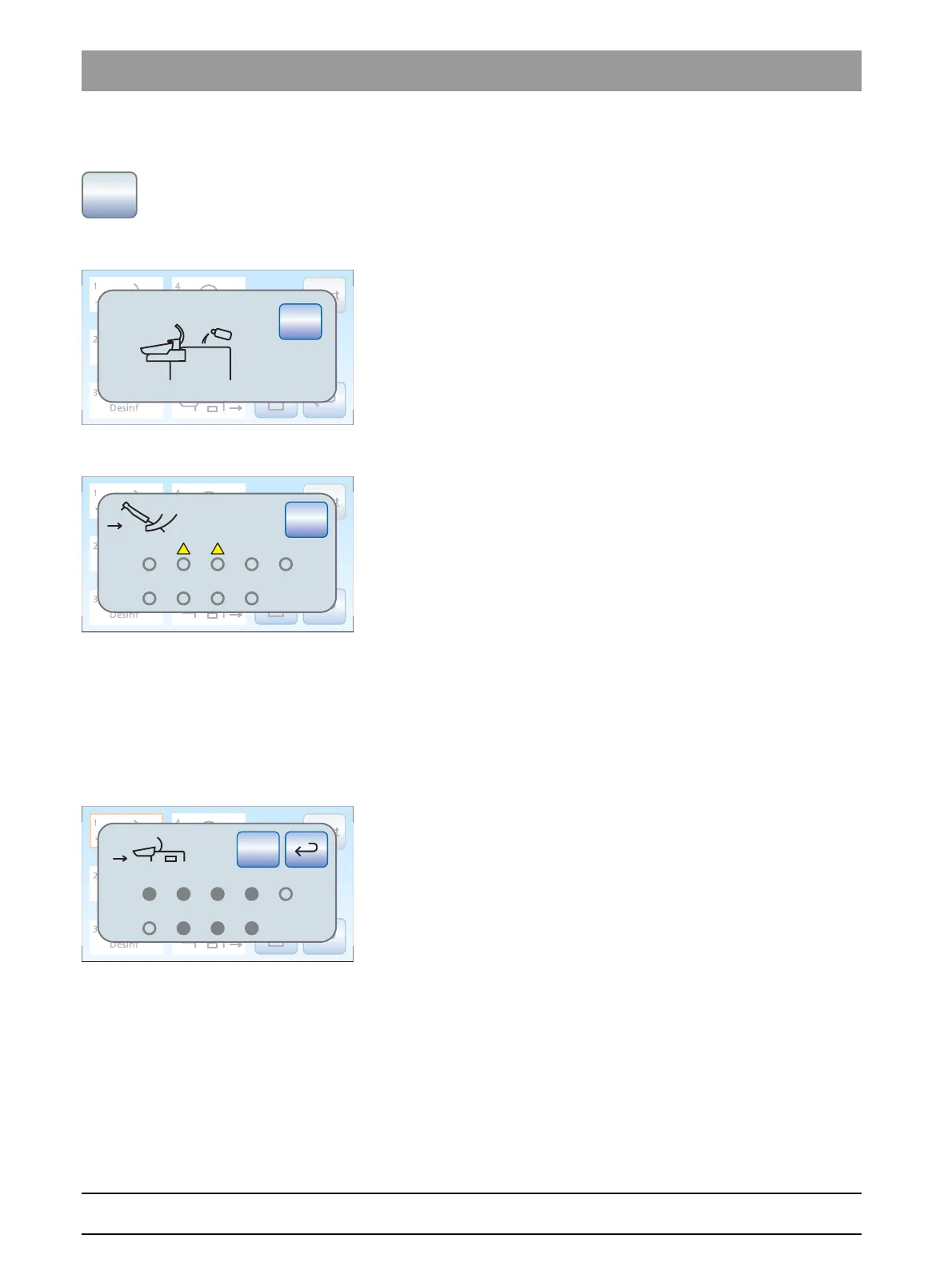
Error message: Refill with DENTOSEPT P disinfectant
If the
Disinf
display appears after the sanitation process is started, the
supply of DENTOSEPT P disinfectant in the reservoir of the water unit is
not sufficient to sanitize the treatment center. Sanitation cannot be started
with insufficient disinfectant; see "Refilling with DENTOSEPTP
disinfectant" [ → 252].
Error message: Deposit instruments
If the
Deposit instruments
display appears after sanitation has been
started, the treatment center has detected that not all of the instruments
have been placed in their holders.
➢ Check the instruments marked with a warning triangle on the
touchscreen.
When all of the instruments have been deposited, sanitation
phase 1 begins automatically.
Sanitation phase 1 – Inserting instruments into the cleaning adapters
on the water unit
The Comfort water unit has integrated cleaning adapters for water-
carrying instruments. This allows all instruments to be simultaneously
treated with a high concentration of sanitation solution and then rinsed
with water. For this purpose, sanitizable instruments must be inserted into
the adapters on the water unit.
✔ Sanitization phase 1 is highlighted on the touchscreen.
✔ The
Insert instruments in water unit
display appears on the
touchscreen.
1. Remove the SPRAYVIT sleeves from the valve bodies and the
straight and contra-angle handpieces from the sanitizable
instruments.
Start
1
2
3
4
5
6
H
2
O
Desinf
Stop
Desinf
Start
1
2
3
4
5
6
H
2
O
Desinf
Stop
!!
Start
1
2
3
4
5
6
H
2
O
Desinf
Start



 To Next Page