64 57 498 D3543
D3543.201.01.05.02 08.2016
311
Sirona Dental Systems GmbH 10Overview of all function keys
Operating Instructions INTEGO 10.6SIVISION program
båÖäáëÜ
10.6
SIVISION program
10.6.1 Media Player
Start Media Player
Media Player is started on the external PC. The keys corresponding to the
Media Player PC application are displayed on the right side of the
touchscreen after a file is selected:
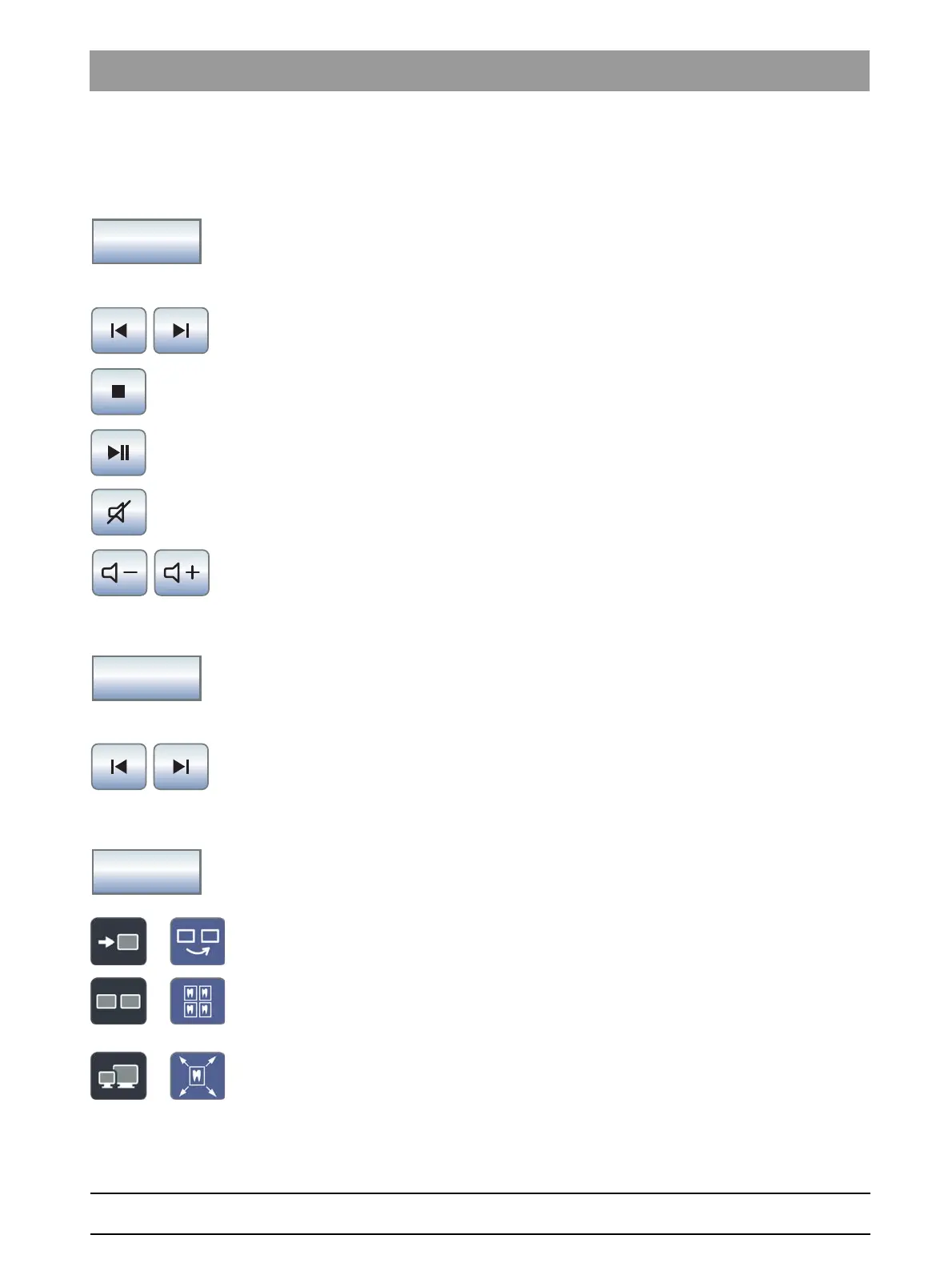
Media Player control keys
Previous/next title
Stop playback
Start/interrupt playback
Mute
Adjust volume
10.6.2 Microsoft® PowerPoint®
Start PowerPoint
PowerPoint is started on the PC. The keys corresponding to the
PowerPoint PC application are displayed on the right side of the
touchscreen after a file is selected:
PowerPoint control keys
Previous/next slide
10.6.3 SIDEXIS
Start SIDEXIS
SIDEXIS is started on the PC. The keys belonging to the SIDEXIS PC
application are displayed on the right side of the touchscreen:
SIDEXIS control keys
Next image
The next image window is activated.
Tiled layout
All open image windows are scaled to a uniform size in the display area
and arranged without overlapping.
Full frame
The active image window is enlarged so that it covers the entire display
area. The control elements of the SIDEXIS user interface are not
concealed in the process.



 To Next Page