64 57 498 D3543
D3543.201.01.05.02 08.2016
63
Sirona Dental Systems GmbH 4Operation
Operating Instructions INTEGO 4.2Concept of the user interface
båÖäáëÜ
The integrated torque control cannot be activated in this case.
Toggling between speed and torque display is not possible.
Accessing functions
Functions are triggered using the fixed keys on the user interface.
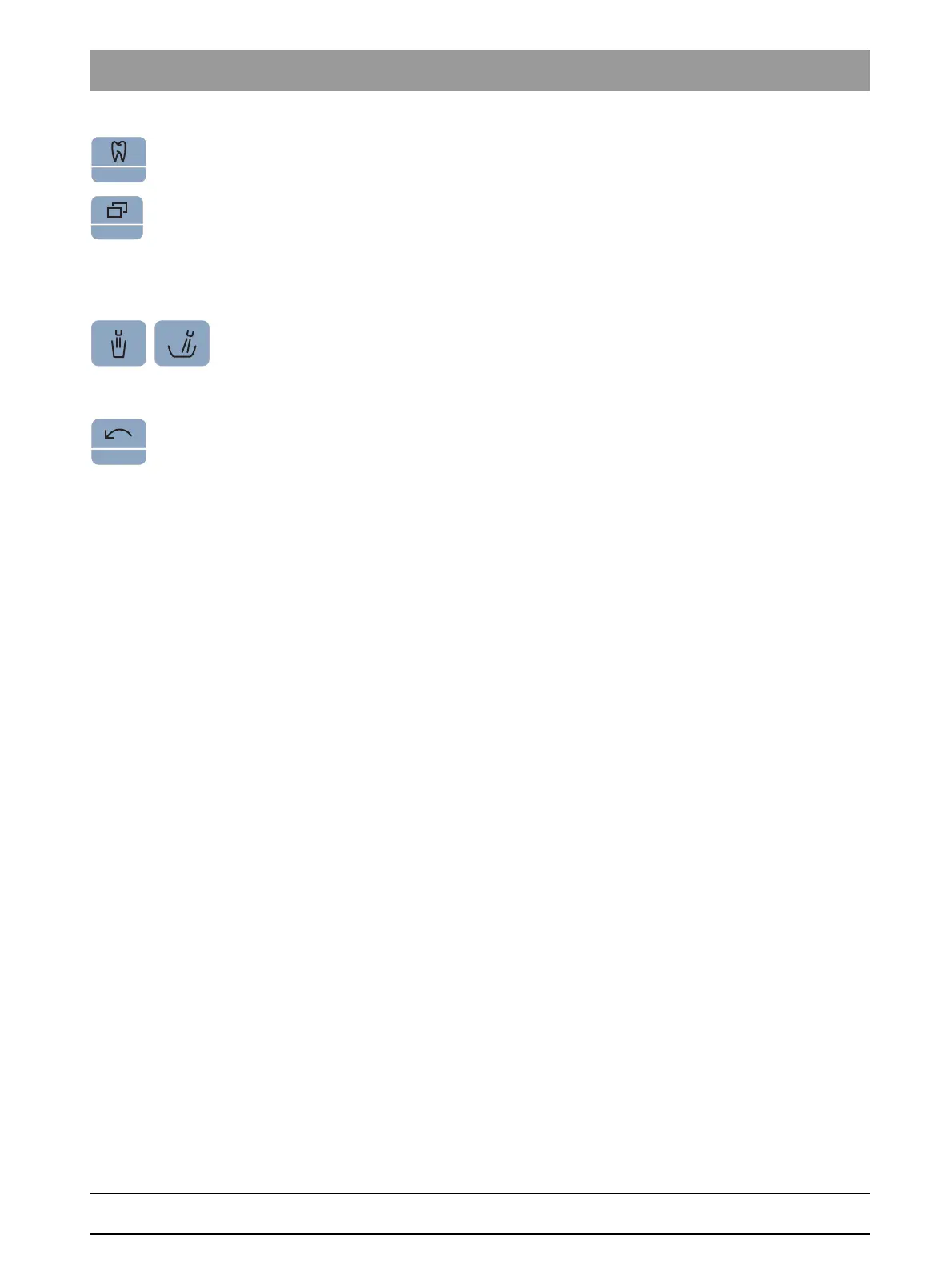
By pressing and holding the Tumbler filling and Flushing keys (> 2 s), the
setting context can be accessed.
Stopping processes
Depending on the operating context, you can use the
Counterclockwise
rotation/User profile
key to terminate a process that is in progress.
Touching it again switches to the standard operating context.



 To Next Page