64 57 498 D3543
98 D3543.201.01.05.02 08.2016
4Operation Sirona Dental Systems GmbH
4.5Dentist element Operating Instructions INTEGO
4.5.7.2.2 Setting the highspeed handpiece light on the EasyTouch
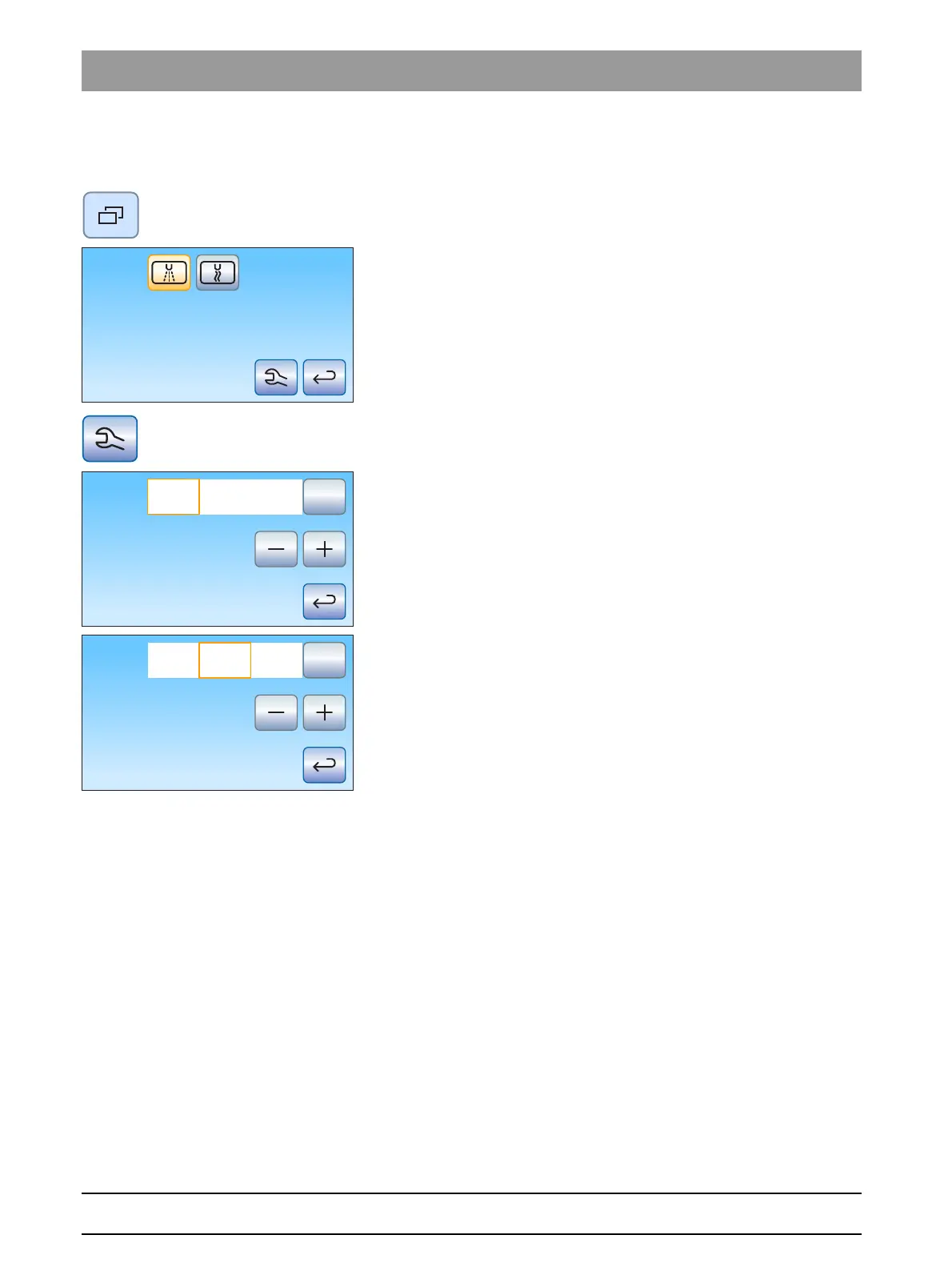
1. Detach the turbine to be set from the holder.
2. Press the
Sub-dialog
fixed key.
The
Highspeed handpiece
sub-dialog is displayed on the
touchscreen.
3. Touch the
Instrument Setup
key.
The instrument setup
Highspeed handpiece
appears on the
touchscreen.
4. To set the voltage for the lamp of the highspeed handpiece which has
been removed, touch the key
V / mA / ---
, until the field
V (Volt)
is
highlighted orange.Use the – and + keys to set the voltage in volts.
Use the – and + keys to set the voltage in volts.
5. Touch the
V / mA / ---
key.
The
Milliampere (mA)
field is highlighted orange.
6. Use the – and + keys to set the current for the lamp of the highspeed
handpiece removed from the holder in milliampere.
If the
---
field is highlighted the power supply for the instrument light of the
handpiece removed from the holder is switched off.



 To Next Page