152
5.12.5 Absorber Docking
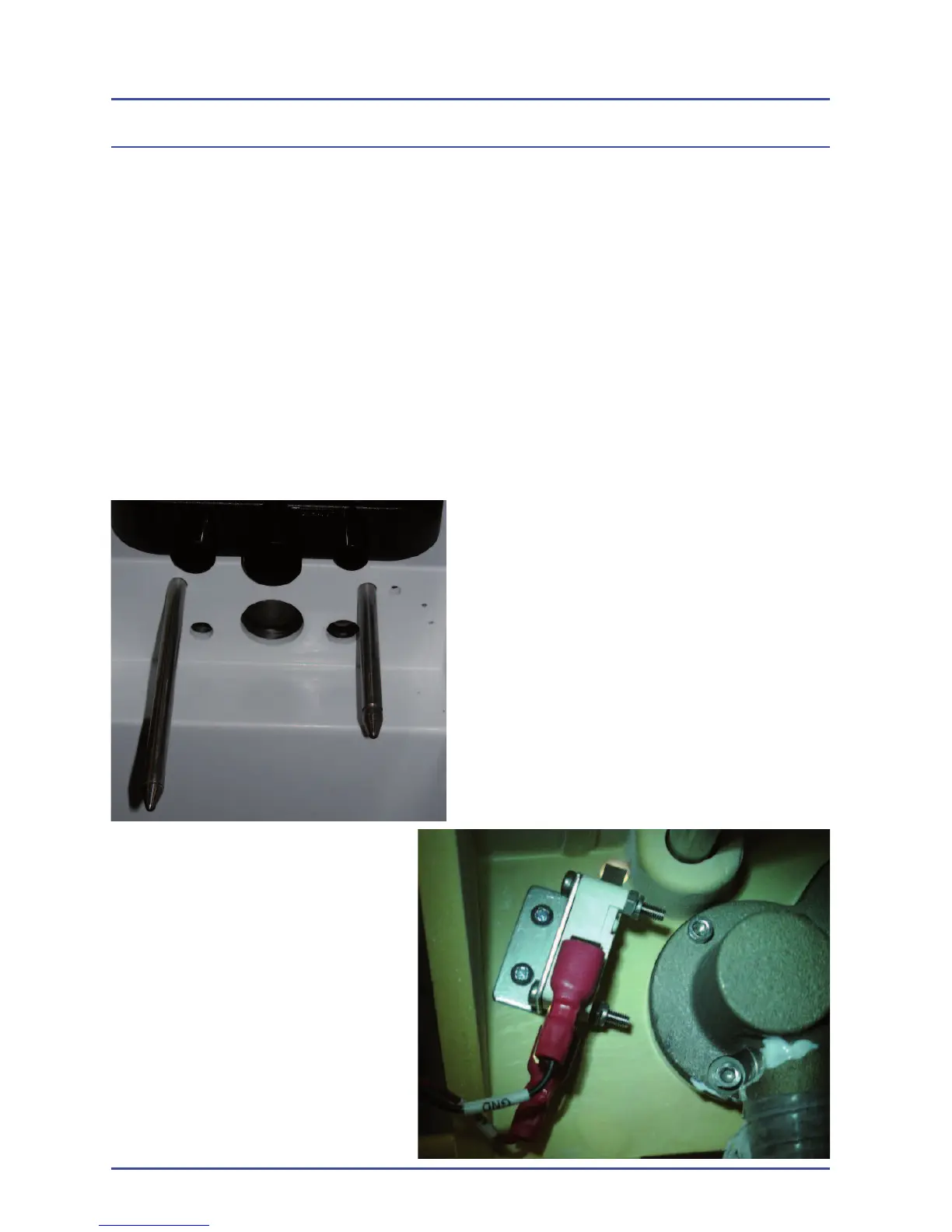
The Absorber docking signal is generated by a micro switch within the Sirius
that is activated by a short pin on the back of the absorber. Again, making
sure that the absorber is correctly positioned, check that this pin is working the
micro switch. An error message “ABSORBER NOT FITTED” will be displayed
on the ventilator screen, if contact is not made. Ventilation will stop without the
Standby/Run or absorber docking signal.
The absorber pin is not adjustable. Test the micro switch at the hole to the right
of the short absorber rod to remove the “ABSORBER NOT FITTED” alarm. If
faulty, replace the micro switch
Figure 110- Absorber Prongs
Figure 111 - Micro Switch
Detailed Repair Procedures



 To Next Page