218
6.3.4 Replace an EFM Flow Sensor
Parts and Tools Needed:
• Appropriate Replacement Flow Sensor.
Part Number Description
117-0206-00 Flow Sensor, O
2
117-0207-00 Flow Sensor N
2
O
117-0208-00 Flow Sensor, Air
• 2.5mm hex key
• Phillips screwdriver
To replace an EFM fl ow sensor:
1. Turn off the machine, if necessary.
2. Remove the top shelf cover, the front cover and the backbar cover from
the BleaseSirius system.
3. Remove the four hex screws (two on each side) that secure the EFM to
the machine.
4. Disconnect the ribbon cable and the power connector from the EFM.
5. Disconnect the light pipe from the EFM circuit board.
6. Disconnect the four gas fl ow tubes from the back of the EFM.
7. Remove the EFM from the machine. Place it on a clean surface with the
display side down.
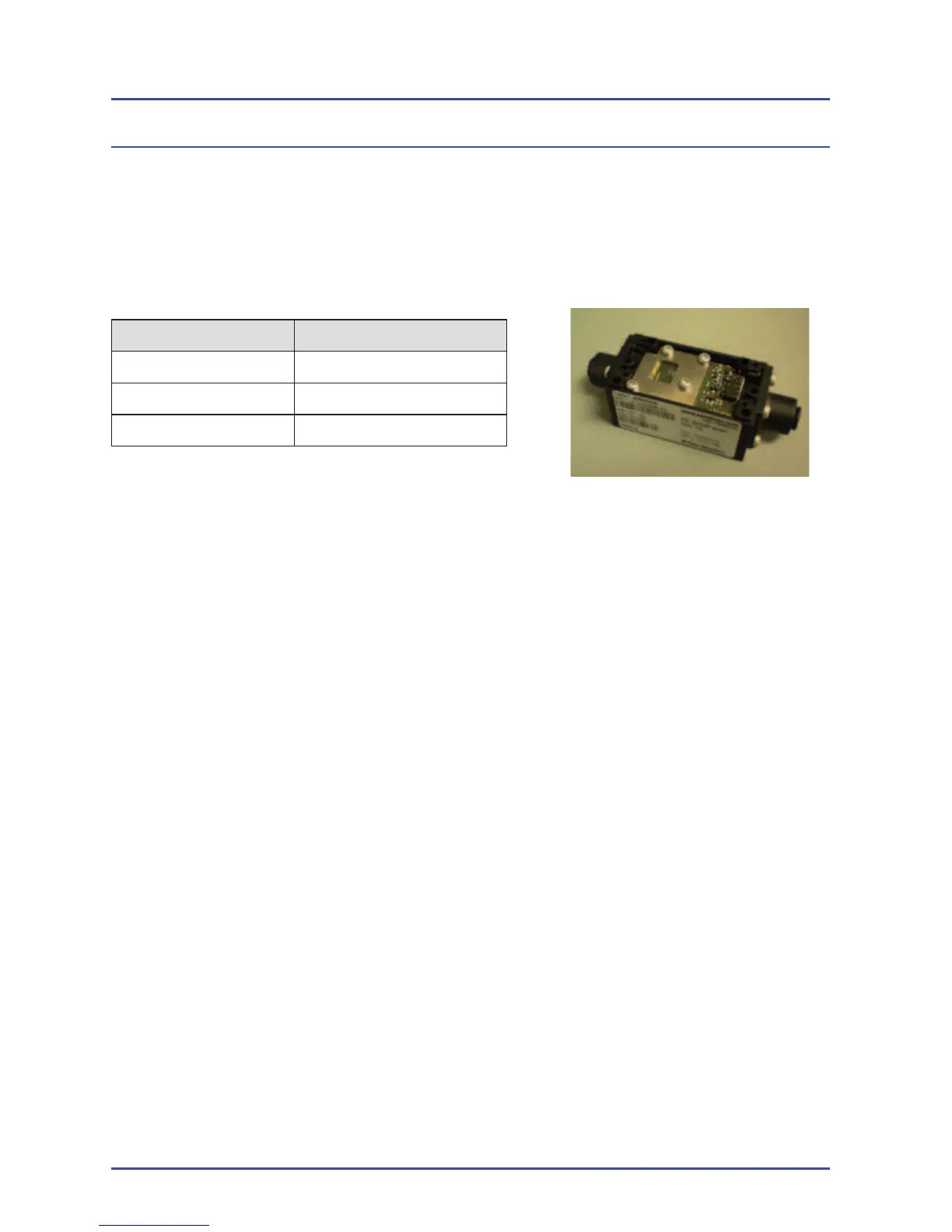
8. Remove the two hex screws that secure the faulty fl ow sensor to the
EFM.
9. Release the push-to-connect fi ttings to remove the faulty fl ow sensor and
discard it.
10. Install the replacement fl ow tube.
11. Install the two hex screws to secure the fl ow sensor to the EFM.
EFM Option
Figure 161 - Flow Sensor



 To Next Page