214
6.3.2 Replace the EFM Display Screen
Parts and Tools Needed:
• 050-0552-00 - Service Kit, EFM Display and Bezel
• 2.5mm and 3mm hex keys
• Phillips screwdriver
To replace the display screen assembly:
1. Remove the top shelf cover, the front cover and the backbar cover from
the BleaseSirius system. See Section 5.1.2 in this manual for instructions.
2. Remove the four hex screws (two on each side) that secure the EFM to
the machine.
3. Disconnect the ribbon cable and the power connector from the EFM.
4. Remove the light pipe from the EFM circuit board.
5. Disconnect the four gas fl ow tubes from the back of the EFM.
6. Remove the EFM from the machine. Place it on a clean surface with the
display side down.
7. Using a 3mm hex key, disconnect the banjo fi tting from the side of the
hypoxic block.
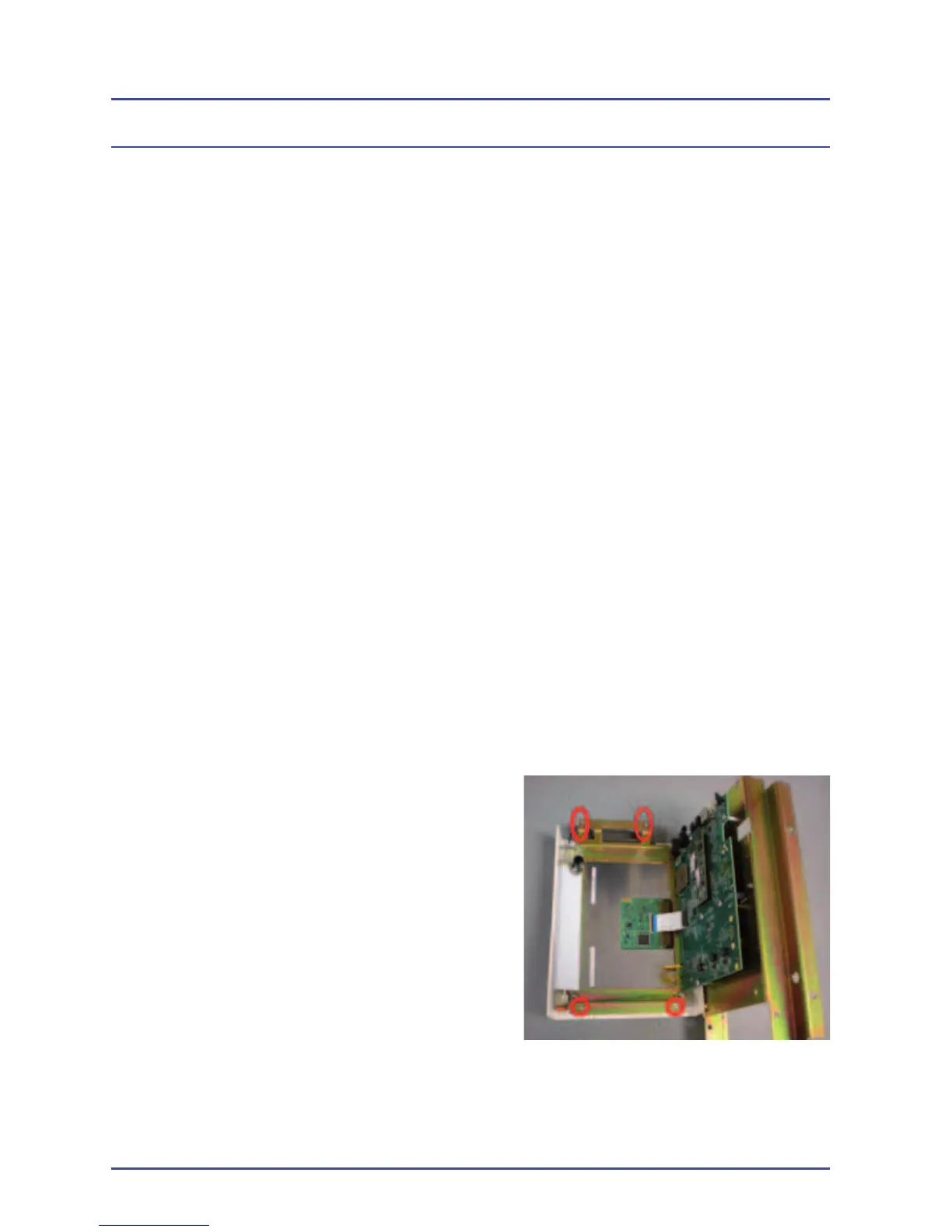
8. Remove the four retaining screws
(2.5mm hex key) from the back of
the EFM and gently hinge the display
screen assembly (Figure 158).
Figure 158 - Screen
Retaining Screws
EFM Option



 To Next Page