202
5.29.3 To upgrade the Language File
1. Connect the P.C. to the ventilator using the programming cable
(PN 12600015).
2. Turn on the ventilator.
3. Open the VentFlash program.
Only VentFlash 2.1.0.5 will recognize the language packs. If
you have an older version please delete the old fi le.
4. Select the language pack required.
5. Once the language pack is installed, select OK on the VentFlash
to fi nish.
6. On the ventilator, select Setup>Confi guration>Service Mode.
7. Enter the LINGO password.
8. Select the required language.
The language fi le version number must match the front panel
software version number. Otherwise, only group 1 languages
will be available.
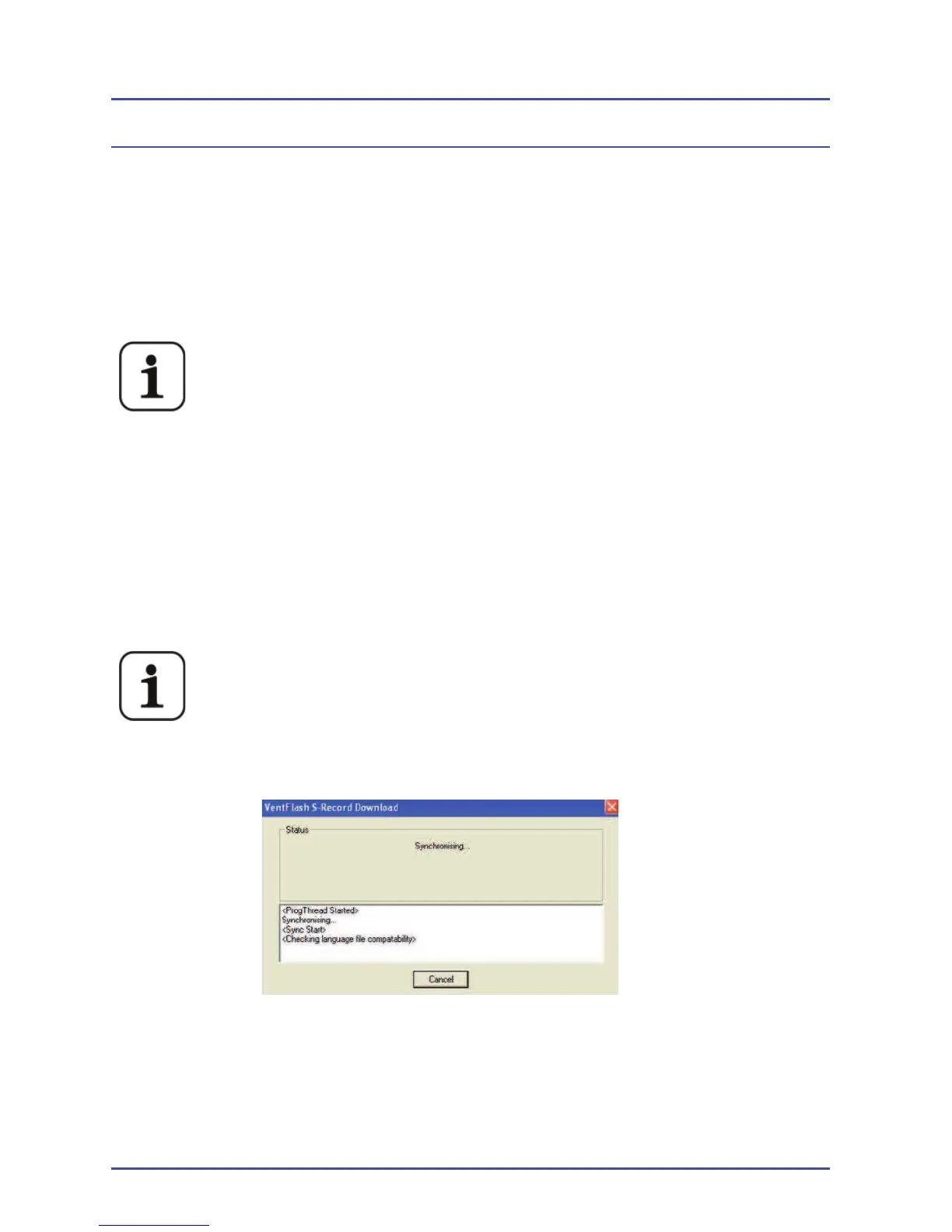
Figure 148 - VentFlash Check
Language Screen
Detailed Repair Procedures



 To Next Page