97
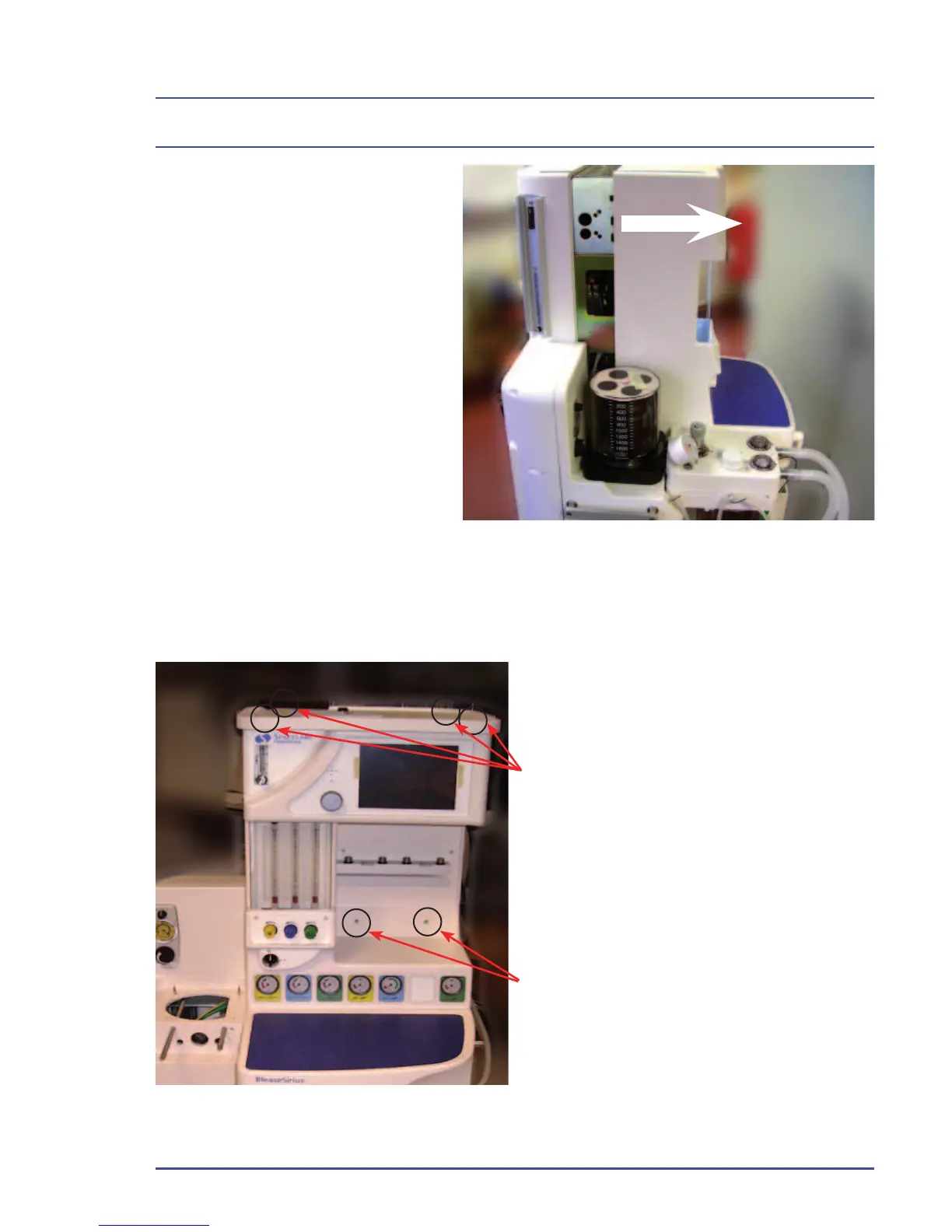
2. Ensure work surface is
clear,then slide the front
cover forwards in the direction
shown.
Figure 48 - Removal of Front Cover
Detailed Repair Procedures
5.1.2 Removal of Outer Cases (on units after Jan 2009)
1. Loosen the four screws that hold the
top shelf in place. You do not need to
completely remove them.
2. Remove the two screws securing
the front cover to the BleaseSirius.
Figure 49 - Front Cover Fixing Screws (on units after Jan 2009)



 To Next Page