226
EFM Option
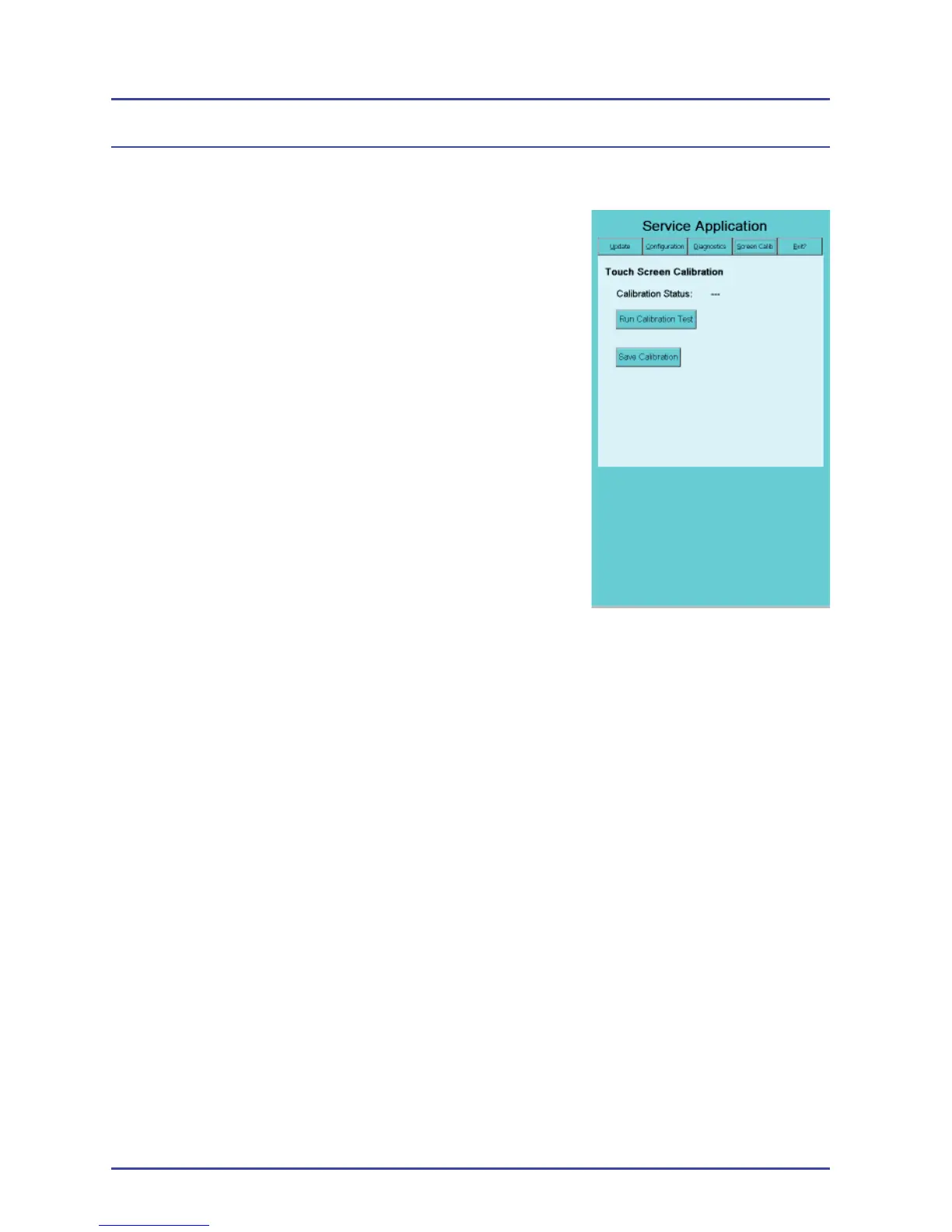
6.4.6 Calibrate the Touch-Screen
With heavy use, the touch-screen accuracy may
degrade. You calibrate the touch-screen using
the Screen Calib tab (Figure 167).
1. Select the Screen Calib tab.
2. Select Run Calibration Test.
3. Press the cross on the screen and briefl y
(1-2 seconds) hold your fi nger on it. Touch
the screen in another area to “Escape” the
calibration.
4. Repeat Step 3 until you no longer see the
crosshair. When the crosshair disappears,
the touch-screen calibration is completed.
Touch the screen anywhere to exit
calibration.
5. Double-touch the screen to accept the calibration, then select Save
Calibration after you exit the calibration screen.
6. Select the Exit tab. When you see the message,
“OK to turn off the system,” power off the system
Figure 167 - Touch-Screen
Panel



 To Next Page