86
System Checks
22. Check that the inspired volume (VTI) on the fl ow measuring device is
500 ±50 ml.
23. Increase the tidal volume to 750 ml. Wait for the ventilator to stabilize.
24. Check that the inspired volume (VTI) on the fl ow measuring device is
750 ±75 ml.
If steps 20, 22 or 24 should fail, perform a PRAAA calibration ac-
cording to the instructions given in PSN: 076-9027-00.
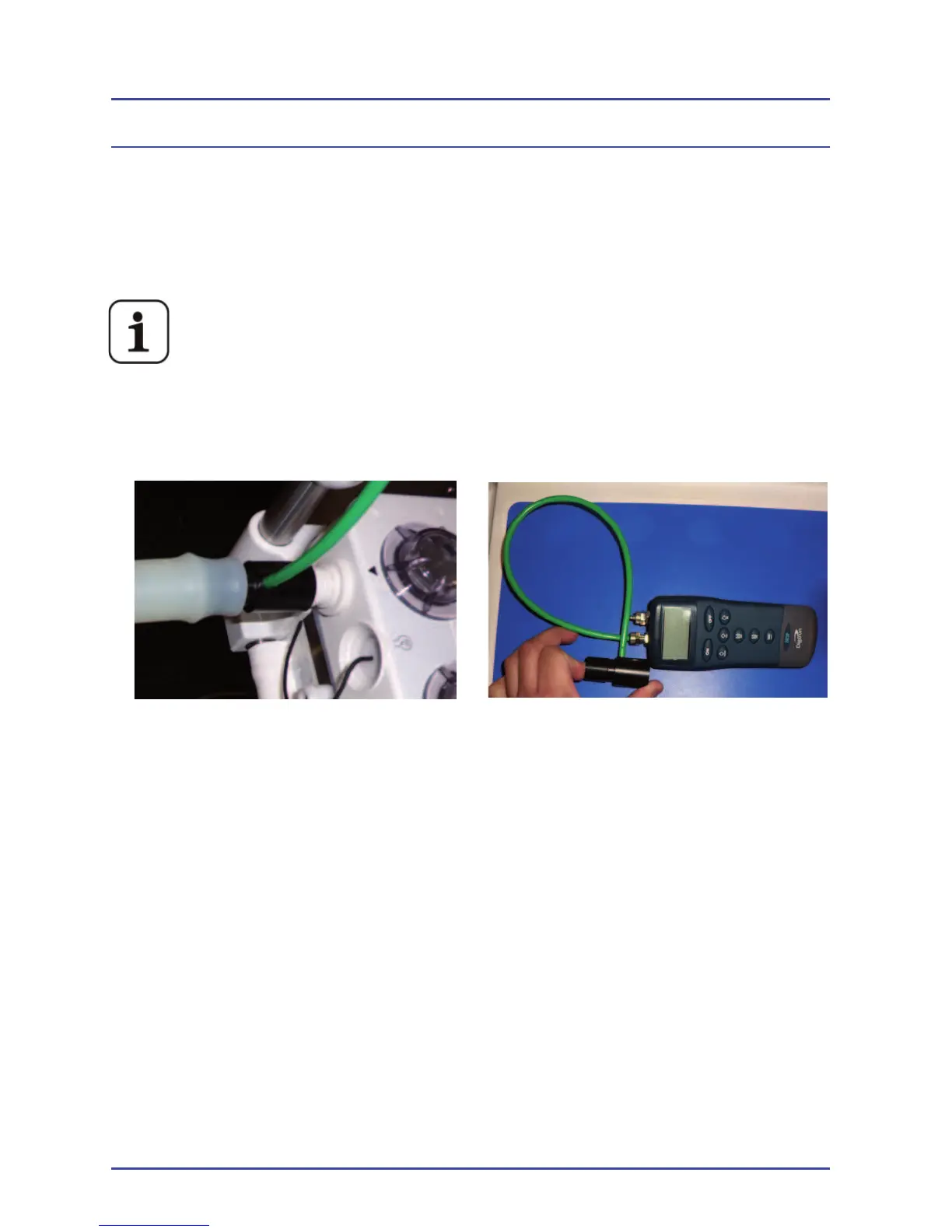
25. Place the ventilator in Standby. Connect a pressure measuring device to
the inspiratory port of the absorber (Figure 41).
Figure 41 - Connect a Pressure Measuring Device
26. Set the bag/vent switch to Vent.
27. Ensure that the bellows is full.
28. Set the PEEP on the ventilator to 10 cmH
2
O.
29. Verify that the pressure measuring device reads 10 ±1.5 cmH
2
O.
• Change the ventilator from volume control to pressure control mode at
the following settings: Pressure = 10 cmH
2
O
• BPM = 8
• I:E = 1:2
• PEEP = OFF
30. After 12 breaths, verify that the pressure measuring device reads
10 ± 2 cmH
2
O.



 To Next Page