191
5.28 Ventilator Service Mode Passwords
5.28.1 Passwords used in the Service Mode
Ventilator Passwords
ADMIN
Select: Defaults>Save Hospital Defaults> ADMIN
This entry saves the hospital defaults to the current settings of
the ventilator.
CLEAR
Select: Defaults>Save Hospital Defaults>CLEAR
This entry resets the machine settings back to the factory
defaults.
RENEW
Select: Defaults>Save Hospital Defaults>RENEW
This entry resets the Save Hospital Defaults password back to
ADMIN, if it has been changed.
SIMUL
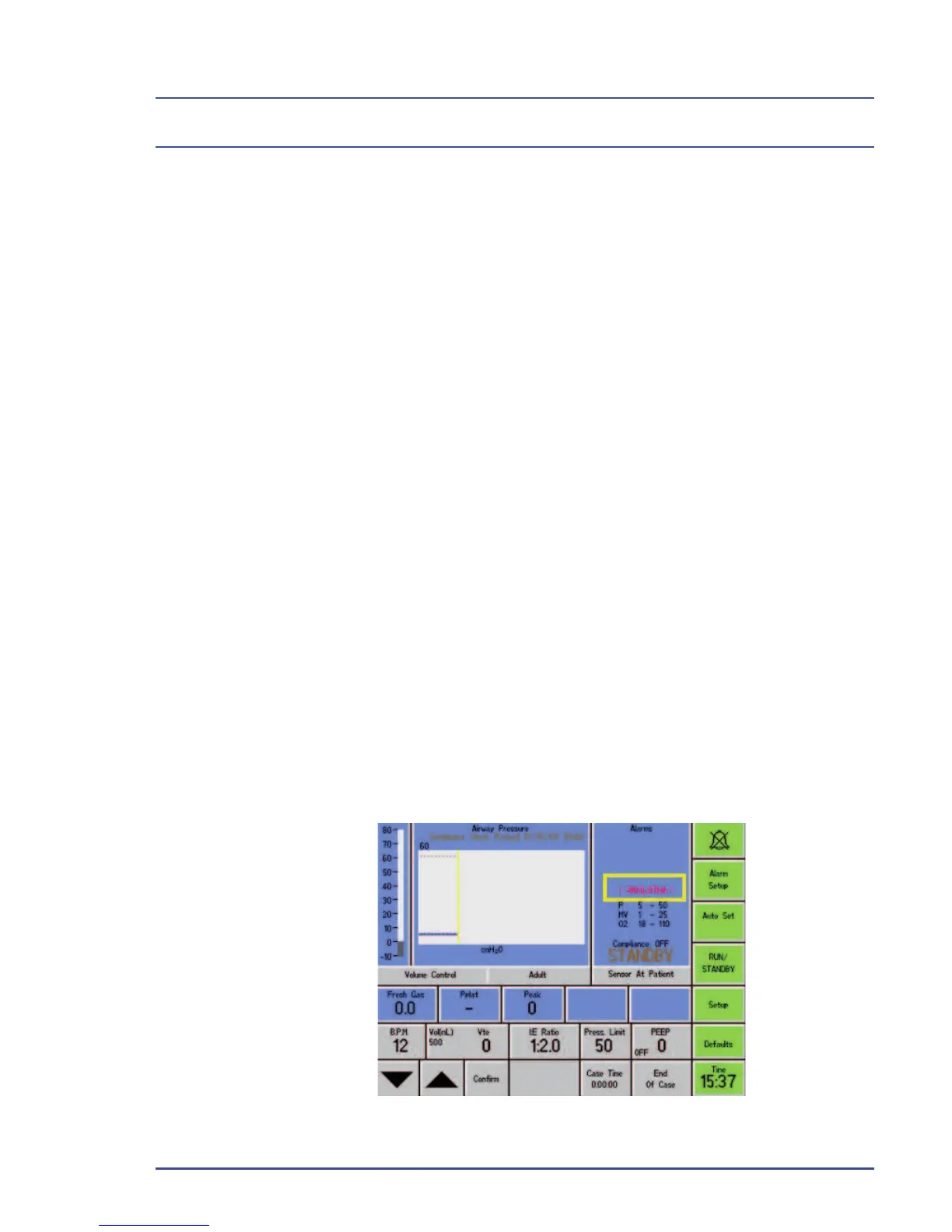
Select: Setup>Confi guration>Service Mode>SIMUL
This entry places the ventilator into a simulator mode without
gas connected. The word, ! SIMULATION !, is displayed in
red, below the Alarms section.



 To Next Page