192
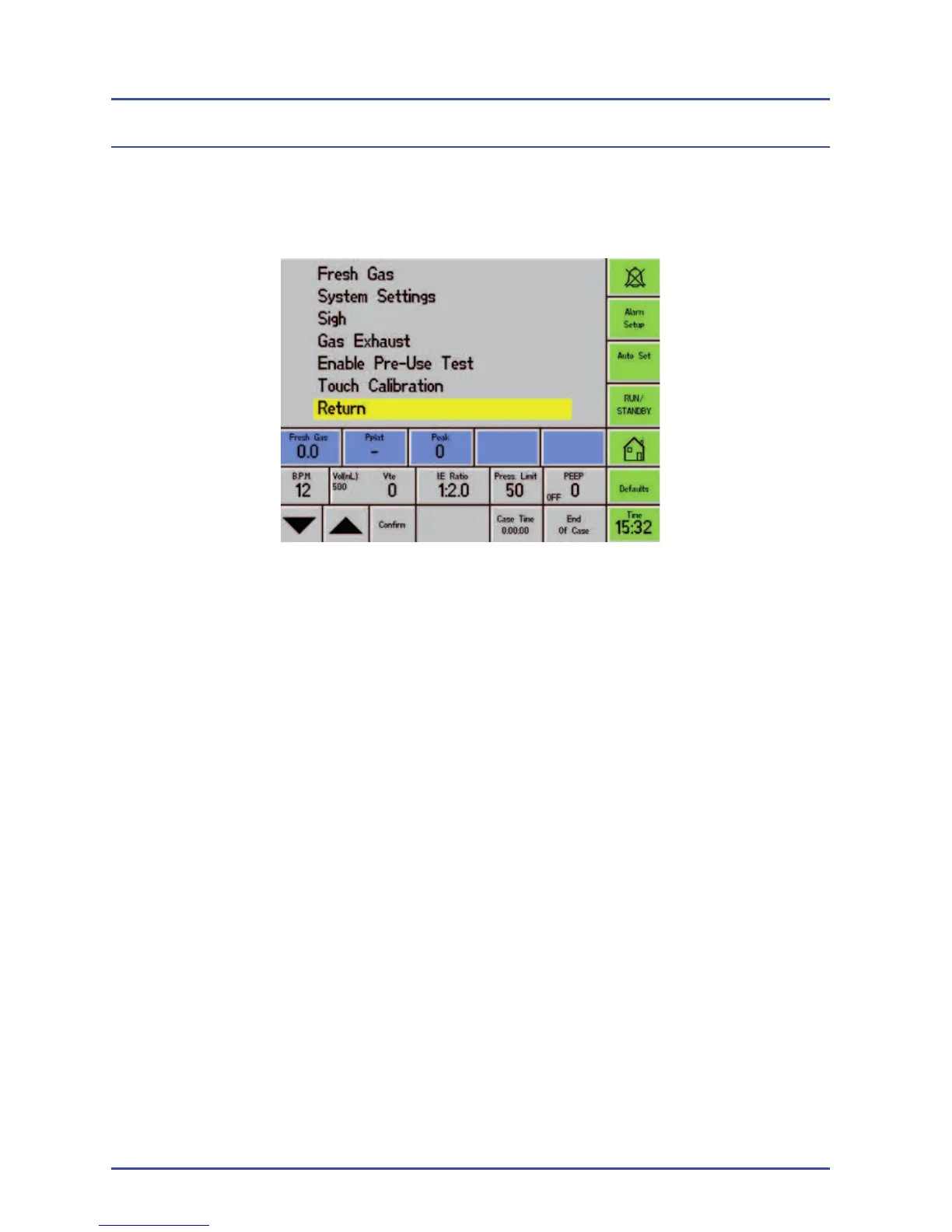
TECHY Service Menu
Select: Setup>Confi guration>Service Mode>TECHY
Fresh Gas Select this option to calibrate the fresh gas fl ow
reading on the ventilator.
System Settings Select one of the following options:
• The Absorber Fitted setting will allow a ventilator
without a BAG/VENT switch to use RUN/
STANDBY on the ventilator display.
• The EFM Fitted is defaulted to be unchecked.
This option should not be activated unless the
Electronic Flow Meter is installed.
Sigh Select this option to select settings to simulate a
sigh during ventilation.
Ventilator Passwords



 To Next Page