182
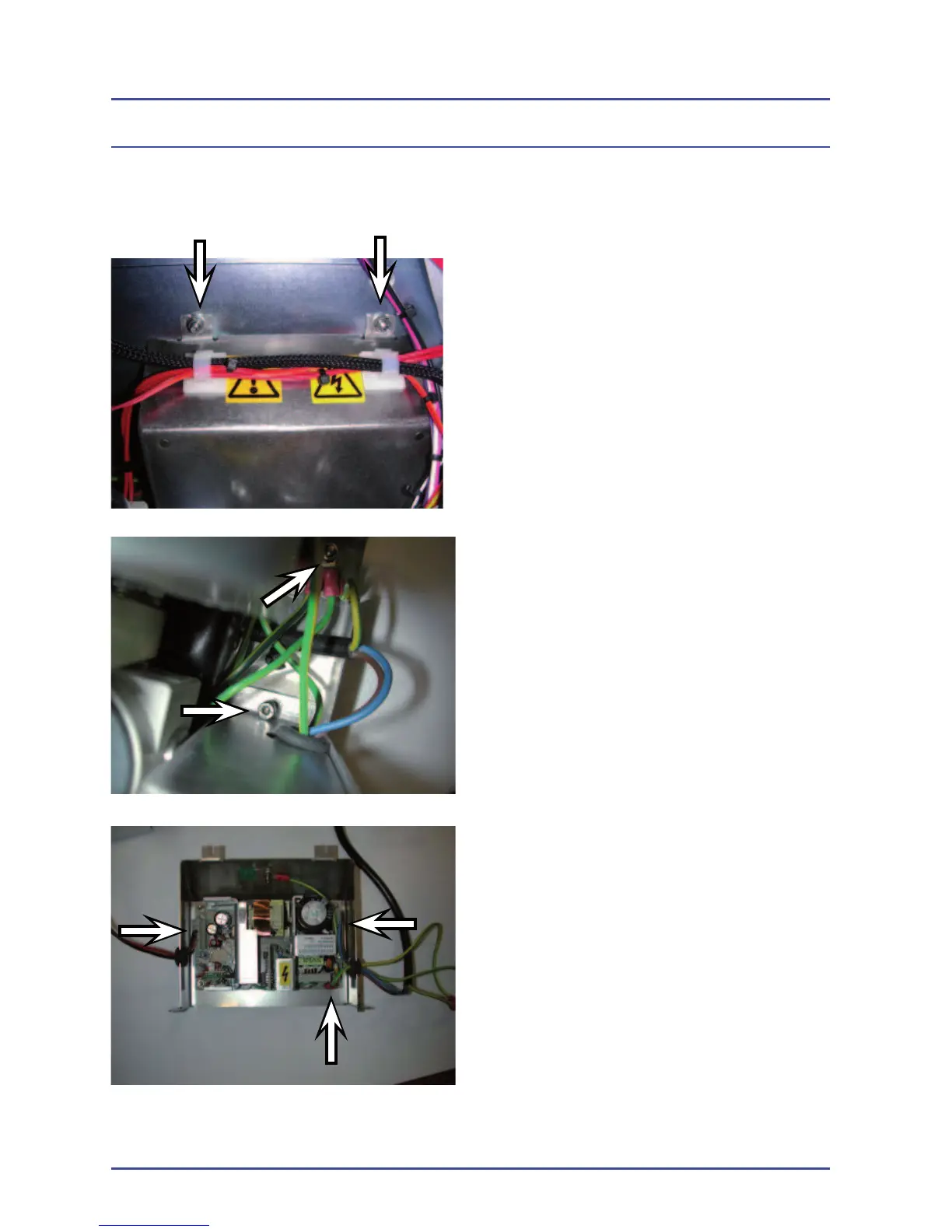
1. Remove the two screws located at
the sides of the power supply.
2. Remove the earth bonding nuts.
3. Remove the three connectors.
4. Remove the four nuts from each
corner.
5.19.8 Removal of Switch Mode Power Supply (FR136025)
Detailed Repair Procedures



 To Next Page