95
5.1 Removal/Replacement Instructions
When any repair or exchange is performed on internal components, a complete
check must be made on all functions. A complete overall performance check
must also be performed when any replacements or repairs have been completed.
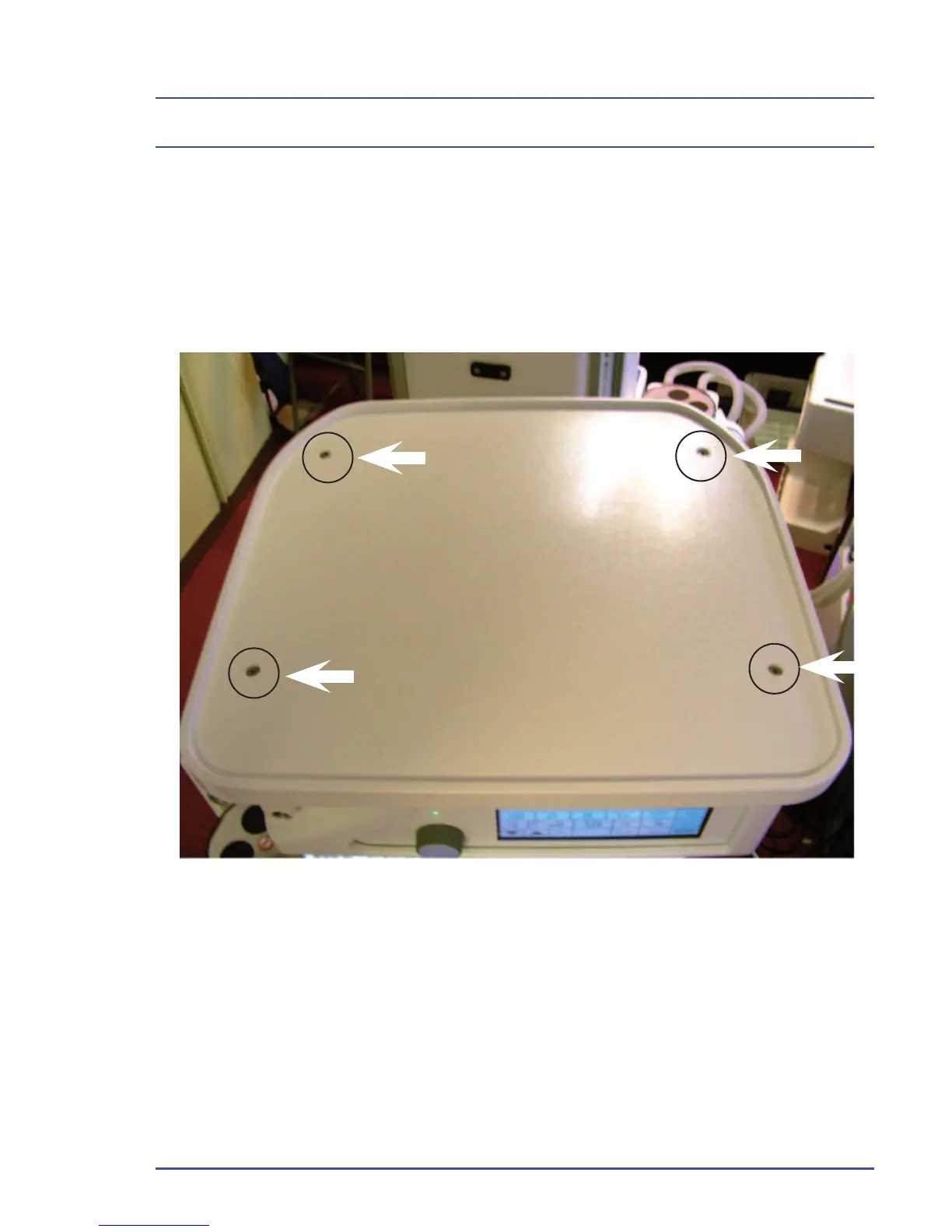
5.1.1 Removal of Outer Cases (on units up to Jan 2009)
Figure 45 - Removal of Top Surface
1. Remove the 4 screws shown in Figure 45 and lift the top cover off.
Detailed Repair Procedures



 To Next Page