84
System Checks
10. Perform the “Inspiratory Valve Cal” by selecting this option on the
touchscreen. Once complete, reconnect the drive gas hose onto the drive
gas fi tting.
11. Disconnect the patient hose from the
auxiliary plate.
12. Perform the “Block and Pressure Zeros”
calibration by selecting this option on the
touchscreen. Once complete, reconnect
the patient hose. Press “Home” on the
ventilator display.
13. Press Setup > Confi guration > Service
Mode. Enter the password, TECHY.
14. Select “Touch Calibration”
and perform a touchscreen
calibration.
15. Select “Fresh Gas” to perform a
fresh gas calibration. Use the O
2
fl ow control valve to set 1-10 L/
min. If N
2
O is available, set O
2
and N
2
O to 10 L/min in order
to set 20 L/min. If N
2
O is not
available, use O
2
and Air. (Note:
To set 0 L/min, disconnect the
O
2
supply from the machine and
press the O
2
fl ush to release the
remaining O
2
. Once 0 L/min is
set, reconnect the O
2
supply to
continue the calibration.
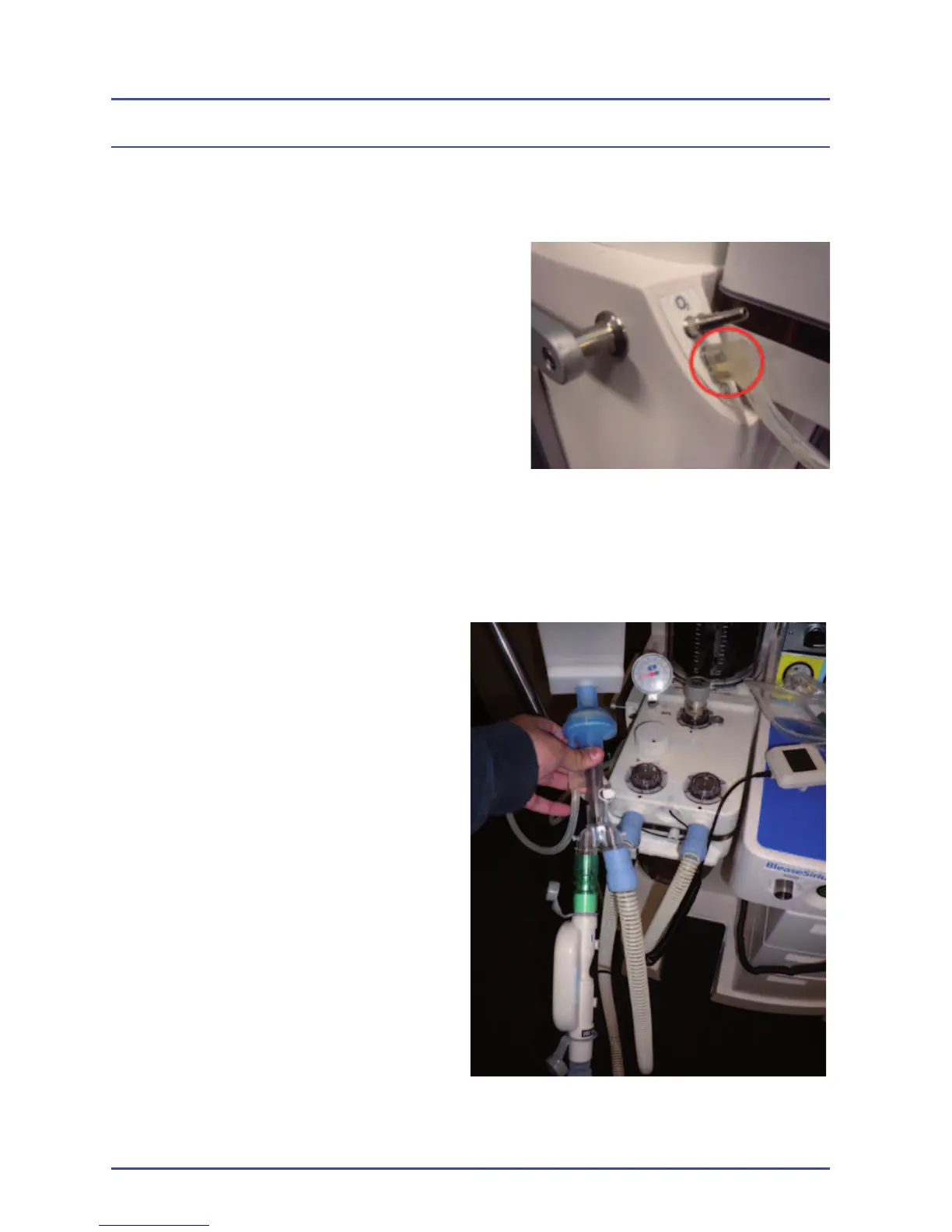
16. Connect a fl ow measuring device
to the inspiratory limb of the
breathing circuit as close to the
“Y” as possible. Connect a test
lung with a fi lter to the patient
fl ow sensor.
Figure 38 - Step 11: Disconnect
Patient Hose
Figure 39 - Connect a Flow Measuring
Device



 To Next Page