78
System Checks
4.13 Suction System Test
1. Ensure that the suction controller is in the “OFF” position.
2. Connect a vacuum hose to the vacuum pipeline inlet.
3. Ensure the vacuum system is on.
4. Ensure the suction gauge registers about 0 mmHg and that no suction is
available on the suction bowl.
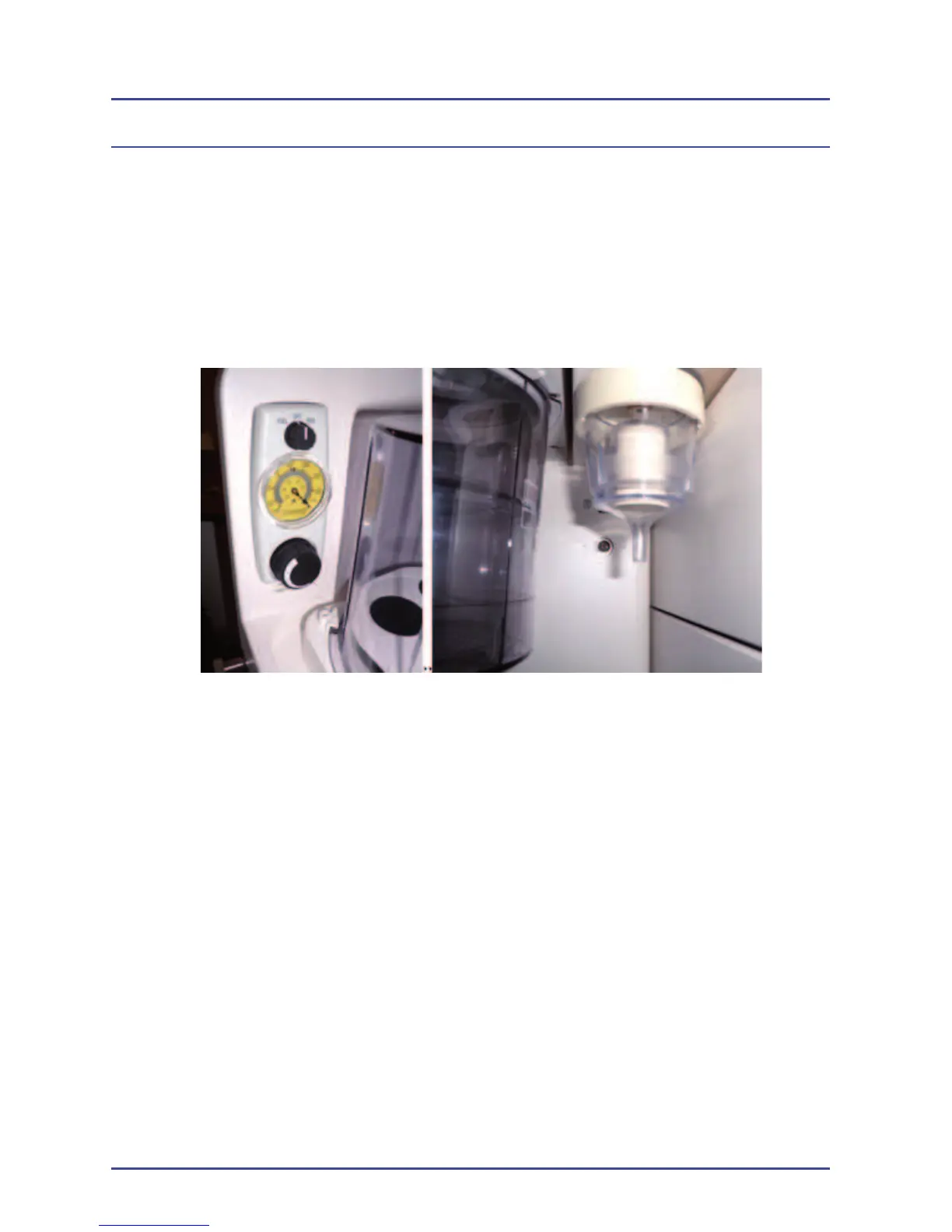
Figure 30 - Suction Gauge and Bowl
5. Switch the suction controller to the full position.
6. Ensure that the gauge registers around -100 to -200 mmHg.
7. Occlude the suction bowl and ensure the gauge registers about
-500 mmHg.
8. Switch the suction controller to the REG position.
9. Occlude the suction bowl and ensure the vacuum can be regulated
between 0 – 500 mmHg by adjusting the suction controller.



 To Next Page