181
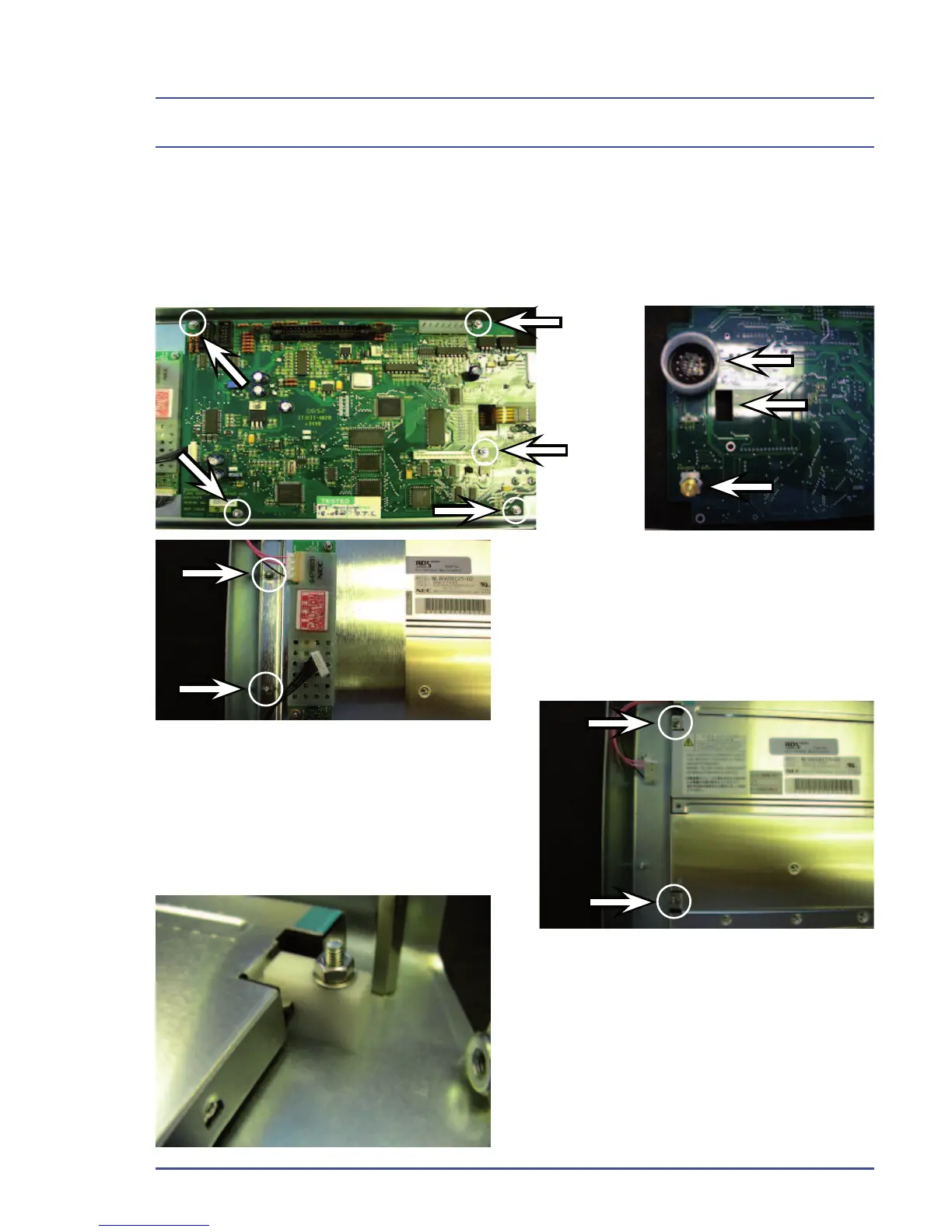
5.19.7 Removal of the Screen (FR812025)
1. Remove the fi ve nuts indicated below.
2. Remove the circuit board from the chassis.
3. Take care not to lose or damage parts.
Rear of display with circuit board
removed.
4. Remove two nuts on left.
5. Remove next two nuts.
6. Lift edge gently to clear the threads.
7. Slide the screen out from the plastic
fi ttings on the other side.
Detailed Repair Procedures



 To Next Page