220
6.4 The EFM Service Application
The EFM Service Application allows you to install/upgrade the EFM user
software, confi gure the EFM fl ow tubes, diagnose the hardware issues, extract,
download and delete the service logs and calibrate the touch-screen. Initial
installation of the EFM user software and confi guration of the fl ow tubes are
performed by manufacturing prior to shipment.
Parts and Tools Needed:
• EFM SD Card, PN 063-2071-XX
6.4.1 Install/Upgrade EFM User Software
1. Remove the label covering the EFM
SD Card Reader located on the left
side of the EFM.
2. With the machine power off, insert the
EFM SD card into the EFM SD Card
Reader.
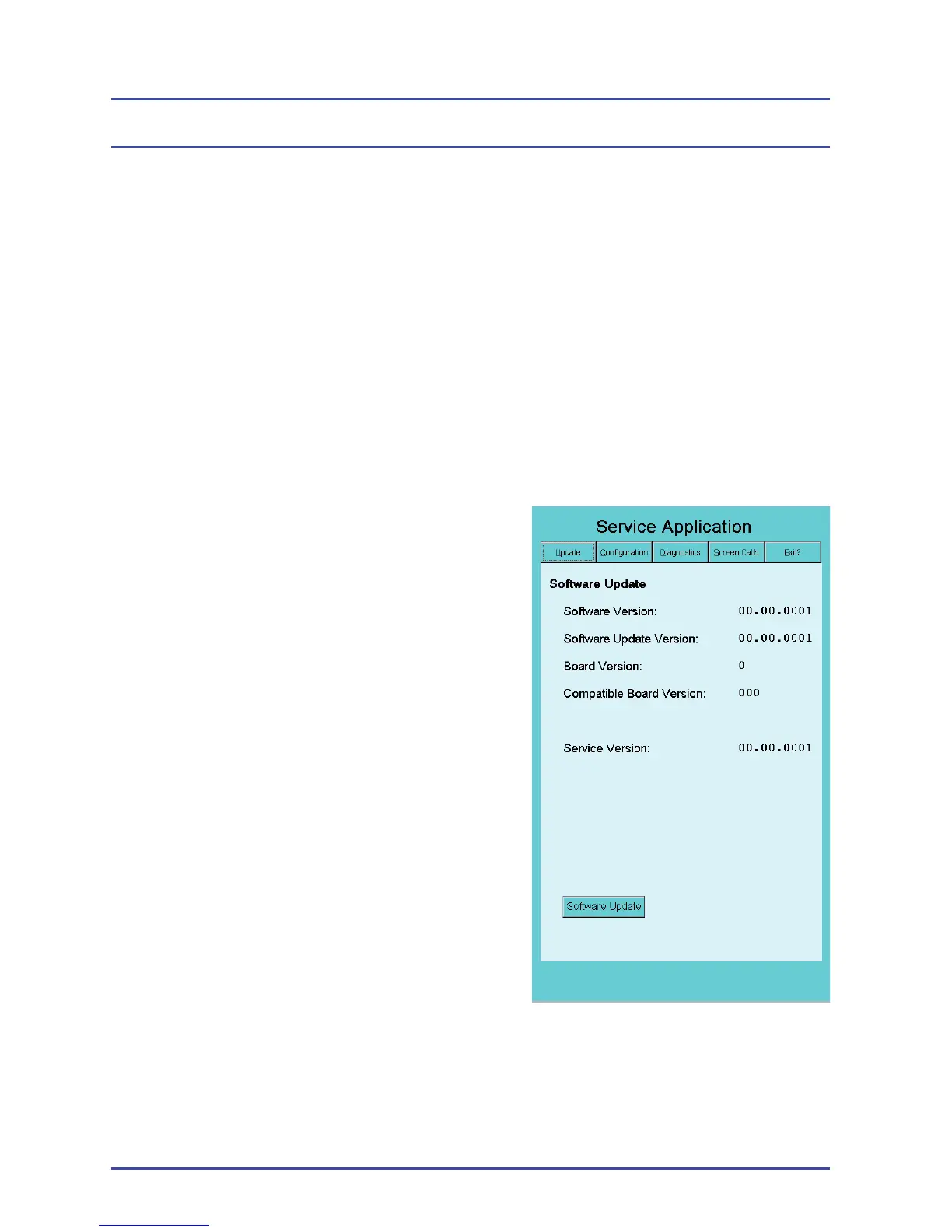
3. Turn on the machine to boot to the
SD Card. After about 1 minute, the
EFM Service Application opens. The
startup screen displays the Software
Update Panel which lists the version
numbers for the current software and
hardware (Figure 162).
EFM Option
Figure 162 - Software Update
Panel



 To Next Page