185
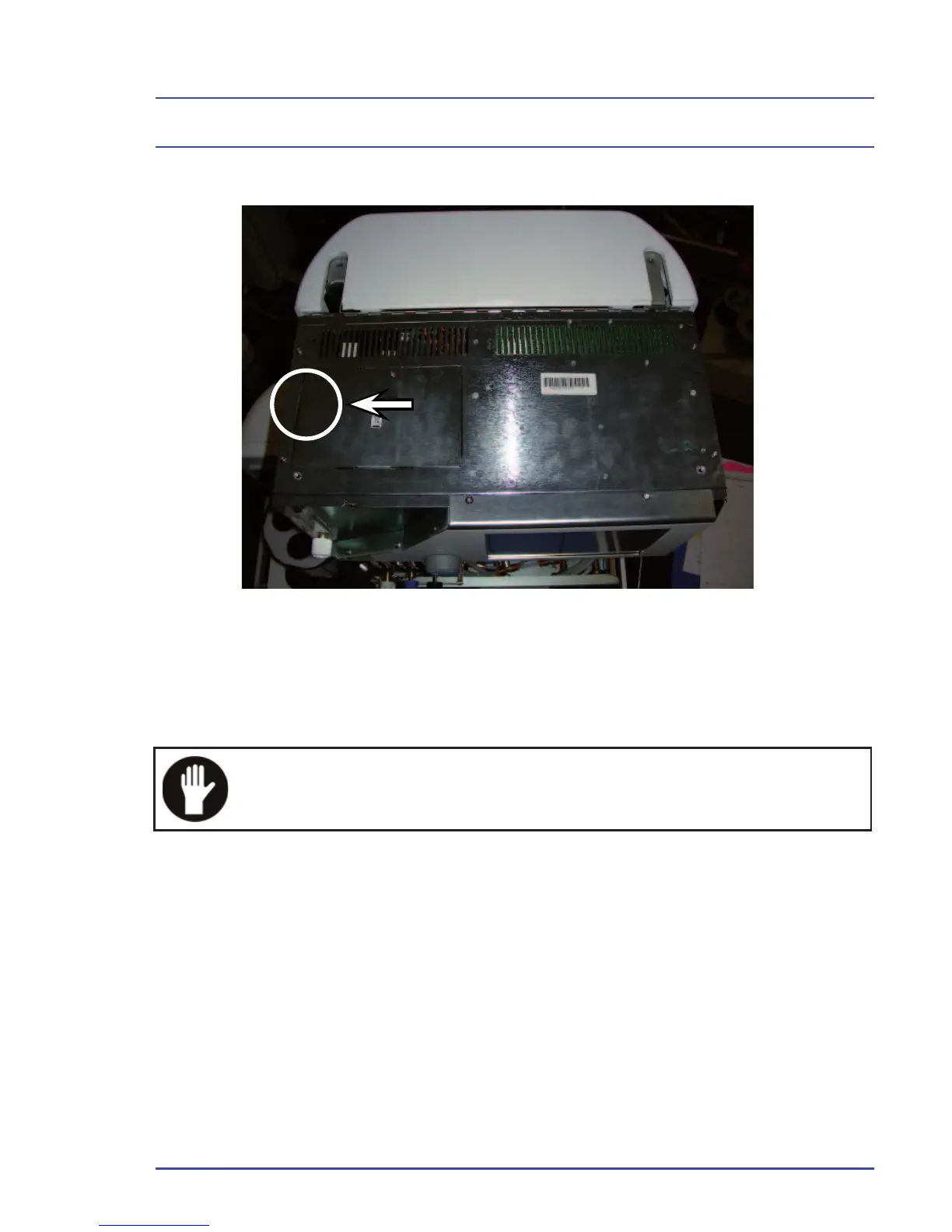
5.19.11 Replacement of Battery (80300025)
1. Remove the three screws as shown.
2. Remove the plate to expose the battery.
Do not short battery connectors together. Ensure correct po-
larity of cables when reconnecting the battery - Red to posi-
tive and Black to negative.
Detailed Repair Procedures
Figure 144 - Replace the Battery



 To Next Page