227
EFM Option
6.4.7 Exit the Program
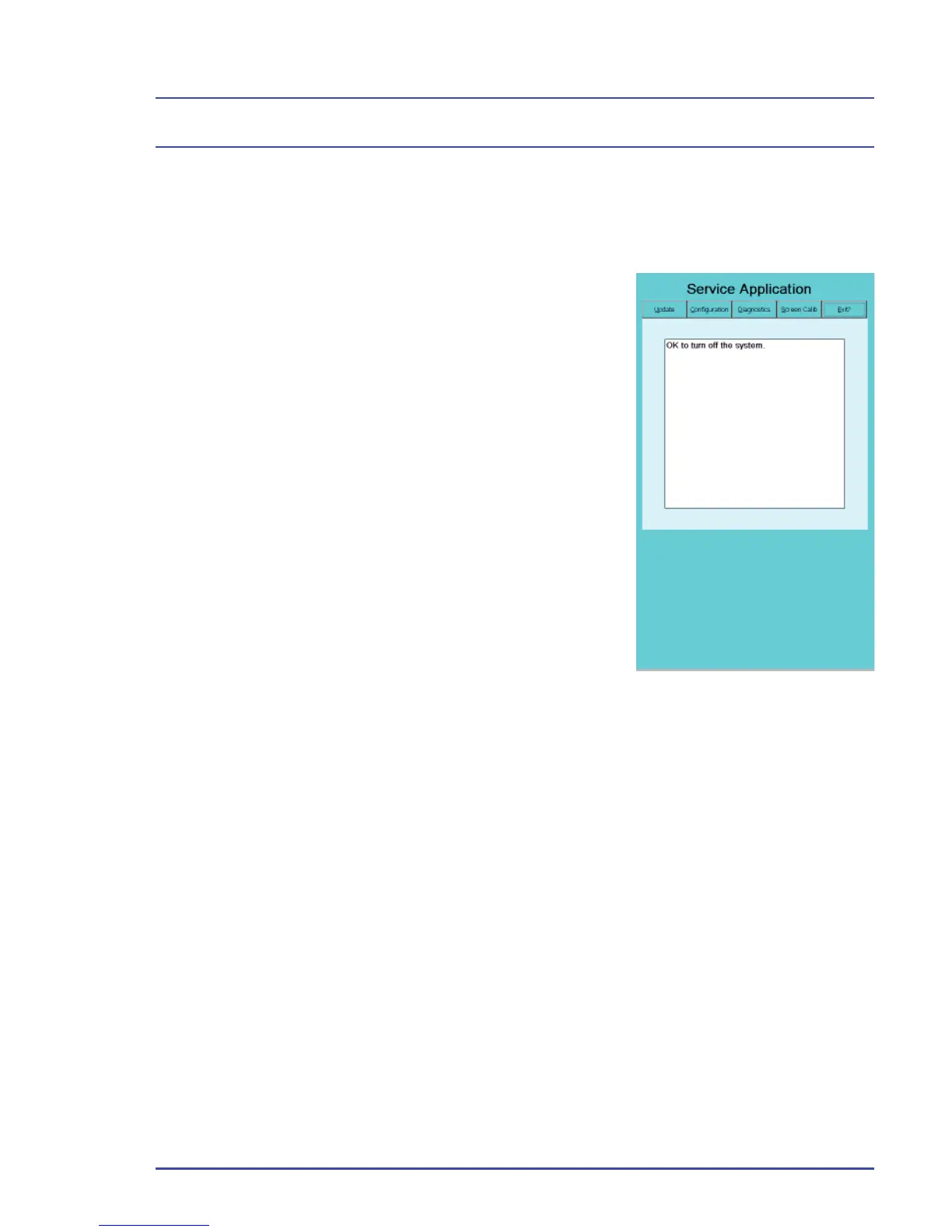
Before you turn off the machine, always exit the EFM Service Application using
the Exit Panel (Figure 168).
1. Select the Exit tab.
2. When you see the message, “OK to turn off
the system,” you may power off the system.
3. If you see an error message, do not turn off
the system. You need to complete a task,
such as confi gure the fl ow sensors, before
you power off. Follow the instructions given
in the error message to continue.
4. Remove the SD card when you are fi nished
and store it in a secure place. Place a new
label over the EFM SD Card Reader.
Figure 168 - Exit Panel



 To Next Page