209
EFM Option
LCD Resolution 800x480
Touch Screen For service applications only.
Backlight The backlight can not be turned off. This option is
removed from the Confi guration menu in the
Ventilator software.
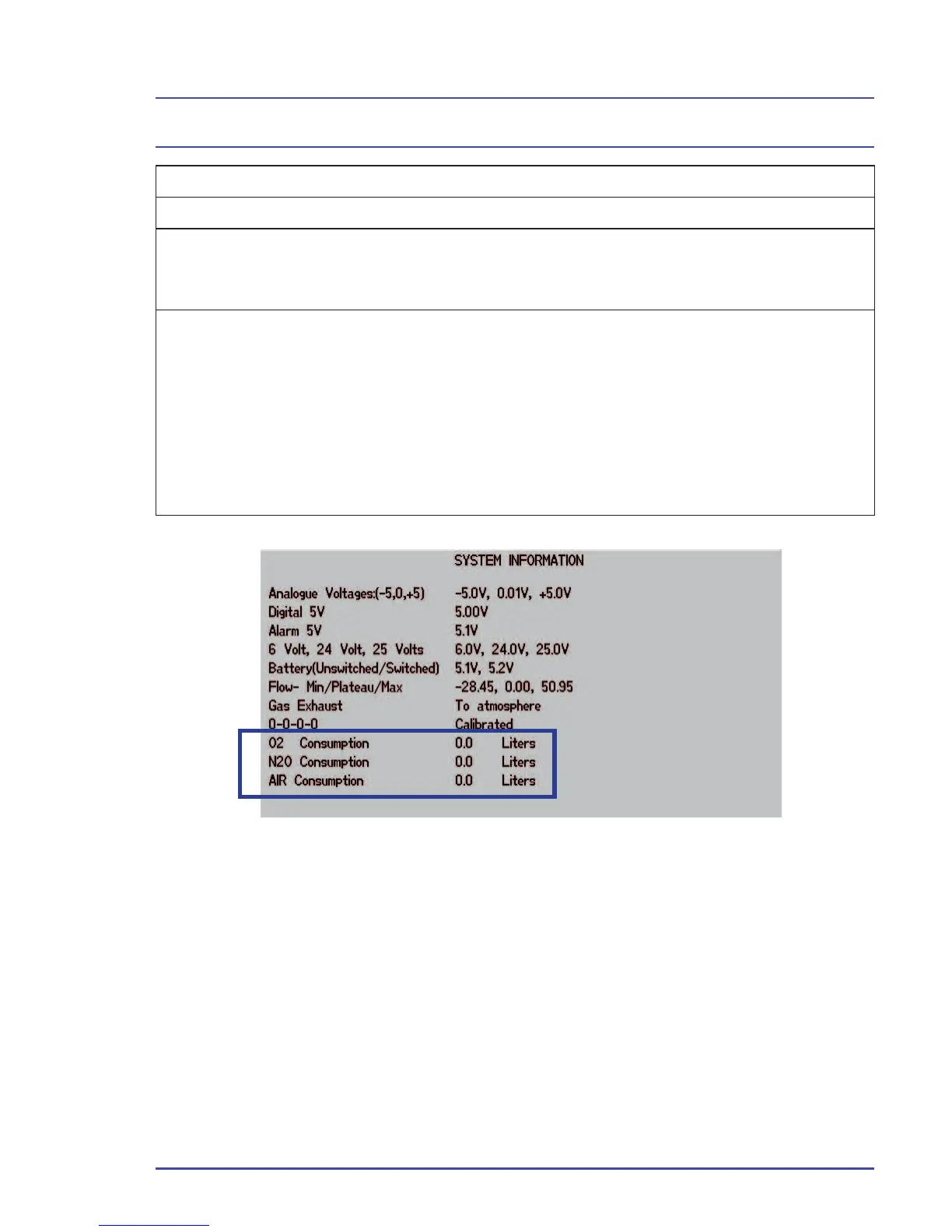
EFM Data Output The EFM is connected to the ventilator.
During a case, the O
2
, Air and N
2
O consumption is
displayed in liters on Page 2 of the System Informa-
tion screen (Figure 148). All fl ow data is transferred
to the ventilator for further review or export to the
hospital information system via the RS232.
Figure 150 - System Information, Page 2



 To Next Page