196
Ventilator Passwords
SUPER Service Menu
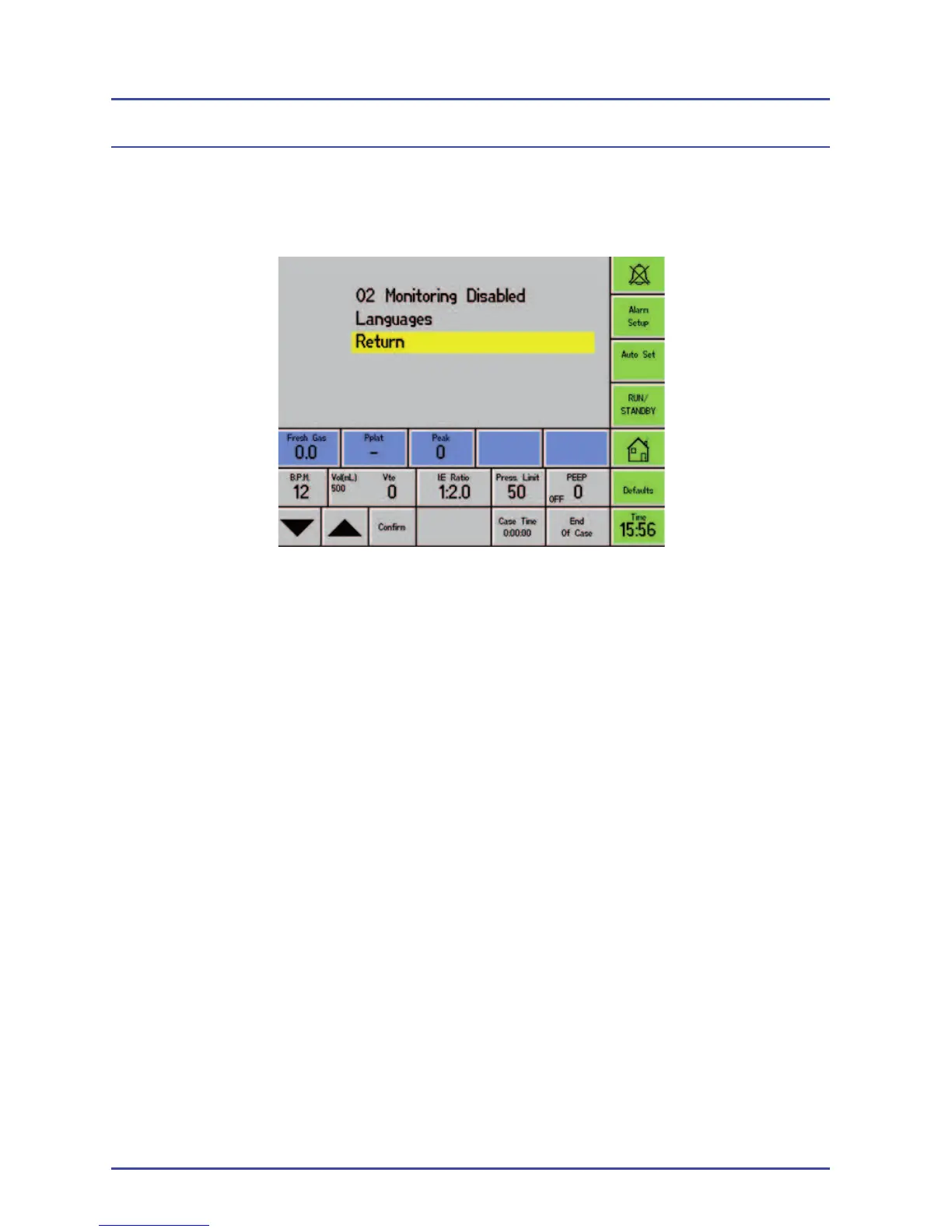
Select: Setup>Confi guration>Service Mode>SUPER
O2 Monitoring Disabled Select this option to enable or disable the O
2
monitoring and O
2
Alarms (Option available
from SW 10.06 and above).
If O
2
monitoring is disabled, a warning
message is displayed on the screen to advise
the user.
Languages Select this option to choose a different
language, if a language pack has been
installed.



 To Next Page