C H A P T E R 1 6 - C H A N G E L O G
AT5600 User Manual 98-119 issue 14 Page 385
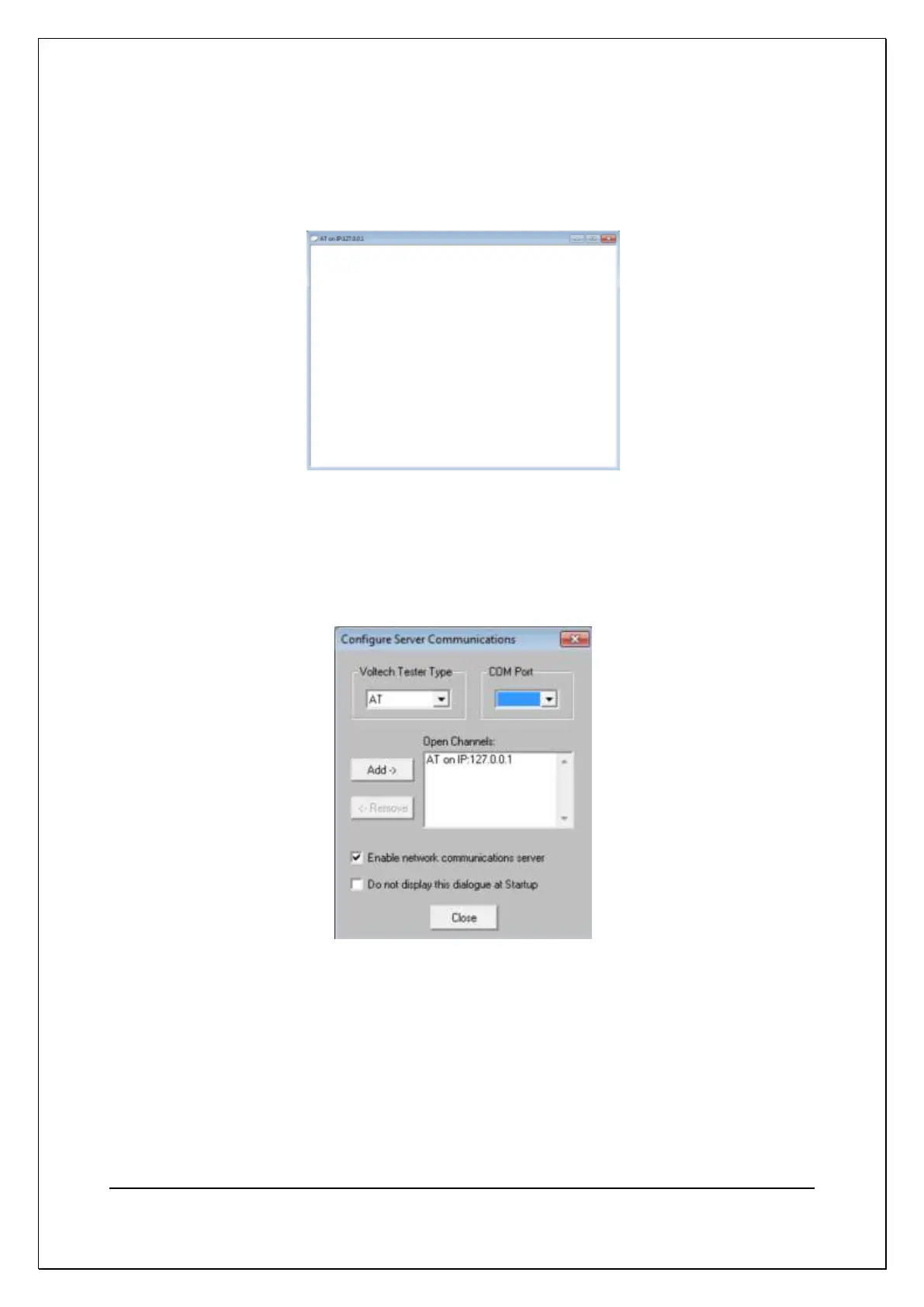
With network communications, the results window is not shown until
communication is initiated from the AT5600. When shown, the results window title
bar will identify the AT by the network IP address it has connected from.
The AT is also identified by its IP address in the communications setting dialog as
shown


 To Next Page