9960 Self-Propelled Peanut Combine Electrical System
MAN091 06/03/05 155
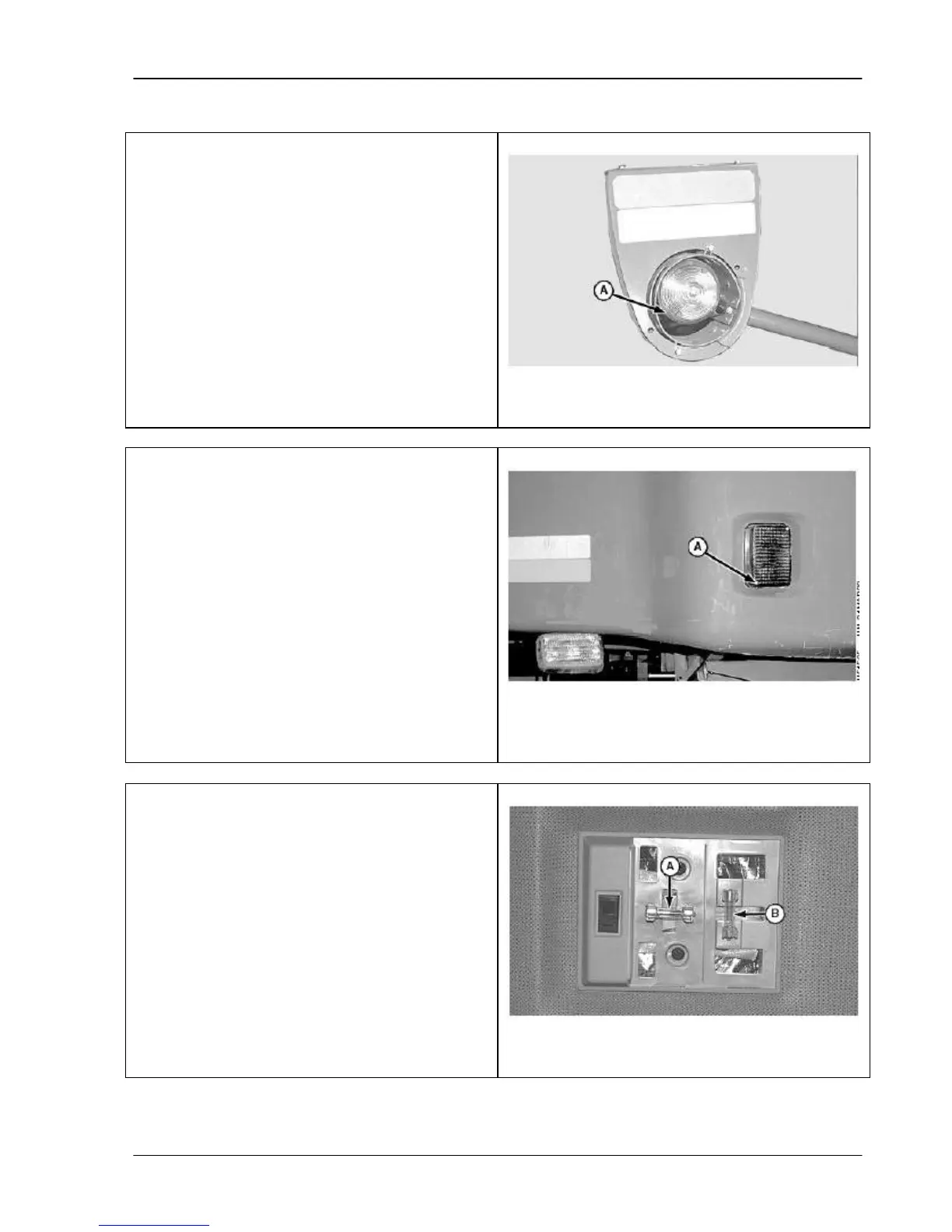
Warning Light
To replace the bulb:
1. Pry off lens cover (A).
2. Remove light bulb by pushing in and
turning counterclockwise.
3. Insert new bulb and replace lens cover.
A – Lens Cover
Front Turn Signal, Tail and Side Lights
1. Remove screws (A) and remove lens
cover.
2. Remove bulb by pulling straight out of the
socket.
3. Insert new bulb and replace lens cover.
A - Screws
Dome and Console Light
To replace either light bulb:
1. Remove dome or console lens cover by
pressing the sides of the cover.
2. Replace the bulb.
3. Replace lens cover by snapping it into
place.
A – Dome
B – Console Light



 To Next Page