9960 Self-Propelled Peanut Combine Operator’s Station
MAN091 06/03/05 43
Header Height Sensing
The Header Height Sensing option allows you
to:
• Select the position of the header relative
to the ground
• Follow the ground contour
• And return to that position automatically.
The Header Height Sensing system must be
calibrated for each header that is used with the
combine (see Chapter 3, Monitors).
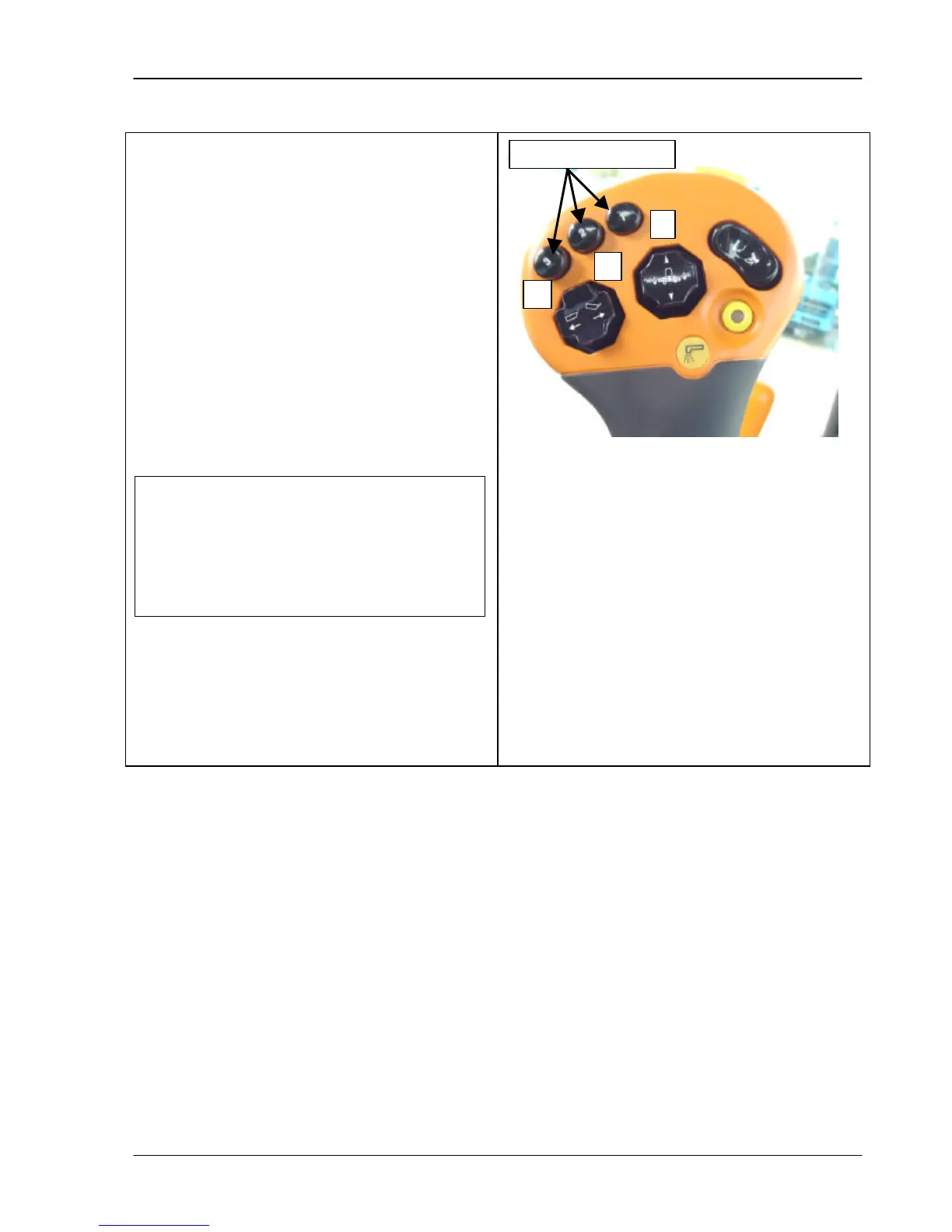
The three activation buttons indicated in the
photo are used to select three different header
heights.
If both the Header Height Resume
and Header Height Sensing options are
enabled, activation button #1 is used to
activate Header Height Resume. Buttons
#2 and 3 are assig
Sensing.



 To Next Page