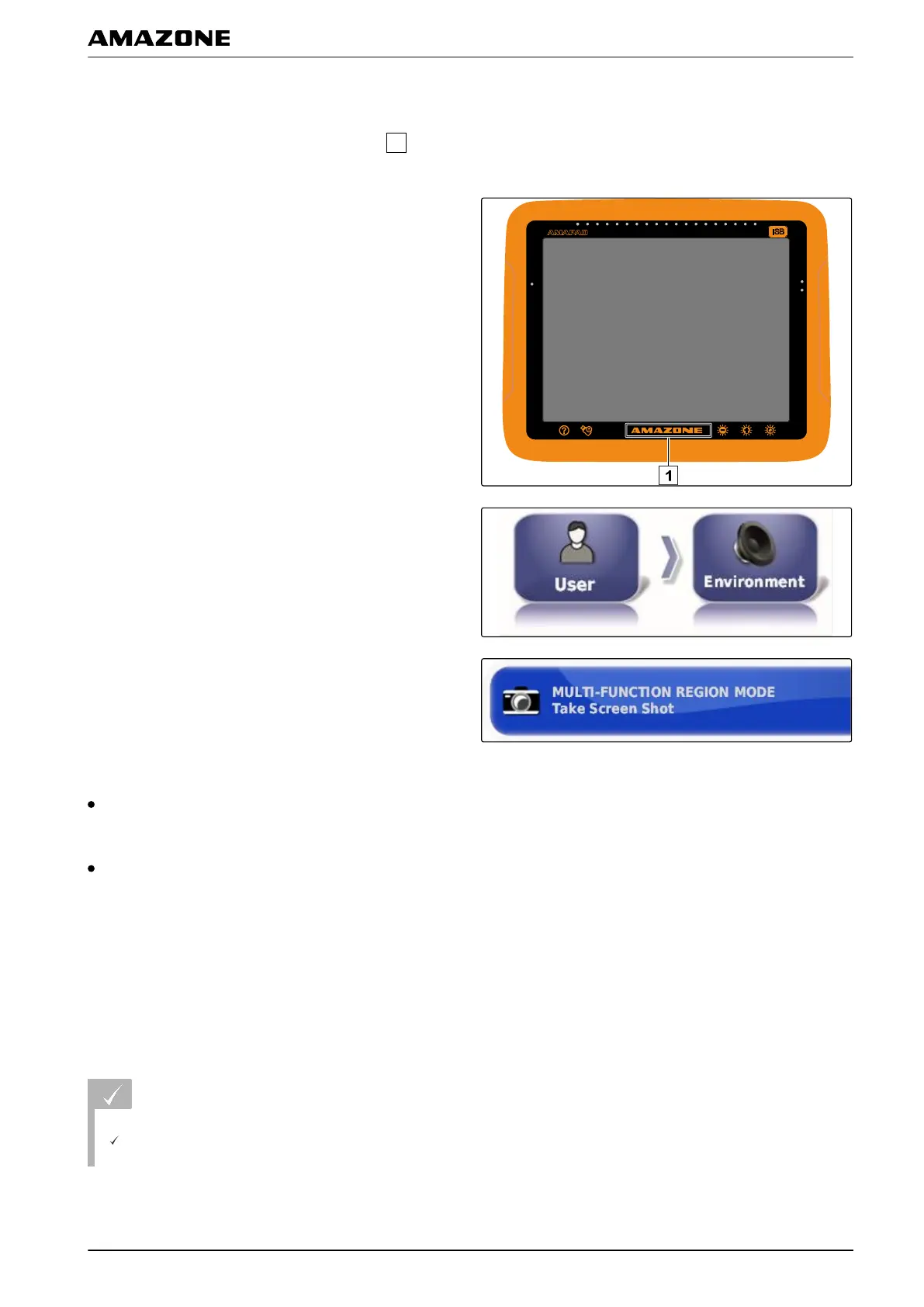
Configuring the multi-function button
Here, the function of the multi-function button
can be
defined.
1. In the setup menu, tap on "User" > "Environment".
2. Tap on "Multi-function button mode".
Possible settings:
Save screenshot: The multi-function button is used to
take a screenshot. For more information, see
page 220.
Save/load global start screen: The multi-function
button is used to manage the global start screens.
For more information, see page
219. The " Global
start screen mode" button has been added.
Defining the global start screen mode
With this setting, the selection mode for the global start
screens can be
selected.
REQUIREMENTS
In Multi-function button mode, the "Save/load
global start screen" is selected; see page
35
005538
005354
F | Configuring the AMAPAD | Entering the user settings
MG5574-EN-II | B.1 | 25.10.2016
35



 To Next Page